

Pinterest is more than just a platform for recipes and DIY projects. It is one of the most powerful search engines for bloggers and website owners. If used correctly, it can drive thousands of visitors to your website every month.
In this guide, you will learn how to get traffic from Pinterest, even if you are a beginner with a new blog.
Why Pinterest Is Powerful for Website Traffic
Unlike social media platforms where posts disappear quickly, Pinterest works like a visual search engine. Pins can continue bringing traffic for months or even years.
Here are a few reasons bloggers love Pinterest:
Pins can go viral long after publishing
Pinterest users actively search for ideas
It works well for blogs, affiliate marketing, and online businesses
It can drive consistent free traffic
Many bloggers report that Pinterest is their #1 traffic source.
1. Create a Pinterest Business Account

If you want to get traffic from Pinterest, the first step is to create a Pinterest Business account.
Benefits include:
Access to Pinterest Analytics
Ability to claim your website
Access to rich pins
Better visibility in search results
Steps:
Go to Pinterest
Sign up or convert your account to a Business Account
Add your website URL
Verify your website
This helps Pinterest trust your content and rank your pins better.
2. Optimize Your Pinterest Profile for SEO
Pinterest is a search engine, so keywords are extremely important.
Add keywords to:
Your profile name
Your bio
Your board titles
Your board descriptions
Example:
Instead of writing:
“Welcome to my Pinterest”Write something like:“Helping bloggers learn SEO, blogging tips, and how to get traffic from Pinterest.”This tells Pinterest exactly what your account is about.
3. Create Eye-Catching Pins
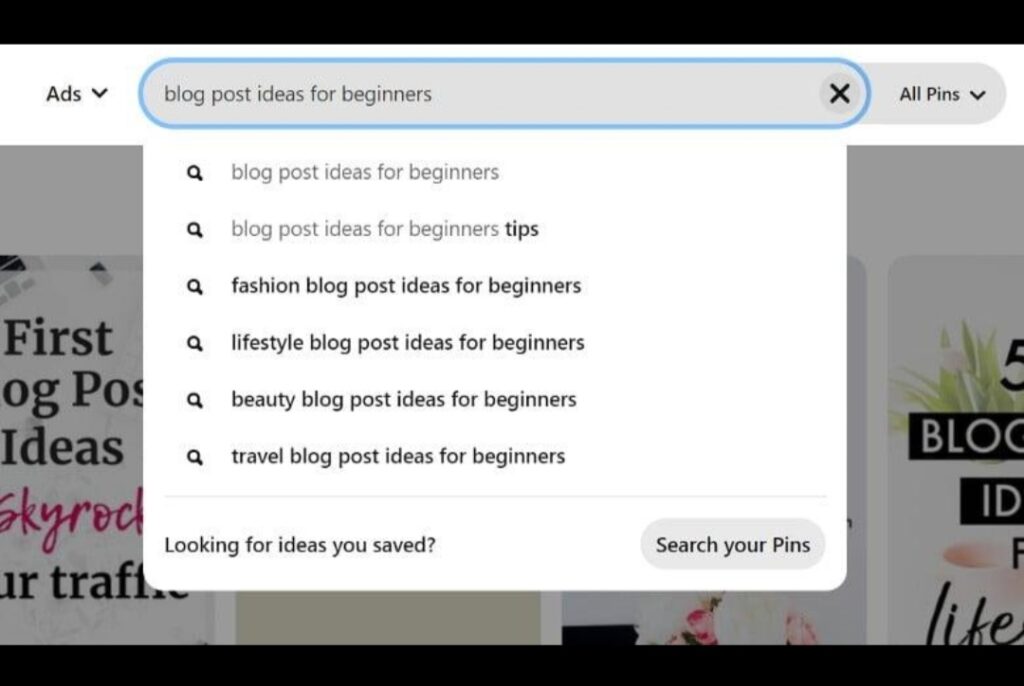
Pinterest is a visual platform, so the design of your pin matters a lot.
Tips for high-performing pins:
Use vertical images (1000 × 1500 pixels)
Add bold readable text
Use bright colors
Include your blog title
Add your website logo or URL
Example pin title:
How to Get Traffic From Pinterest Fast
10 Pinterest Tips That Bring Blog Visitors
You can design pins using tools like:
Canva
Adobe Express
Photoshop
Creating multiple pins for one blog post can increase traffic significantly.
4. Use Keyword-Rich Pin Titles and Descriptions
Pinterest ranks content based on keywords.For every pin, include:
Pin Title Example
How to Get Traffic From Pinterest for Beginners
Pin Description Example
Learn how to get traffic from Pinterest with simple strategies that help bloggers grow their website fast.
Discover Pinterest SEO, pin design tips, and traffic strategies.Also include relevant keywords naturally.
5. Join Pinterest Group Boards
Group boards allow multiple creators to share content on one board.
Benefits:
Your pins reach more audiences
Higher chances of repins
Faster traffic growth
Search for boards related to your niche like:
Blogging tips
Online business
Social media marketing
Tech and AI tools
Then request to join the board.
6. Pin Consistently
Consistency matters on Pinterest.Instead of posting many pins once a week, it is better to pin daily.
Recommended schedule:
5 – 15 pins per day
These can include:
Your own blog pins
Other people’s pins
New designs for old blog posts
Tools like Tailwind can help automate pin scheduling.
7. Create Multiple Pins for Each Blog Post
One mistake many beginners make is creating only one pin per blog post.Instead, create 5–10 different pin designs for the same article.
Change:
Colors
Fonts
Headlines
Images
Example headlines:
How to Get Traffic From Pinterest
Pinterest Traffic Strategy for Bloggers
Grow Your Blog With Pinterest
More pins = more chances to rank in search results.
If you’re new to blogging tools, check out our guide on AI Tools for Graphic Design to create stunning Pinterest pins easily.
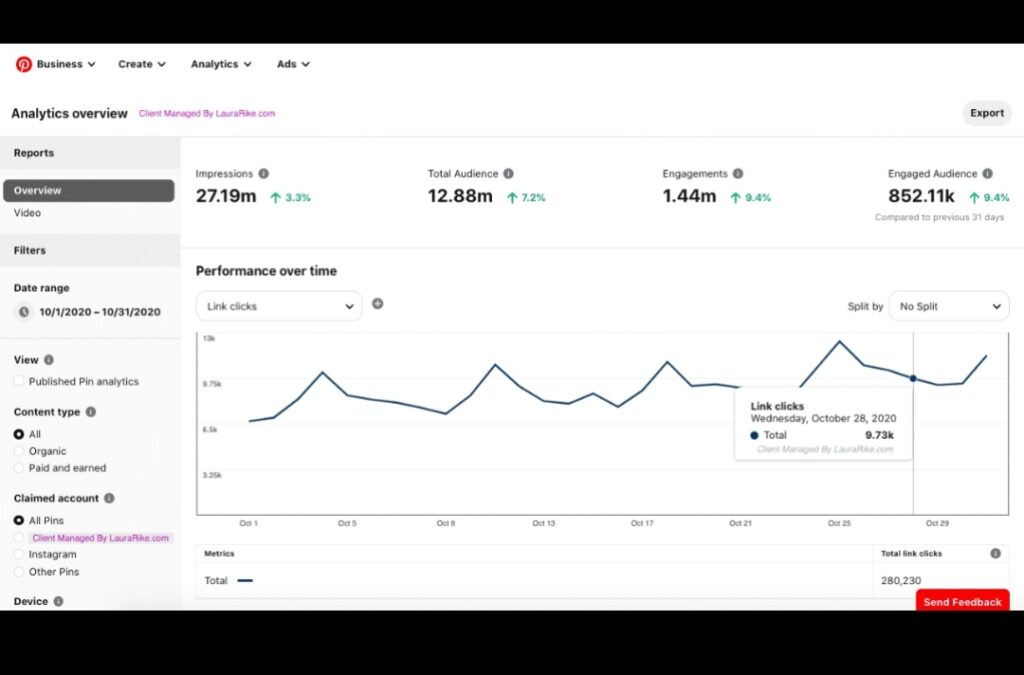
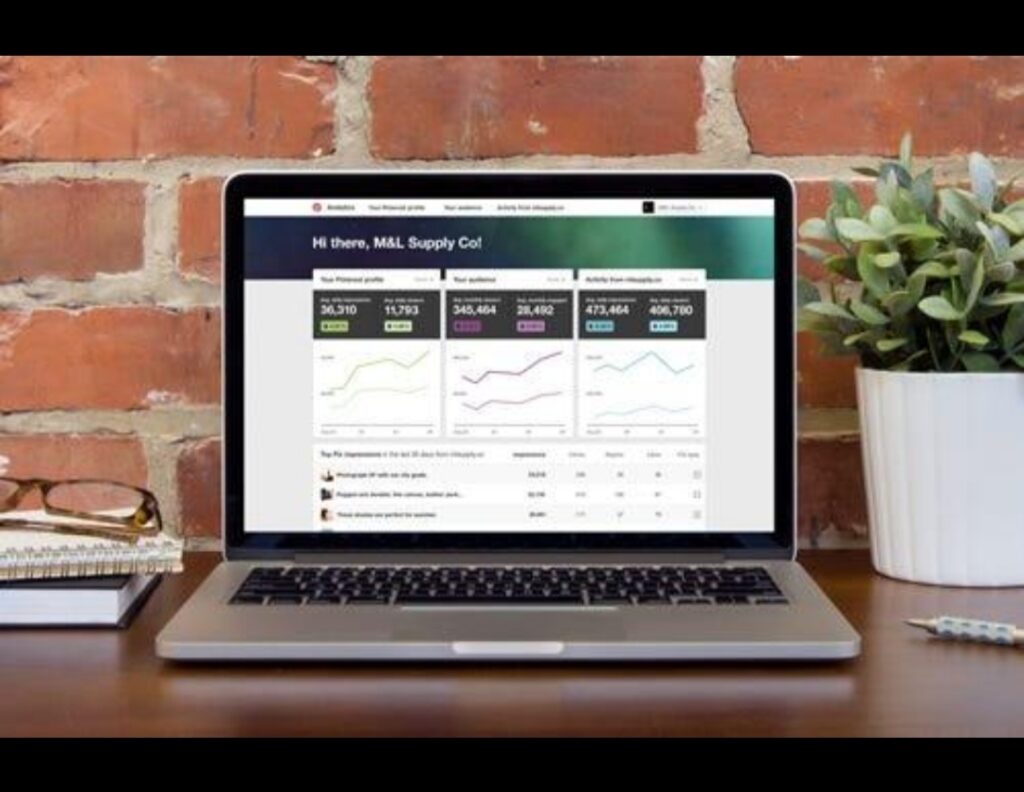
8. Use Pinterest Analytics

Pinterest provides built-in analytics that shows:
Impressions
Saves
Link clicks
Top performing pins
Check analytics regularly to see:
Which pins bring the most traffic
Which topics perform best
Then create more content similar to the winning pins.
9. Focus on Evergreen Content

Evergreen content performs best on Pinterest.
Examples:
Blogging tips
Online business guides
AI tools
Productivity tips
Social media growth
These topics remain relevant for years and can keep sending traffic continuously.
According to the official Pinterest business guide, you can learn more about Pinterest marketing strategies on Pinterest Business, where they provide tools, tutorials, and best practices for growing traffic using the platform.
10. Be Patient and Consistent
Pinterest traffic usually takes 1–3 months to grow.But once your pins start ranking, traffic can increase rapidly.
Many bloggers go from:
0 visitors to thousands of monthly visits just by using Pinterest correctly.
To understand how visual search works, you can read Pinterest marketing tips from trusted digital marketing resources like Hootsuite, which regularly publishes guides and strategies on how to use Pinterest effectively for traffic and brand growth.
Final Thoughts
Learning how to get traffic from Pinterest can transform your blog. With the right strategy, Pinterest can send consistent visitors to your website without paying for ads.
Focus on:
Pinterest SEO
High-quality pin designs
Consistent posting
Keyword optimization
Over time, your pins can become powerful traffic sources that continue bringing visitors for months or even years.
After learning how to get traffic from Pinterest, you can increase productivity using tips from our guide on How AI Can Improve Productivity.