Introduction
AI tools for graphic design are transforming the way designers and content creators work. In the past, creating professional graphics required advanced skills, expensive software, and a lot of time.
Today, artificial intelligence makes it possible for beginners and professionals to design faster, smarter, and more creatively.From automatically generating images to suggesting color palettes and layouts, AI-powered tools are making graphic design more accessible than ever.
Whether you are a blogger, social media manager, entrepreneur, or professional designer, AI tools can help you produce high-quality visuals in minutes.
In this article, we’ll explore some of the best AI tools for graphic design, their benefits, and how they can improve your workflow.
What Are AI Tools for Graphic Design?
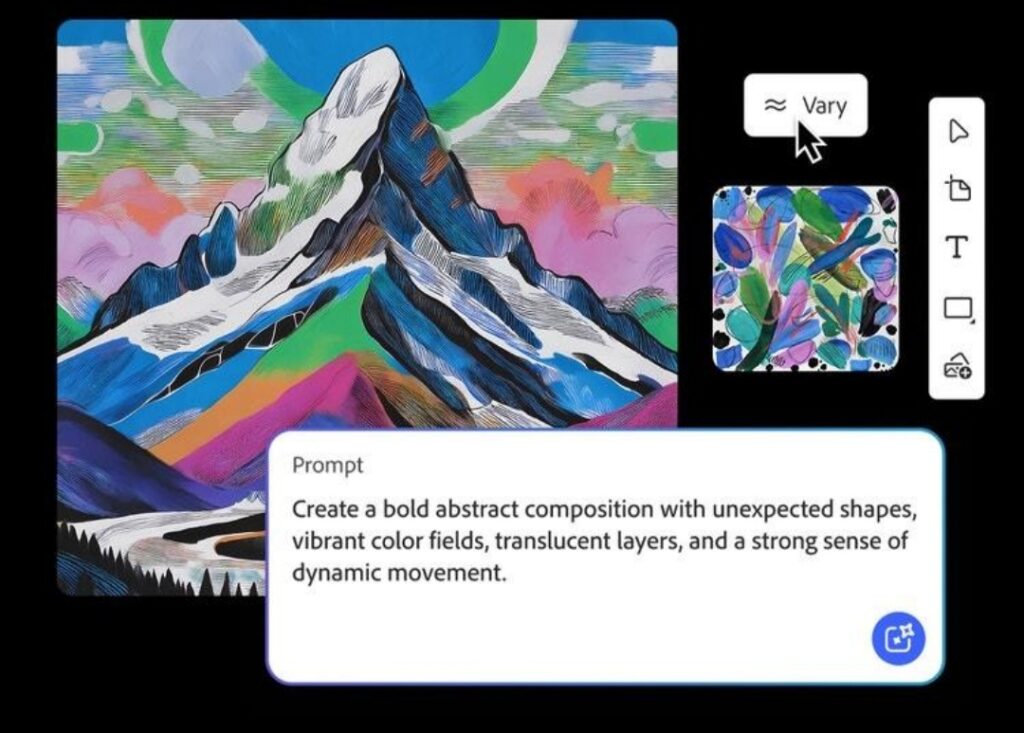
AI tools for graphic design are software platforms that use artificial intelligence and machine learning to assist with design tasks. These tools can analyze patterns, understand design trends, and automate repetitive processes.
Some common capabilities of AI design tools include:
Generating images from text prompts
Automatically removing backgrounds
Creating logos and brand assets
Suggesting fonts and color combinations
Enhancing image quality
Generating design layouts instantly
These features allow designers to focus more on creativity while the AI handles time-consuming tasks.
Popular AI Tools for Graphic Design
1. Canva AI
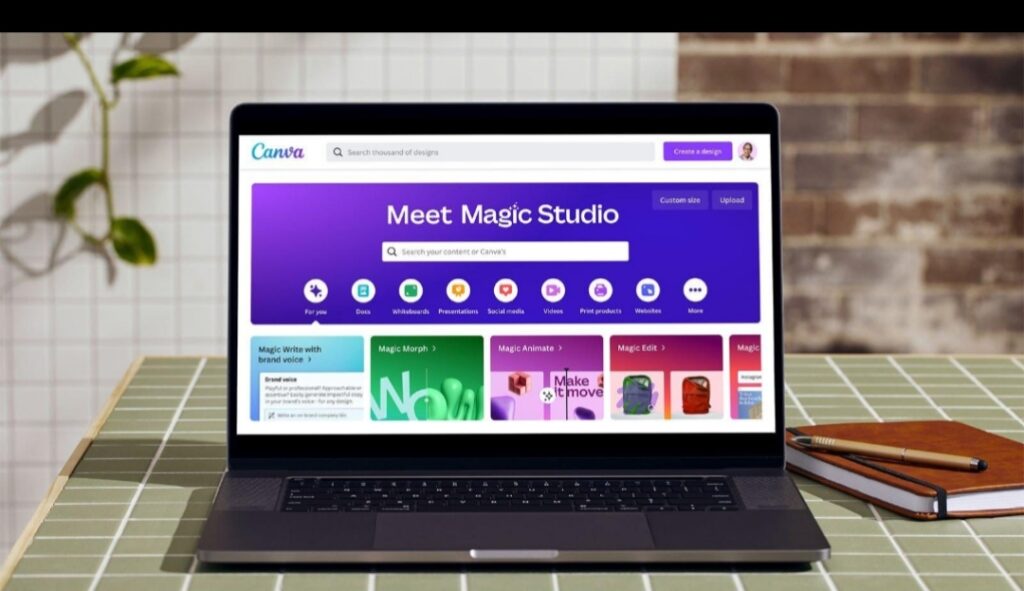
Canva AI is one of the most popular tools for beginners and professionals. It offers AI-powered features like Magic Design, background remover, and text-to-image generation.Key features include:
AI image generatorAutomatic layout suggestions
Background remover
Thousands of ready-to-use templates
Canva is ideal for creating:
Social media posts
Pinterest graphics
Blog images
Marketing materials
Because it is easy to use, many bloggers rely on Canva to quickly create eye-catching visuals.
2. Adobe Firefly
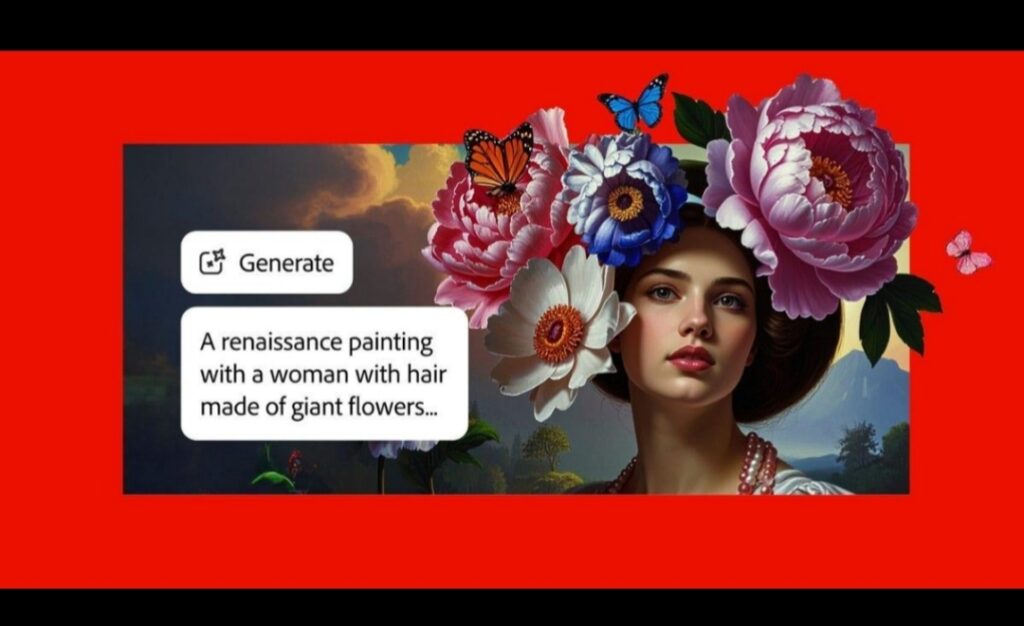
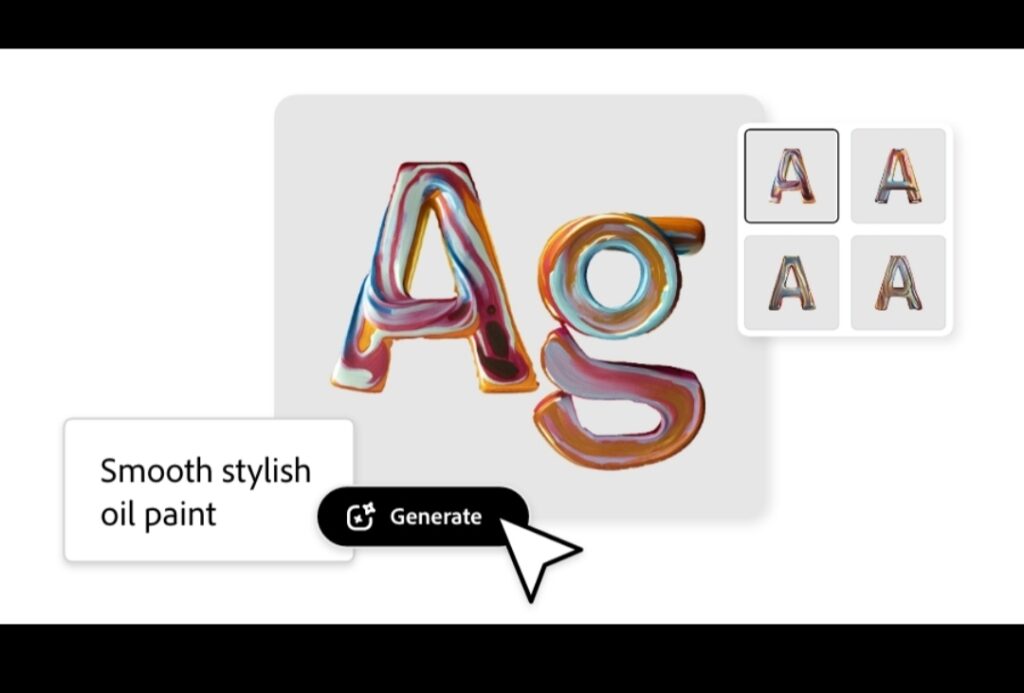
Adobe Firefly is an AI design tool developed by Adobe. It allows designers to generate images, apply text effects, and edit visuals using simple text prompts.
Major features include:
Text-to-image generation
Generative fill for editing images
AI-powered text effects
Seamless integration with Photoshop and Illustrator
Adobe Firefly is especially useful for professional designers who already use Adobe Creative Cloud.
3. Midjourney
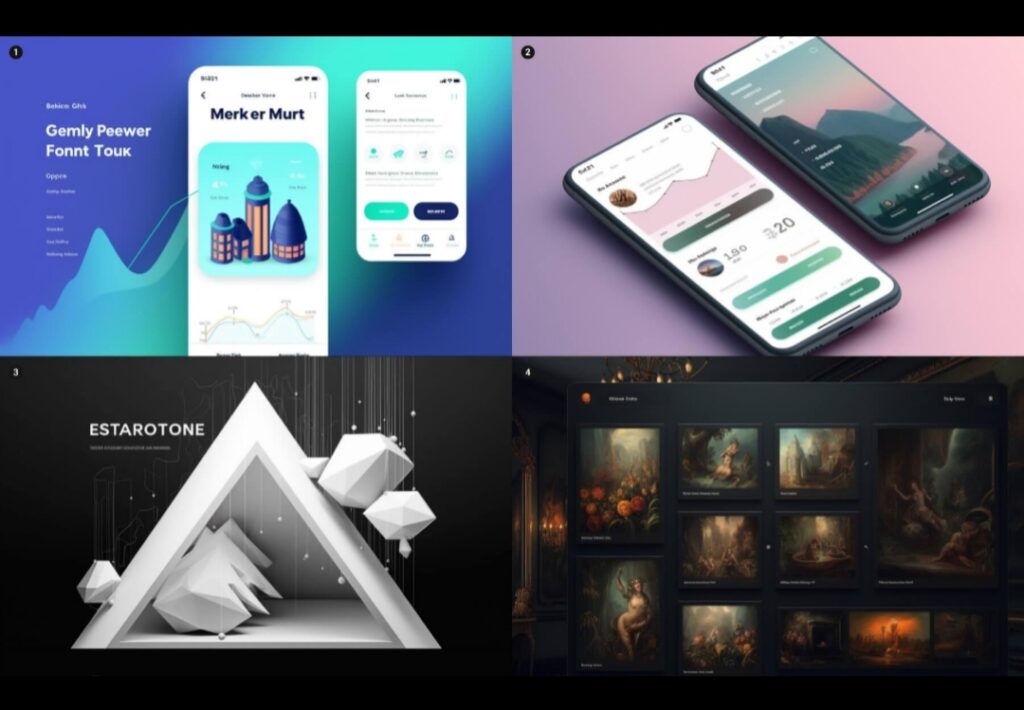
Midjourney is one of the most powerful AI image generators available today. It creates stunning images and digital artwork from simple text descriptions.
Designers use Midjourney to create:
Concept art
Illustrations
Poster designs
Unique digital artwork
Because of its creativity and detail, many artists and designers use it for inspiration and professional design projects.
4. Looka AI Logo Maker
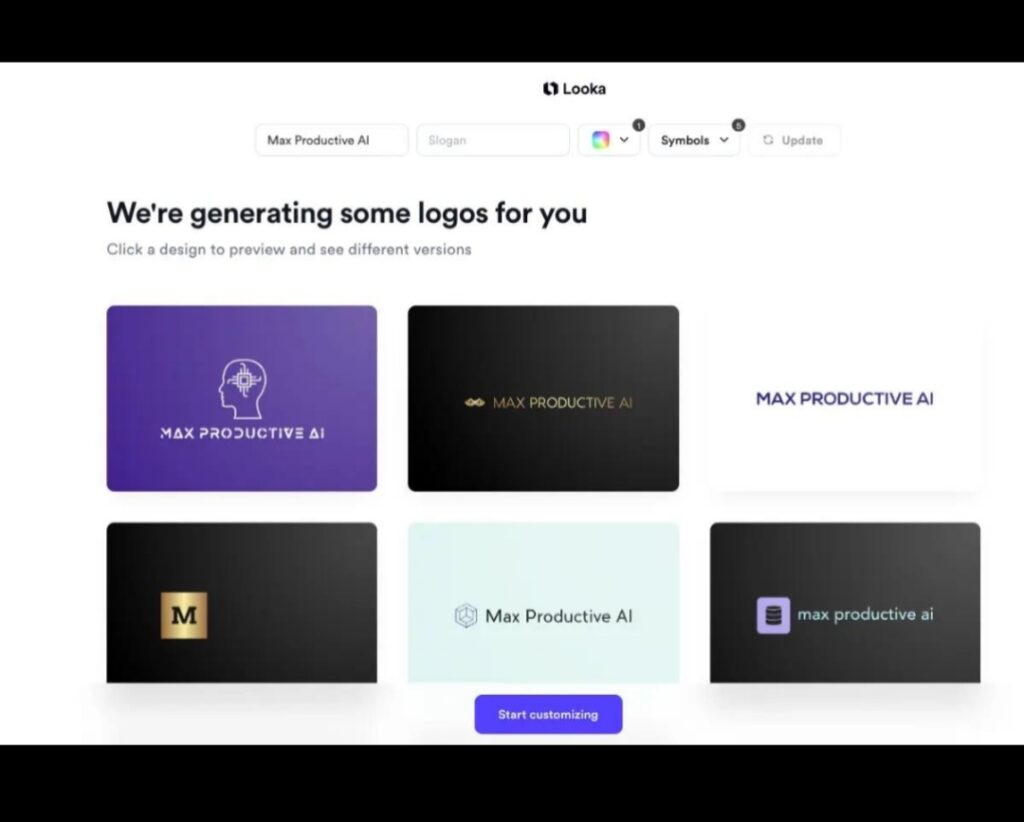
Looka is an AI-powered logo design tool that helps businesses create professional brand identities quickly.
Features include:
AI logo generator
Brand kit creation
Social media branding assets
Business card and marketing designs
Small businesses and startups often use Looka to create logos without hiring a designer.
Benefits of Using AI Tools for Graphic Design
Using AI tools for graphic design offers several advantages.
1. Faster Design Process
AI can generate layouts, images, and design elements instantly. What used to take hours can now be done in minutes.
2. Cost-Effective
Many AI tools are free or cheaper than hiring professional designers, making them perfect for small businesses and bloggers.
3. Easy for Beginners
Most AI design platforms have simple interfaces and templates, allowing beginners to create professional graphics without advanced skills.
4. Creative Inspiration
AI tools can generate unique visual ideas that designers might not think of themselves.
Tips for Using AI Tools Effectively
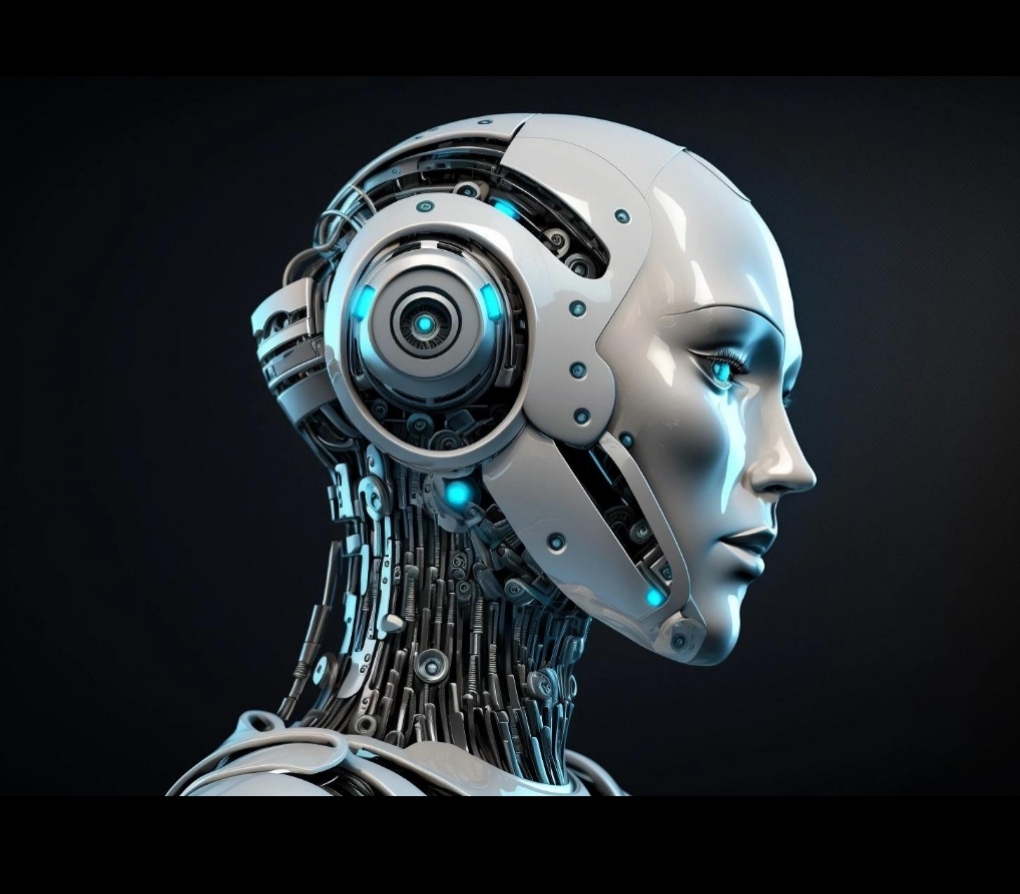
To get the best results from AI tools for graphic design, follow these tips:
Write clear prompts
When generating images with AI, detailed prompts produce better results.
Edit the results
AI designs are a starting point. Adjust colors, fonts, and layout to match your brand.Combine multiple tools
For example, you can generate an image with Midjourney and edit it in Canva.
Keep your brand consistent
Use the same color palette, fonts, and style across all designs.
The Future of AI in Graphic Design
Artificial intelligence is evolving rapidly. In the future, AI tools will likely become even more powerful by offering:
Real-time design suggestions
Fully automated brand identity creation
Smarter image editing
AI-generated animations and videos
Rather than replacing designers, AI will continue to act as a creative assistant, helping designers work faster and produce better results and while using AI tools online, it’s important to stay safe. Learn how to protect yourself in our article on How to Prevent Online Scams.
Conclusion
AI tools for graphic design are changing the creative industry by making design faster, easier, and more accessible. Tools like Canva, Adobe Firefly, Midjourney, and Looka allow anyone from beginners to professionals to create stunning visuals with minimal effort.
By incorporating AI into your design workflow, you can save time, boost creativity, and produce high-quality graphics for blogs, social media, marketing, and branding.
As AI technology continues to evolve, it will play an even bigger role in shaping the future of graphic design.
If you’re interested in how artificial intelligence can boost your daily workflow, check out our guide on How AI Can Improve Productivity.