
- Want to Make Money Online? Try This Proven Method - August 20, 2026
- The Best Way to Turn Your Dreams Into Reality - July 18, 2026
- The One Thing Poor People Must Understand to Change Their Lives - July 15, 2026
In a world where visuals speak louder than words, graphic design has become more than just creativity,it’s a powerful way to communicate, sell, and inspire.
For many designers and beginners, the journey often feels overwhelming: tight deadlines, creative blocks, and the pressure to always “come up with something new.” This is where AI tools for graphic design are changing the game.
They are not replacing creativity; they are unlocking it,helping ideas come to life faster, smarter, and with less stress.
Whether you’re a student trying to design your first poster or a content creator struggling to keep up with daily visuals, AI is becoming that silent partner that turns imagination into reality and makes design feel less like a struggle and more like possibility.
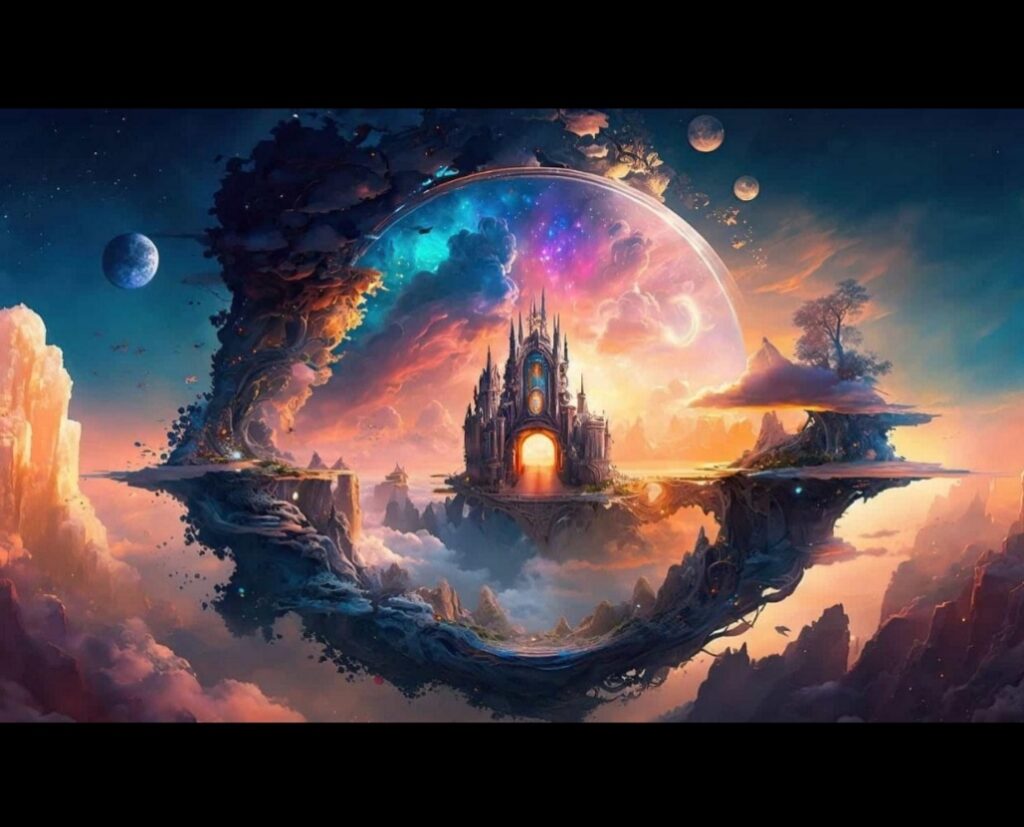
AI tools for graphic design are transforming the way designers and content creators work. In the past, creating professional graphics required advanced skills, expensive software, and a lot of time.
Today, artificial intelligence makes it possible for beginners and professionals to design faster, smarter, and more creatively.From automatically generating images to suggesting color palettes and layouts, AI-powered tools are making graphic design more accessible than ever.
Whether you are a blogger, social media manager, entrepreneur, or professional designer, AI tools can help you produce high-quality visuals in minutes.
In this article, we’ll explore some of the best AI tools for graphic design, their benefits, and how they can improve your workflow.
What Are AI Tools for Graphic Design?
AI tools for graphic design are software applications that use artificial intelligence to help users create, edit, and improve visual content more easily and efficiently.
Instead of starting everything from scratch, these tools can suggest layouts, generate images, remove backgrounds, enhance photo quality, and even create complete designs based on simple text prompts.
Popular platforms like Canva and Adobe Photoshop now integrate AI features that assist both beginners and professionals in producing high-quality graphics in less time.
Others, like Adobe Illustrator, use AI to improve vector design precision and automate repetitive tasks.
In simple terms, AI tools for graphic design act like smart assistants that understand your creative ideas and help turn them into polished visuals, making design more accessible, faster, and less stressful for everyone.
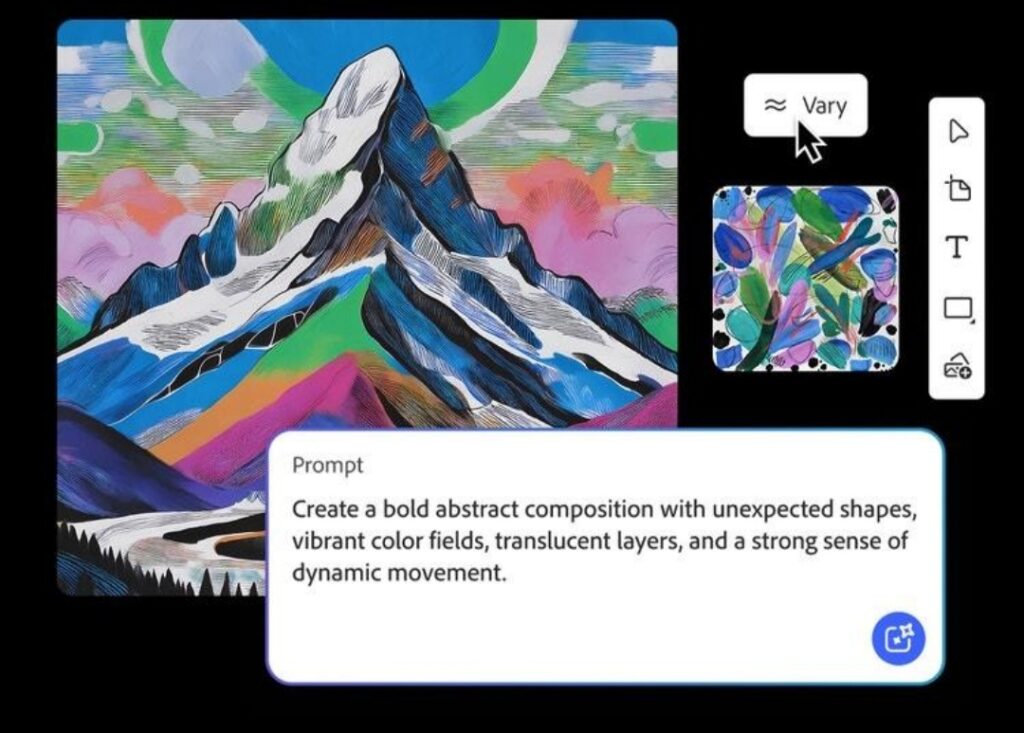
AI tools for graphic design are software platforms that use artificial intelligence and machine learning to assist with design tasks. These tools can analyze patterns, understand design trends, and automate repetitive processes.
Some common capabilities of AI design tools include:
Generating images from text prompts
Automatically removing backgrounds
Creating logos and brand assets
Suggesting fonts and color combinations
Enhancing image quality
Generating design layouts instantly
These features allow designers to focus more on creativity while the AI handles time-consuming tasks.
Popular AI Tools for Graphic Design
1. Canva AI
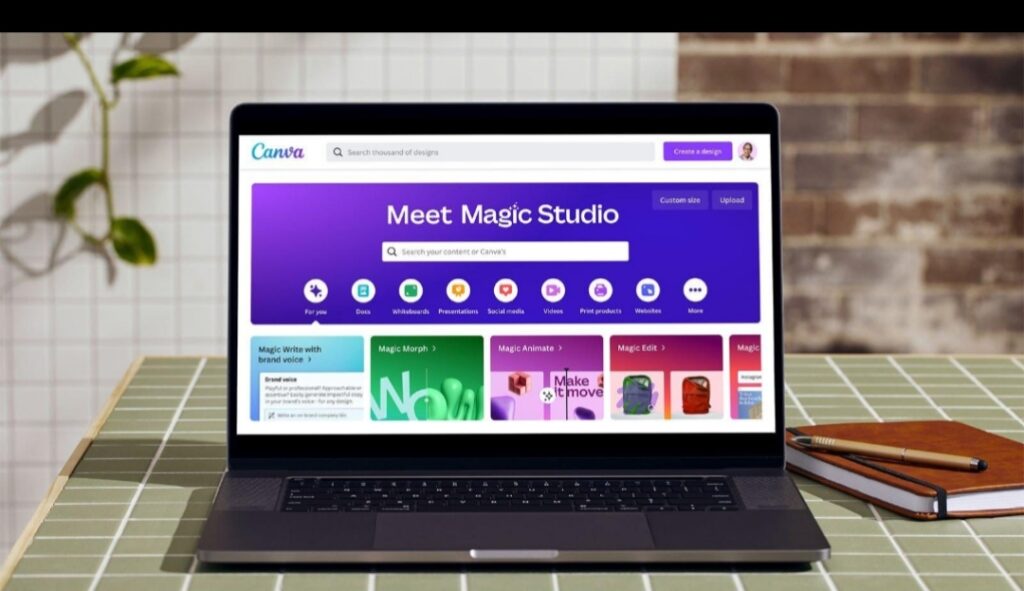
Canva AI is one of the most popular tools for beginners and professionals. It offers AI-powered features like Magic Design, background remover, and text-to-image generation.Key features include:
AI image generatorAutomatic layout suggestions
Background remover
Thousands of ready-to-use templates
Canva is ideal for creating:
Social media posts
Pinterest graphics
Blog images
Marketing materials
Because it is easy to use, many bloggers rely on Canva to quickly create eye-catching visuals.
2. Adobe Firefly
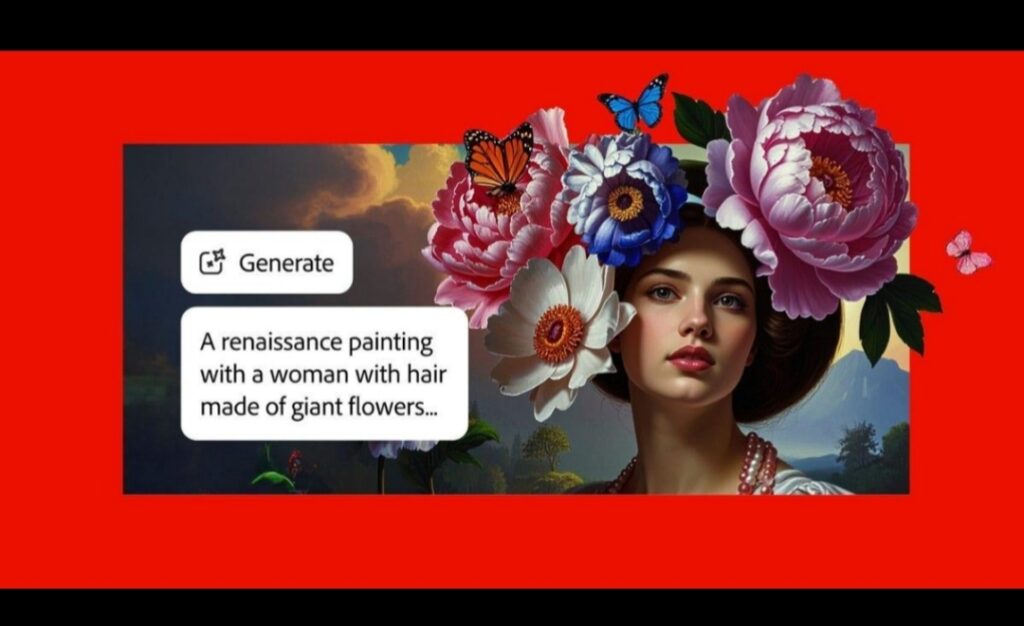
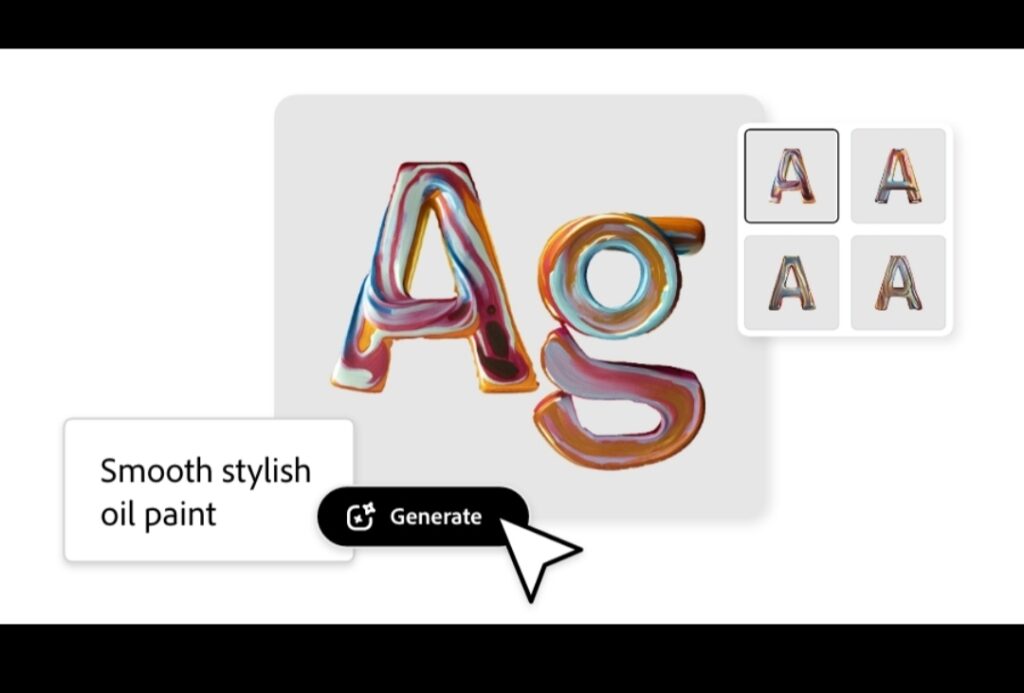
Adobe Firefly is an AI design tool developed by Adobe. It allows designers to generate images, apply text effects, and edit visuals using simple text prompts.
Major features include:
Text-to-image generation
Generative fill for editing images
AI-powered text effects
Seamless integration with Photoshop and Illustrator
Adobe Firefly is especially useful for professional designers who already use Adobe Creative Cloud.
3. Midjourney
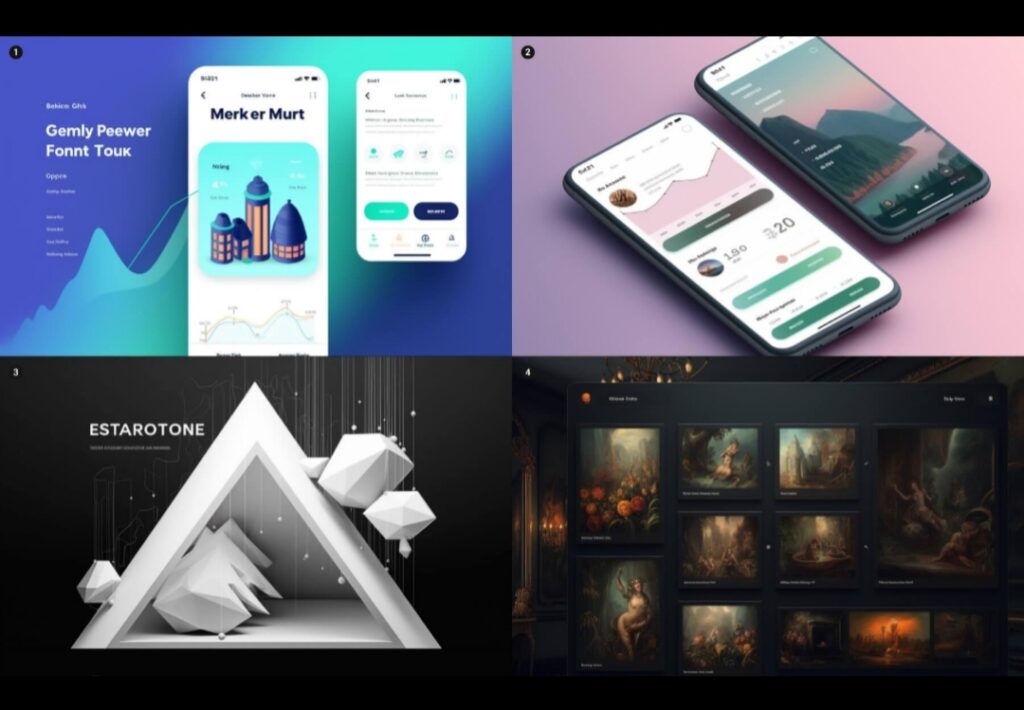
Midjourney is one of the most powerful AI image generators available today. It creates stunning images and digital artwork from simple text descriptions.
Designers use Midjourney to create:
Concept art
Illustrations
Poster designs
Unique digital artwork
Because of its creativity and detail, many artists and designers use it for inspiration and professional design projects.
4. Looka AI Logo Maker
Looka AI Logo Maker is an online design platform that uses artificial intelligence to help users create professional logos quickly and easily without needing advanced graphic design skills.
With Looka, you simply enter your business name, choose your preferred style, colors, and icons, and the AI instantly generates multiple logo options tailored to your brand.
You can then customize fonts, layouts, and designs until you find the perfect match for your identity.
Beyond logo creation, Looka also offers a full branding kit that includes business cards, social media templates, and marketing materials to maintain a consistent brand image.
It is especially useful for startups, freelancers, and small business owners who want fast, affordable, and professional-looking branding without hiring a designer.
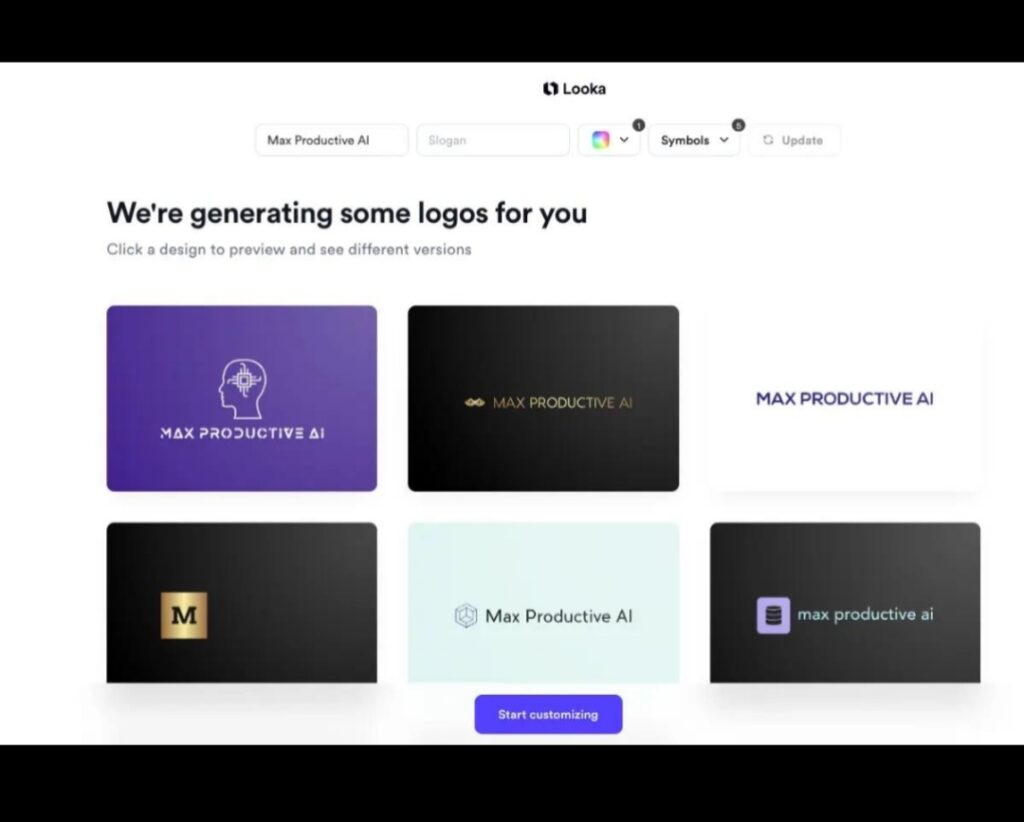
Looka is an AI-powered logo design tool that helps businesses create professional brand identities quickly.
Features include:
AI logo generator
Brand kit creation
Social media branding assets
Business card and marketing designs
Small businesses and startups often use Looka to create logos without hiring a designer.
Benefits of Using AI Tools for Graphic Design
Using AI tools for graphic design offers several advantages.
1. Faster Design Process
AI can generate layouts, images, and design elements instantly. What used to take hours can now be done in minutes.
2. Cost-Effective
Many AI tools are free or cheaper than hiring professional designers, making them perfect for small businesses and bloggers.
3. Easy for Beginners
Most AI design platforms have simple interfaces and templates, allowing beginners to create professional graphics without advanced skills.
4. Creative Inspiration
AI tools can generate unique visual ideas that designers might not think of themselves.
Tips for Using AI Tools Effectively
To use AI tools for graphic design effectively, start by treating them as assistants rather than replacements for your creativity.
Always begin with a clear idea or concept so the tool has direction instead of generating random results. Learn how to write strong prompts or instructions, because the better you communicate your vision, the better the output you’ll get.
It’s also important to experiment with different features in tools like Canva, Adobe Photoshop, and Adobe Illustrator to understand what each one does best.
Don’t rely completely on automation,add your personal touch to make your designs unique and authentic.
Finally, always review and refine your work, because AI gives you a strong starting point, but your creativity is what makes the design truly stand out.
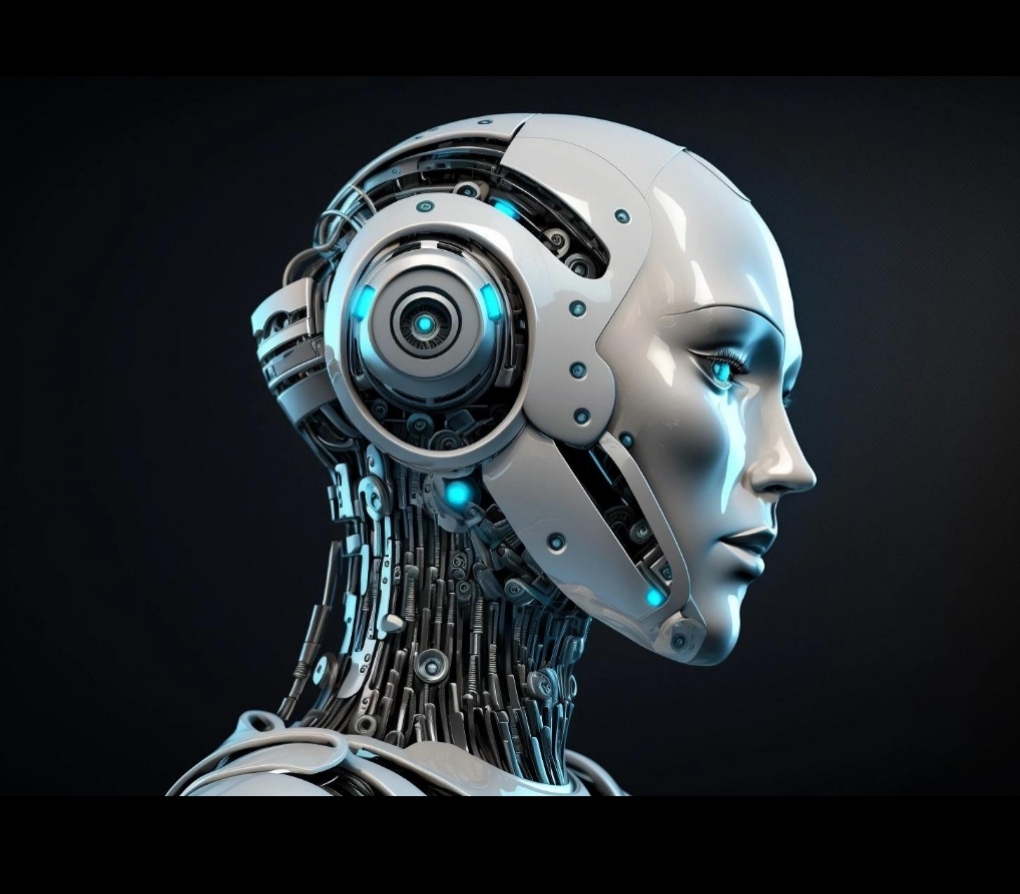
To get the best results from AI tools for graphic design, follow these tips:
Write clear prompts
When generating images with AI, detailed prompts produce better results.
Edit the results
AI designs are a starting point. Adjust colors, fonts, and layout to match your brand.Combine multiple tools
For example, you can generate an image with Midjourney and edit it in Canva.
Keep your brand consistent
Use the same color palette, fonts, and style across all designs.
The Future of AI in Graphic Design
The future of AI in graphic design is set to be more creative, more personalized, and more accessible than ever before.
As technology continues to evolve, AI will move beyond simple design assistance and become a true creative partner,helping designers generate full concepts, predict trends, and produce highly customized visuals in seconds.
Tools like Canva, Adobe Photoshop, and Adobe Illustrator are already showing us a glimpse of this future with features that automate complex tasks and enhance creative possibilities.
In the coming years, we can expect even smarter systems that understand emotions, brand identity, and audience behavior to create designs that feel more human and impactful.
Instead of replacing designers, AI will continue to empower them, making creativity faster, easier, and more limitless.
Artificial intelligence is evolving rapidly. In the future, AI tools will likely become even more powerful by offering:
Real-time design suggestions
Fully automated brand identity creation
Smarter image editing
AI-generated animations and videos
Rather than replacing designers, AI will continue to act as a creative assistant, helping designers work faster and produce better results and while using AI tools online, it’s important to stay safe. Learn how to protect yourself in our article on How to Prevent Online Scams
.Frequently Asked Questions (FAQ)
Many people are still curious about how AI tools for graphic design actually work and how they can fit into everyday creative tasks.
One common question is whether AI will replace graphic designers,the answer is no, because AI is designed to assist, not replace human creativity.
Another question is if beginners can use these tools easily, and the good news is yes,platforms like Canva and Adobe Photoshop are built with user-friendly AI features that make design simple even for starters.
People also ask if AI designs are original, and while AI can generate ideas quickly, the uniqueness still comes from how you refine and personalize the output. Overall, AI tools are best seen as smart helpers that make design faster, easier, and more creative for everyone.
Conclusion
AI tools for graphic design are changing the creative industry by making design faster, easier, and more accessible. Tools like Canva, Adobe Firefly, Midjourney, and Looka allow anyone from beginners to professionals to create stunning visuals with minimal effort.
By incorporating AI into your design workflow, you can save time, boost creativity, and produce high-quality graphics for blogs, social media, marketing, and branding.
As AI technology continues to evolve, it will play an even bigger role in shaping the future of graphic design.
If you’re interested in how artificial intelligence can boost your daily workflow, check out our guide on How AI Can Improve Productivity.
