
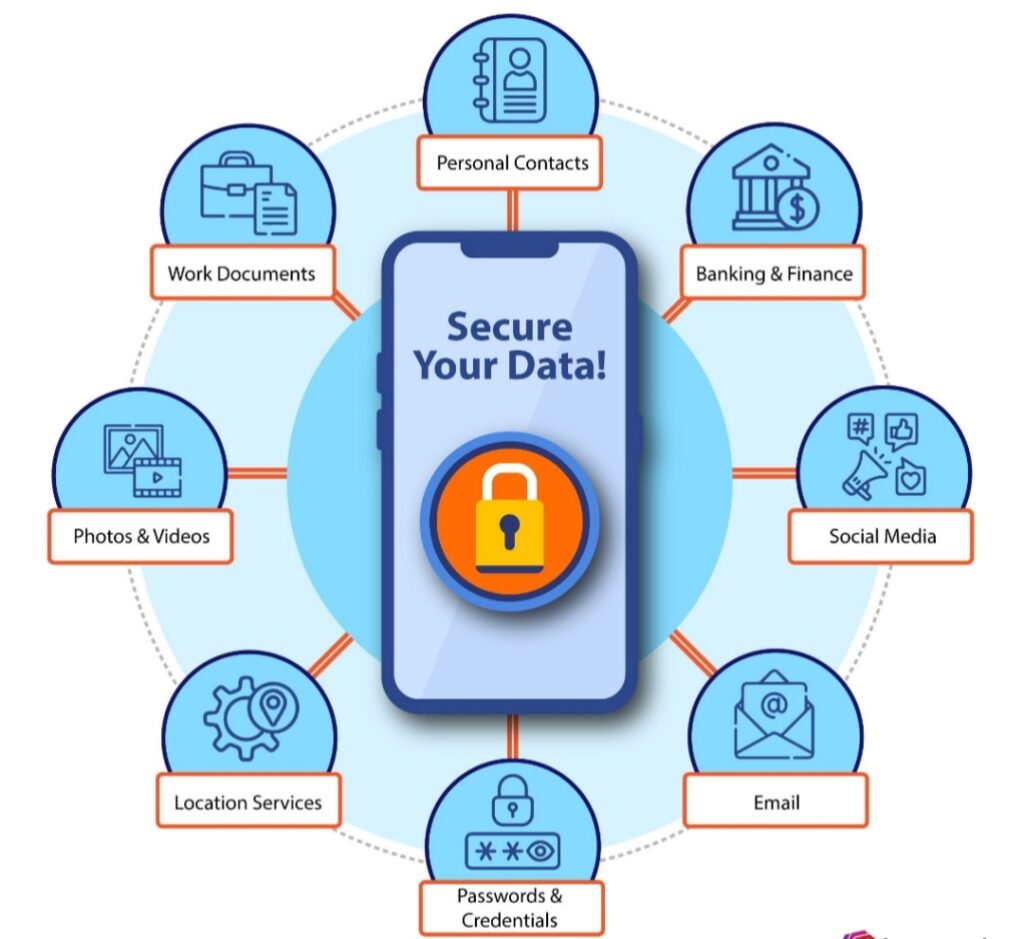
Smartphones carry a huge amount of personal information,messages, bank apps, passwords, photos, and even work files. Because of this, hackers often target mobile devices to steal data, spy on users, or gain financial access.
Knowing the signs your phone has been hacked can help you detect a problem early and protect your personal information before serious damage occurs.
Below are some common warning signs that your phone may have been compromised.
1. Your Phone Suddenly Becomes Very Slow
If your phone was previously working smoothly but suddenly becomes very slow, it may be a warning sign.
Malicious apps or spyware running in the background can consume your device’s processing power and memory.
This can cause:
Apps taking longer to open
Screen freezing or lagging
Delayed typing or scrolling
Phone overheating during normal use
While slow performance can also happen due to low storage or outdated software, it can sometimes indicate hidden malicious activity.
The Federal Trade Commission advises smartphone users to install apps only from trusted sources to reduce the risk of malware infections.
2. Unusual Battery Drain
Another major sign your phone has been hacked is rapid battery drain.Spyware or malicious software may run constantly in the background, sending data to hackers’ servers.
This continuous activity uses a lot of power.
Watch out for:
Battery dropping quickly even when idle
Phone getting hot without heavy usage
Unknown apps consuming large battery percentages
Checking your battery usage settings can sometimes reveal suspicious apps.
3. Strange Pop-Ups and Ads
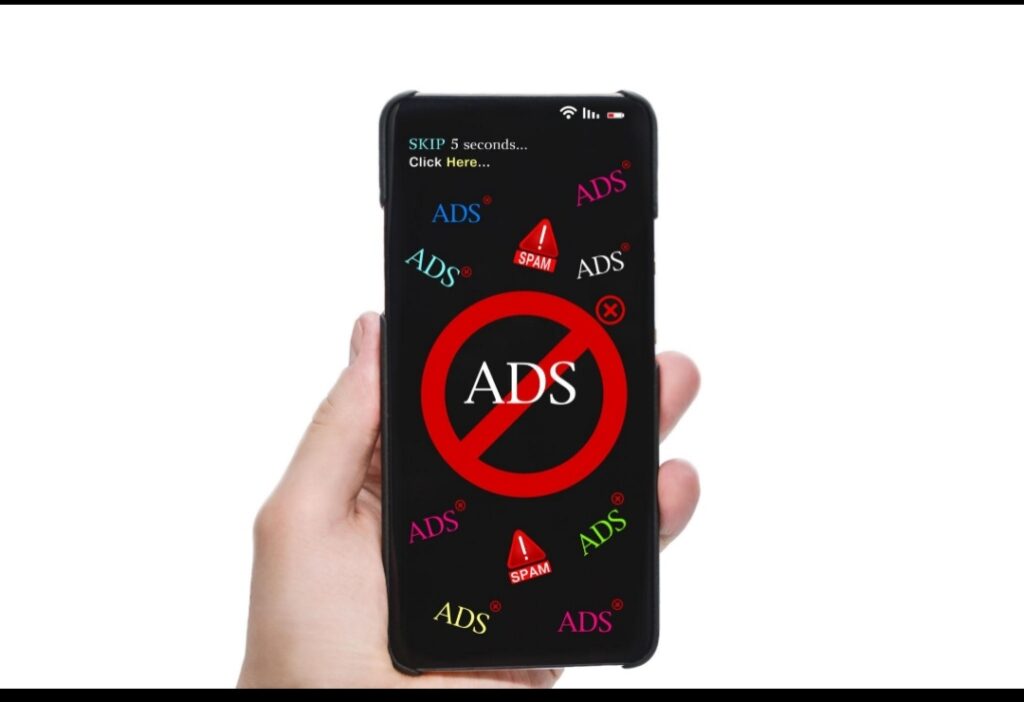
Frequent pop-ups or strange advertisements appearing on your phone could indicate adware or malware infection.
Signs include:
Ads appearing even when no apps are open
Redirects to suspicious websites
Fake virus warning messages
Unknown apps opening automatically
These pop-ups are often designed to trick you into downloading more malicious software.
4. Unknown Apps Installed on Your Phone
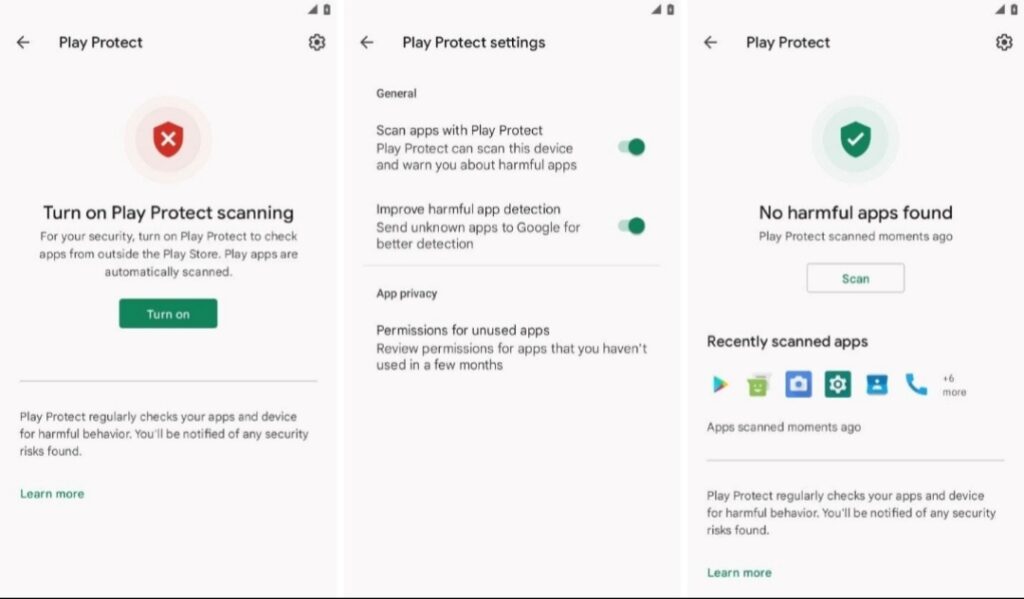
If you notice apps that you do not remember installing, it could be a sign of hacking.
Hackers sometimes install hidden spyware or remote-access apps that allow them to monitor your phone activities.
Check your app list regularly and look for:
Apps with strange names
Apps without icons
Apps requesting unusual permissions
If you find something suspicious, uninstall it immediately.
Learning how AI can improve productivity can also help you automate security monitoring and detect unusual phone activities faster.
5. High Data Usage
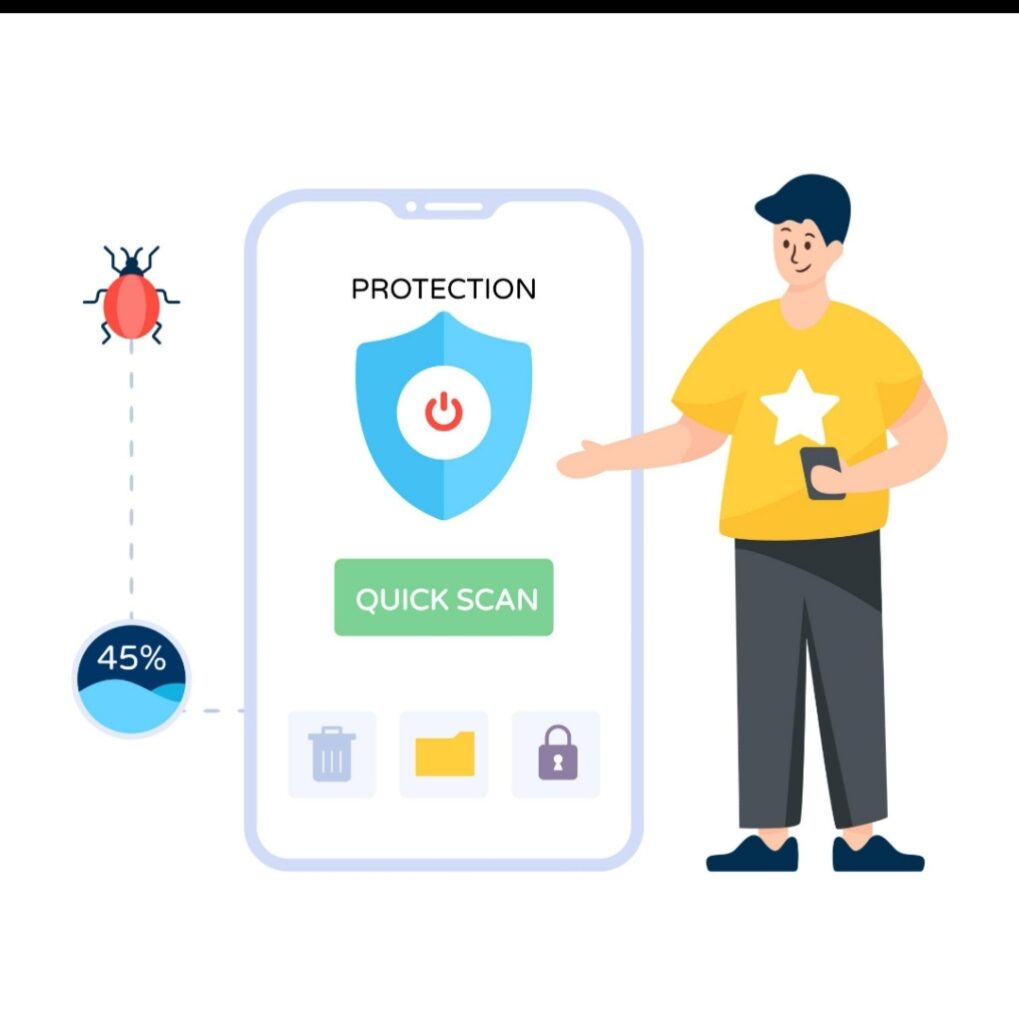
Malware often sends stolen information to hackers through the internet. Because of this, hacked phones usually show unusually high data usage.
Warning signs include:
Mobile data finishing quickly
Data usage increasing when you’re not using your phone
Unknown apps using a large amount of internet data
Monitoring your monthly data usage can help detect this issue.
6. Strange Messages Sent From Your Phone

If friends or contacts tell you they received strange messages from you that you didn’t send, your phone may be compromised.
Hackers sometimes use infected phones to spread spam links or phishing messages. These messages may contain:
Suspicious website links
Cryptocurrency scams
Fake promotions or giveaways
Always check your sent messages and messaging apps for unusual activity.
7. Your Phone Randomly Turns On or Off
A hacked phone may behave strangely.
For example:
Screen lighting up without notifications
Apps opening automatically
Phone restarting unexpectedly
Camera or microphone activating by itself
These unusual behaviors can indicate unauthorized remote control.
What To Do If Your Phone Has Been Hacked
If you notice multiple signs your phone has been hacked, take action immediately.Here are some important steps:
1. Remove suspicious apps
Delete any apps you don’t recognize.
2. Run a mobile security scan
Install a trusted mobile security app to scan your device.
3. Change your passwords
Update passwords for your email, banking apps, and social media accounts.
4. Update your phone software
Security updates often fix vulnerabilities hackers exploit.
5. Reset your phone (if necessary)
A factory reset can remove most malware infections.
How to Prevent Phone Hacking
Prevention is always better than repair. Follow these tips to keep your phone secure:
Download apps only from official app stores
Avoid clicking suspicious links
Use strong passwords and two-factor authentication
Keep your operating system updated
Avoid connecting to unsecured public Wi-Fi networks
These simple habits can significantly reduce the risk of hacking.
According to Google’s Android Security Center,users should regularly update their phones to protect against malware and hacking attempts.
Conclusion
Understanding the signs your phone has been hacked can help you act quickly before hackers steal sensitive information.
Slow performance, unusual battery drain, unknown apps, strange pop-ups, and high data usage are all warning signs that should never be ignored.By staying alert and practicing good mobile security habits, you can protect your phone and your personal data from cyber threats.
If you want to stay safe online, you should also read our guide on how to prevent online scams, which explains simple ways to protect yourself from cybercriminals.