Have you ever stopped to think about what happens when you click a link? It feels instant tap, and a page appears. But behind that simple action is a complex process involving servers, browsers, and networks working together in milliseconds.
In this guide, we’ll break down what happens when you click a link step by step, in a simple way you can understand even if you’re not a tech expert.
1. You Click the Link
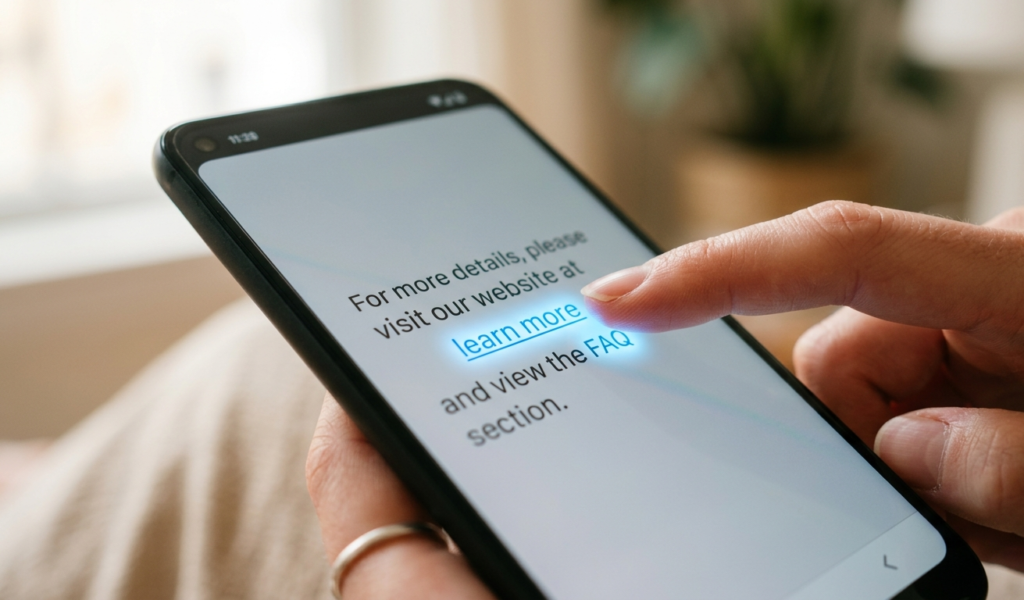
The journey begins the moment you tap or click a hyperlink.At this point, your browser (like Chrome, Safari, or Firefox) recognizes that you want to visit a new page. This is the very first stage of what happens when you click a link, and it triggers a chain reaction behind the scenes.
2. The Browser Reads the URL
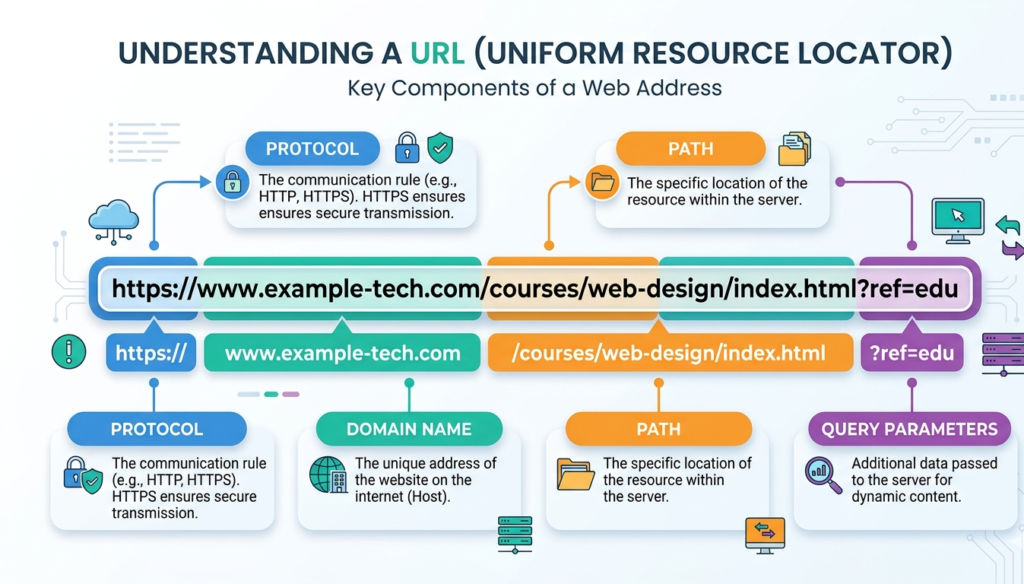
Every link contains a URL (Uniform Resource Locator), such as:https://example.com
Your browser breaks this URL into parts:
Protocol (https)
Domain name (example.com)
Path (specific page or file)
Understanding this structure is essential to fully grasp what happens when you click a link, because it tells your browser where to go.
3. DNS Lookup (Finding the Website)
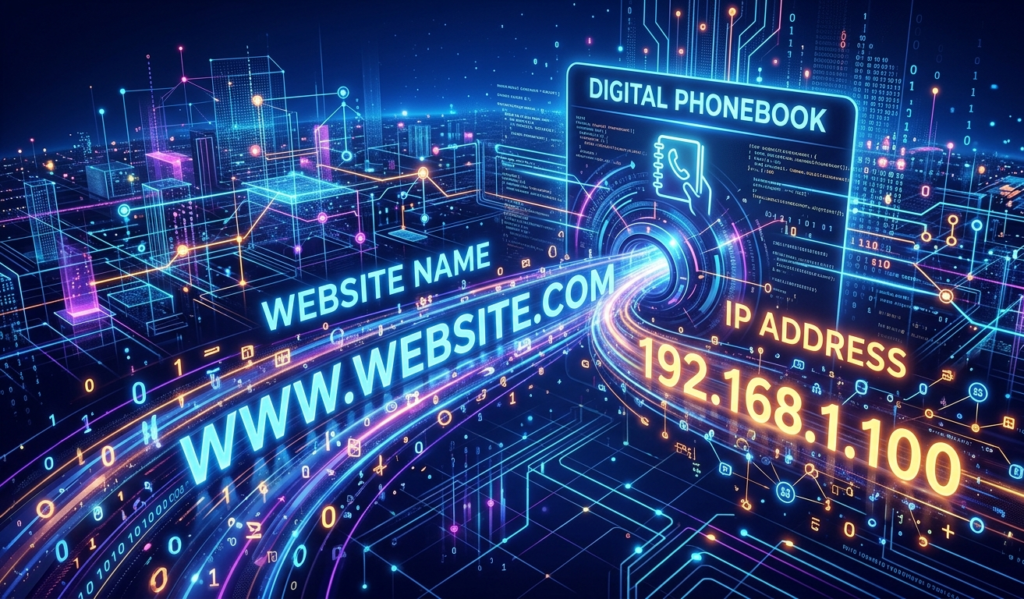
Next, your browser needs to find the actual server where the website lives.It does this using something called DNS (Domain Name System). Think of DNS as the internet’s phonebook.
You type a domain name → DNS finds the IP address
Example: example.com → 93.184.216.34
This step is a key part of what happens when you click a link, because without it, your browser wouldn’t know where to send the request.
According to Cloudflare, DNS acts like the internet’s phonebook, translating domain names into IP addresses.
4. Connecting to the Server
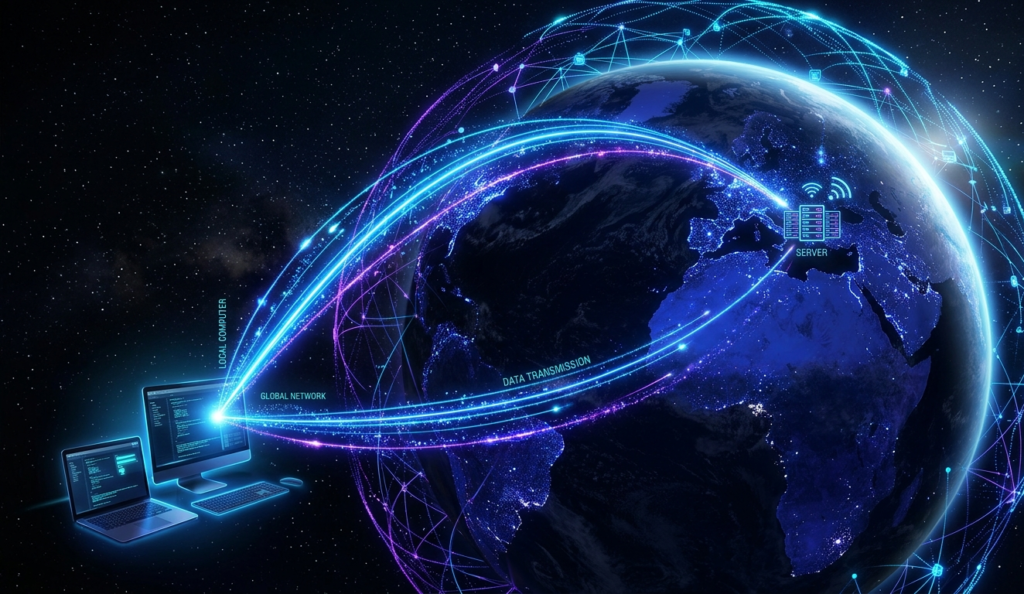
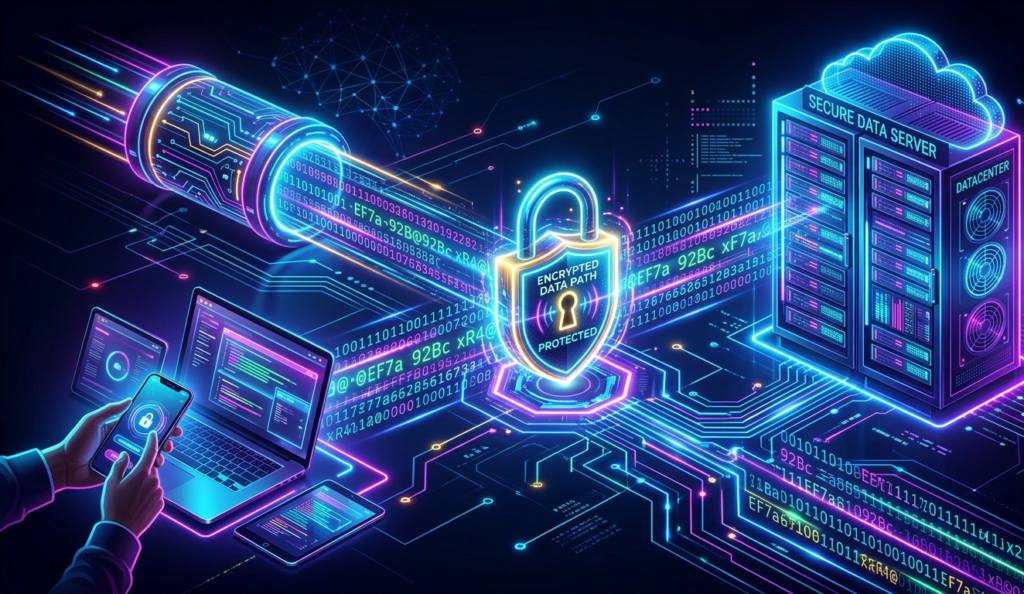
Once the IP address is found, your browser connects to that server.If the website uses HTTPS (which most do), a secure connection is established using encryption. This ensures your data is safe.
This secure handshake is another critical phase of what happens when you click a link, especially for protecting sensitive information like passwords.
The basics of how browsers and servers communicate are well explained by Mozilla in their web documentation.
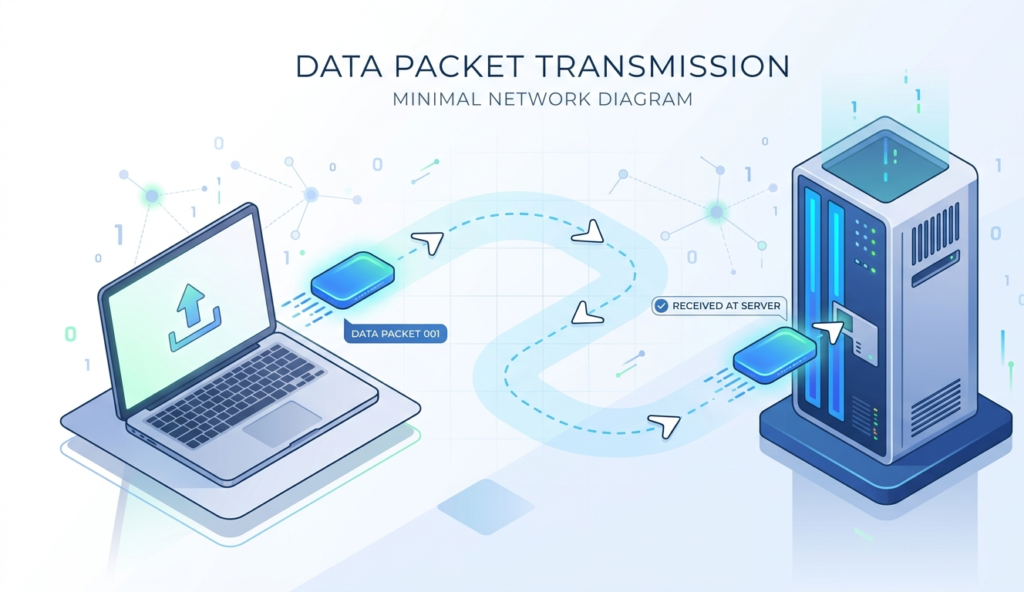
5. Sending an HTTP Request
Your browser now sends a request to the server asking for the webpage.This request includes:
The page you want
Your browser type
Cookies (if any)
This is the “asking” stage in what happens when you click a link,your browser is basically saying, “Hey, send me this page.”
The concept of HTTP and HTTPS protocols is clearly explained by W3C, the organization responsible for web standards.
6. The Server Responds
The server processes your request and sends back a response.This response usually includes:
HTML (structure of the page)
CSS (design and layout)
JavaScript (interactive features)
At this stage, what happens when you click a link becomes visible,you’re about to see the page load.
7. The Browser Renders the Page
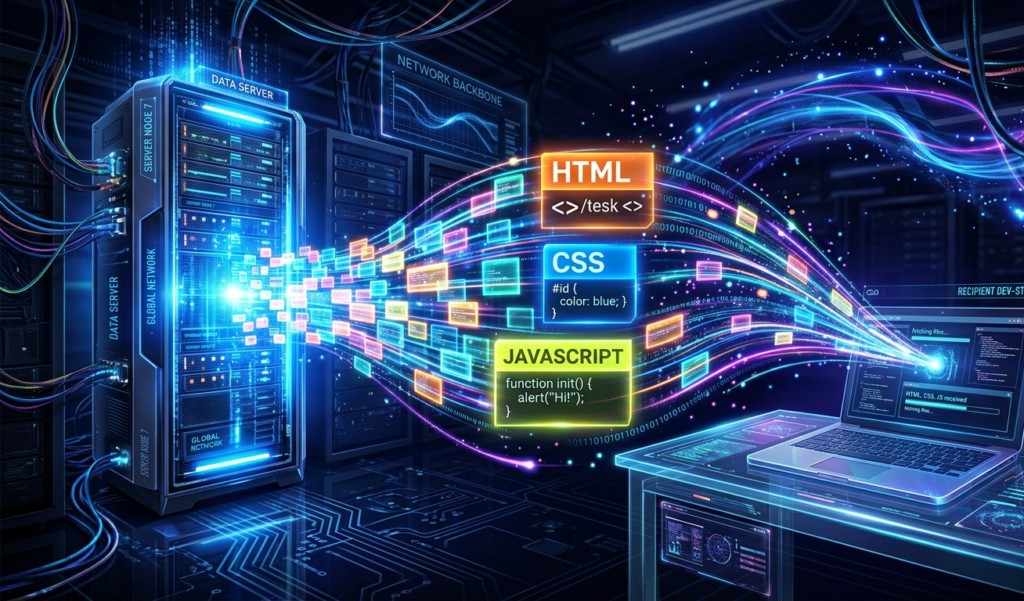
Now your browser gets to work building the page you see.
It:
Reads the HTML
Applies styles (CSS)
Runs scripts (JavaScript)
This process happens super fast, which is why what happens when you click a link feels almost instant.
8. Additional Requests (Images, Videos, Ads)
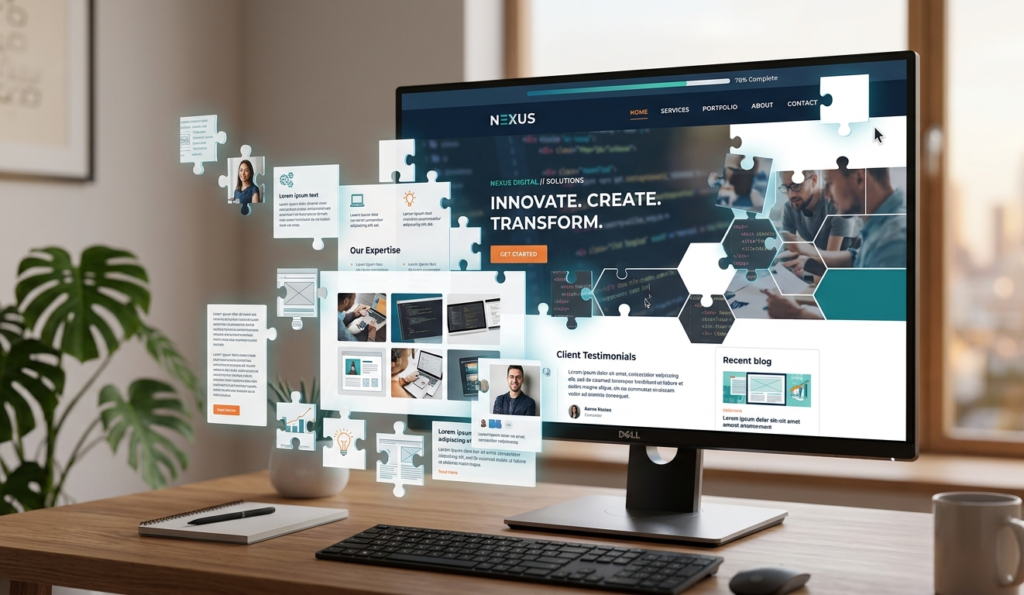
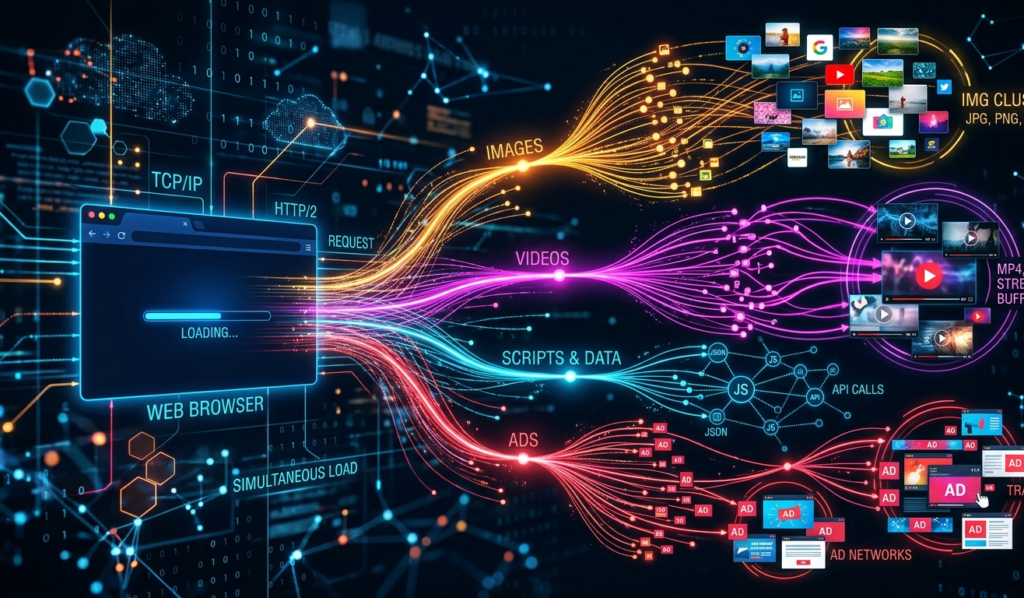
Most web pages aren’t just text. They include images, videos, fonts, and ads.
Your browser sends additional requests for each of these elements. This means what happens when you click a link actually involves multiple mini-requests happening at the same time.
9. The Page Fully Loads
Finally, everything is displayed on your screen.At this point, what happens when you click a link is complete but only for that moment.
If you click another link, the entire process starts again.
Why Understanding This Matters
Knowing what happens when you click a link can help you:
Improve website speed (if you own a site)
Stay safe online (spot malicious links)
Understand how ads and tracking work
Make better tech decisions
What About Tracking?
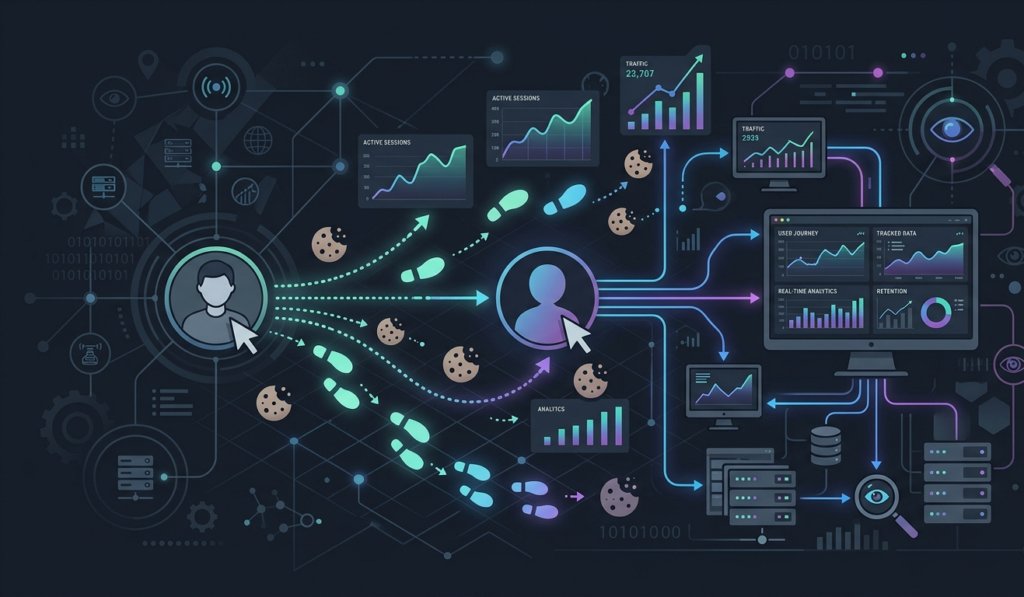
Sometimes, what happens when you click a link also includes tracking.Websites may:
Track your clicks
Store cookies
Monitor behavior for ads or analytics
This is why you might see ads related to things you recently clicked.For a deeper look into internet safety, read our article on Dark Side of AI: Risks Nobody Talks About.
Final Thoughts
So, what happens when you click a link is far more complex than it seems. In just a few seconds, your browser:
Reads the URL
Finds the server
Connects securely
Sends a request
Receives data
Builds and displays the page
All of this happens almost instantly thanks to the powerful systems that run the internet.
Next time you click a link, you’ll know exactly what’s going on behind the scenes.
If you want to understand how your personal data moves across the internet, check out our guide on How Your Data Is Collected Online.