

Introduction
Have you ever wondered how your data is collected online every time you browse, shop, or scroll through social media? Most people don’t realize just how much personal information they give away daily,often without even noticing.From websites tracking your behavior to apps collecting your location, understanding how your data is collected online is the first step toward protecting your privacy.
In this guide, you’ll learn exactly how it happens and what you can do to stay safe.
What Does “Data Collection” Mean?

Before diving deeper into how your data is collected online, let’s clarify what data collection actually is.
Online data collection refers to the process of gathering information about users through websites, apps, and digital services. This information can include:
Your name and email address
Browsing history
Location data
Device information
Search queries
Purchase behavior
Companies use this data to improve services, personalize ads, and sometimes sell insights to third parties.
How Your Data Is Collected Online
Understanding the different methods behind how your data is collected online will help you recognize where your privacy may be at risk.
1. Cookies and Tracking Pixels

Cookies are small files stored on your device when you visit a website. They track your activity, such as:
Pages you visit
Time spent on a site
Items you click
Tracking pixels (tiny invisible images) also monitor your behavior across websites. This is one of the most common ways how your data is collected online without you noticing.
According to Federal Trade Commission, many websites use tracking technologies like cookies to monitor user behavior online.
2. Social Media Platforms
Social media apps collect massive amounts of data, including:
Your likes and shares
Messages and interactions
Location and device info
Even when you’re not actively using them, some apps continue tracking your activity. This is a major part of how your data is collected online today.
3. Mobile Apps and Permissions
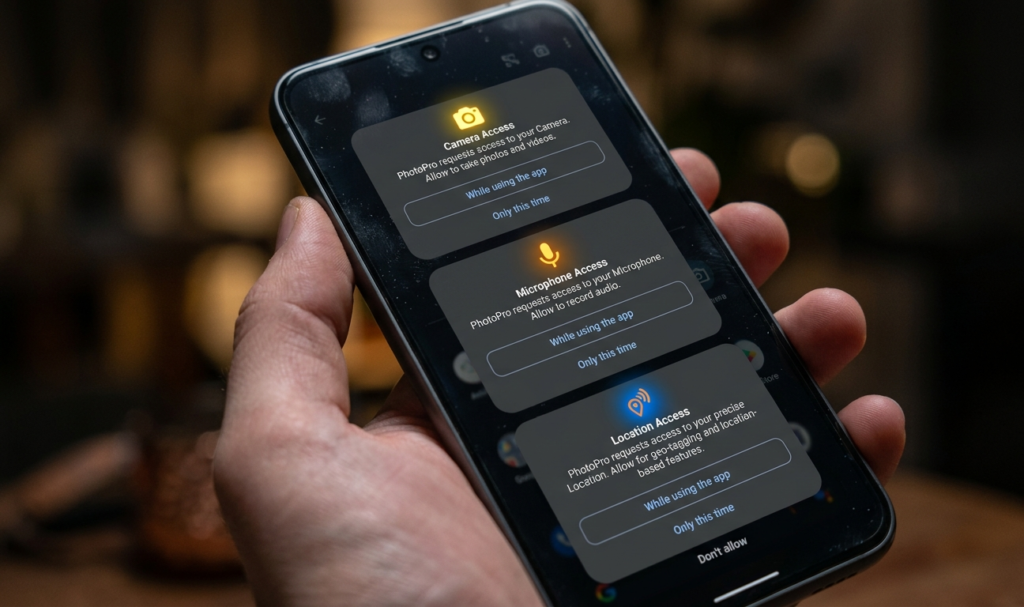
When you install an app, it often requests permissions like:
Access to your
camera
Microphone
Contacts
Location
Many users grant these permissions without thinking. That’s another key example of how your data is collected online through apps you trust.
4. Public Wi-Fi Networks

Using free Wi-Fi in places like cafes or airports can expose your data.
Hackers can intercept:
Login credentials
Personal messages
Financial details
This hidden risk shows another side of how your data is collected online, especially on unsecured networks.
The Electronic Frontier Foundation explains how online tracking works and why it’s important to protect your digital privacy.
5. Online Forms and Sign-Ups

Whenever you fill out a form or sign up for a service, you provide personal details such as:
Email address
Phone number
Date of birth
These details are often stored and sometimes shared, contributing to how your data is collected online across platforms and if you also want to earn online safely? Read our guide on how to prevent online scams while making money online
6. Search Engines and Browsing History
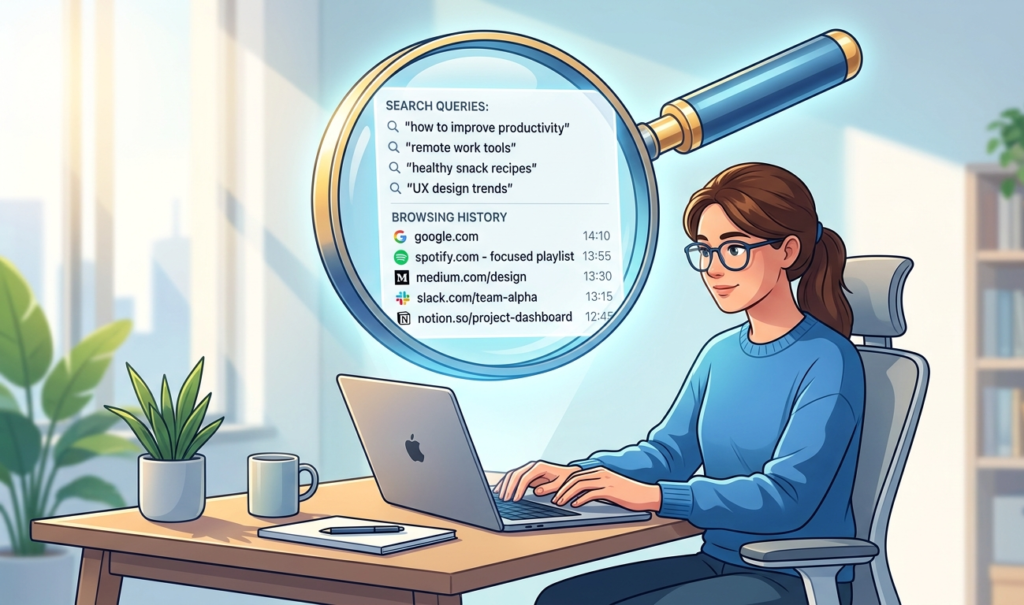
Search engines track what you search for, click on, and read. This helps them:
Personalize your results
Show targeted ads
Your browsing history plays a big role in how your data is collected online and used to build a profile about you.
Why Your Data Is Collected
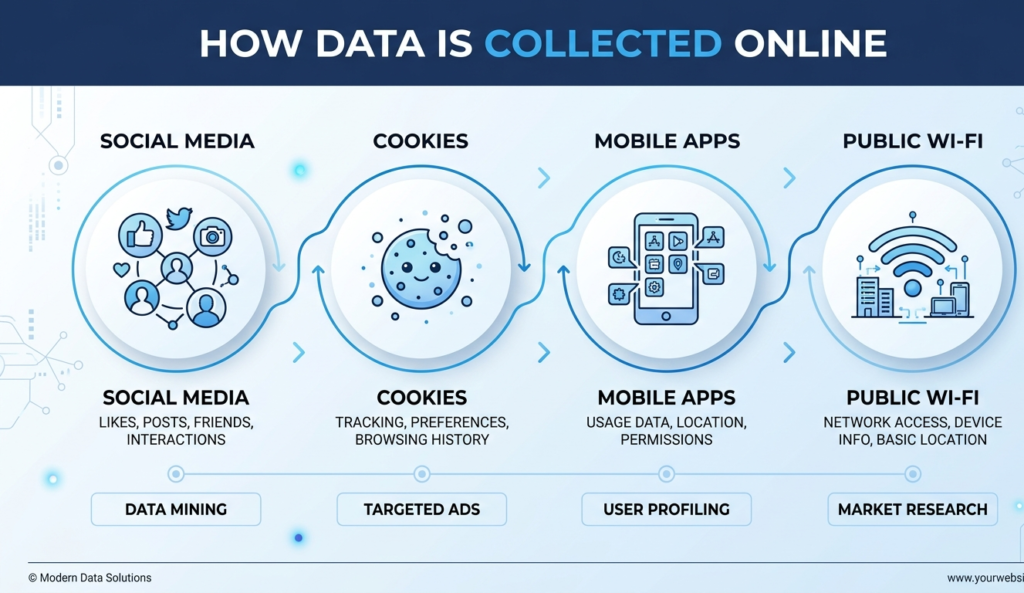
Now that you understand how your data is collected online, let’s look at why companies do it.
1. Personalized Advertising
Companies use your data to show ads tailored to your interests.
2. Improving User Experience
Data helps platforms understand what users like and improve features.
3. Selling Data to Third Parties
Some companies sell user data to advertisers or data brokers.
4. Security and Fraud Prevention
In some cases, data collection helps detect suspicious activity.
Risks of Online Data Collection

Knowing how your data is collected online also means understanding the risks involved.
Identity theft…Hackers can use your personal details
Privacy invasion – Your behavior is constantly monitored
Data breaches – Companies can get hacked
Targeted scams – Scammers use your data to trick you
How to Protect Yourself Online
The good news is that you can reduce how much data is collected. Here’s how to take control.
1. Manage Your Privacy Settings
Go through your app and social media settings and:
Limit data sharing
Turn off location tracking
Disable unnecessary permissions
This directly reduces how your data is collected online.
2. Use Strong Passwords
Create unique passwords for each account and consider using a password manager.
3. Avoid Public Wi-Fi for Sensitive Tasks
If you must use public Wi-Fi:
Avoid logging into important accounts
Use a VPN for extra security
4. Clear Cookies and Browsing Data
Regularly clear your browser cookies to limit tracking. This helps control how your data is collected online over time.
5. Install Trusted Security Tools
Use:
Antivirus software
Ad blockers
Anti-tracking extensions
These tools reduce unwanted tracking.
6. Be Careful What You Share
Think before posting or filling out forms. Not every website needs your full information.
7. Review App Permissions
Go to your phone settings and:
Remove unnecessary permissions
Delete apps you no longer use
This is one of the easiest ways to limit how your data is collected online.
Simple Daily Habits to Stay Safe

To stay protected consistently:
Log out of accounts when not in use
Avoid clicking suspicious links
Update your apps regularly
Use two-factor authentication
Small habits can make a big difference in controlling how your data is collected online.
Final Thoughts
Understanding how your data is collected online is no longer optional,it’s essential. Every click, search, and download leaves a digital footprint.
While you can’t completely stop data collection, you can control it. By staying informed and applying simple privacy practices, you can protect your personal information and browse the internet with confidence.
If you’re new to online safety, check out our complete guide on smartphone privacy settings to better understand how to stay protected.