
Social media platforms have become a major part of everyday life. From sharing photos to promoting businesses and blogs, millions of people rely on these platforms daily. However, cybercriminals are always searching for ways to break into accounts, steal information, or spread scams. That is why it is essential to secure your social media accounts and protect your personal data.
In this guide, you will learn practical steps you can follow today to secure your social media accounts and keep hackers away.
Why You Must Secure Your Social Media Accounts
Many people underestimate the value of their social media accounts. Hackers can use a compromised account to scam your friends, steal private messages, or even damage your reputation.When you secure your social media accounts, you protect:
Your personal information
Your private conversations
Your photos and videos
Your online reputation
Your business or brand
Taking a few simple security steps can make a huge difference.
1. Use Strong and Unique Passwords
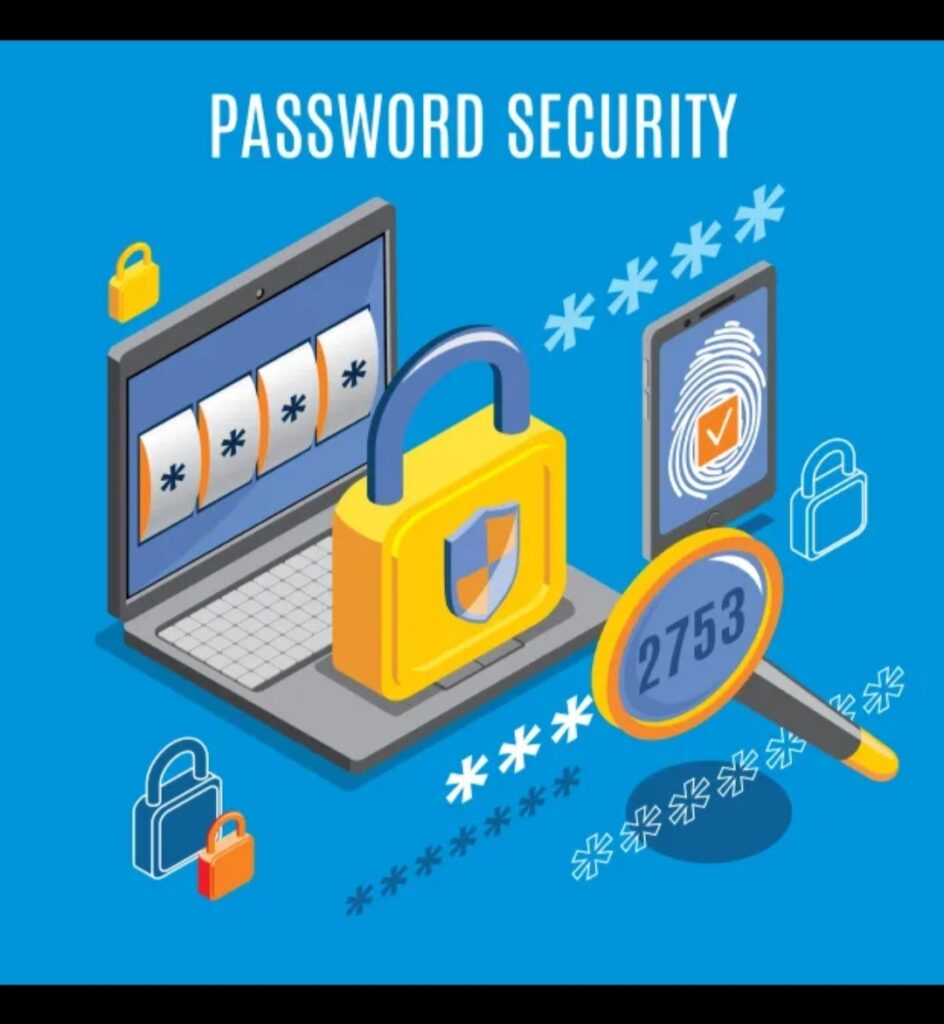
One of the easiest ways hackers break into accounts is through weak passwords. Many people still use simple passwords like “123456” or “password”.
To properly secure your social media accounts, create strong passwords that include:
Uppercase and lowercase letters
Numbers
Special characters
At least 12 characters
For example:
T9!fL3@zQ7p$
Also, never use the same password for multiple platforms. If one account is hacked, others may be at risk.
2. Enable Two-Factor Authentication (2FA)
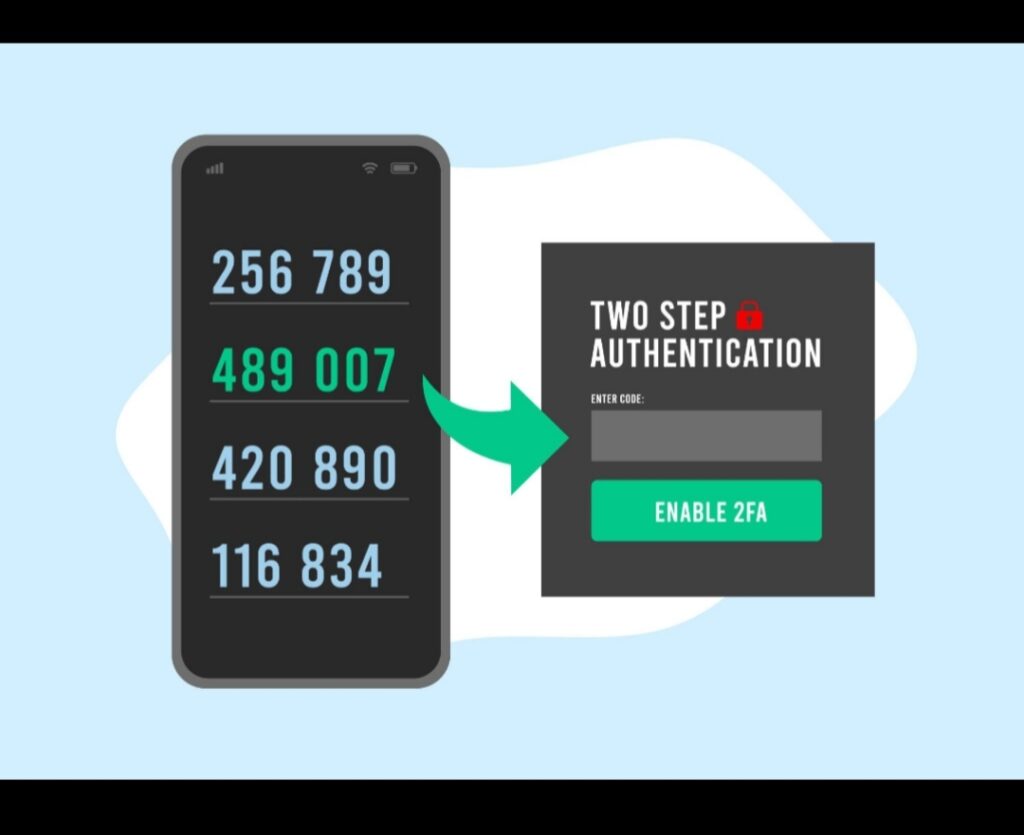
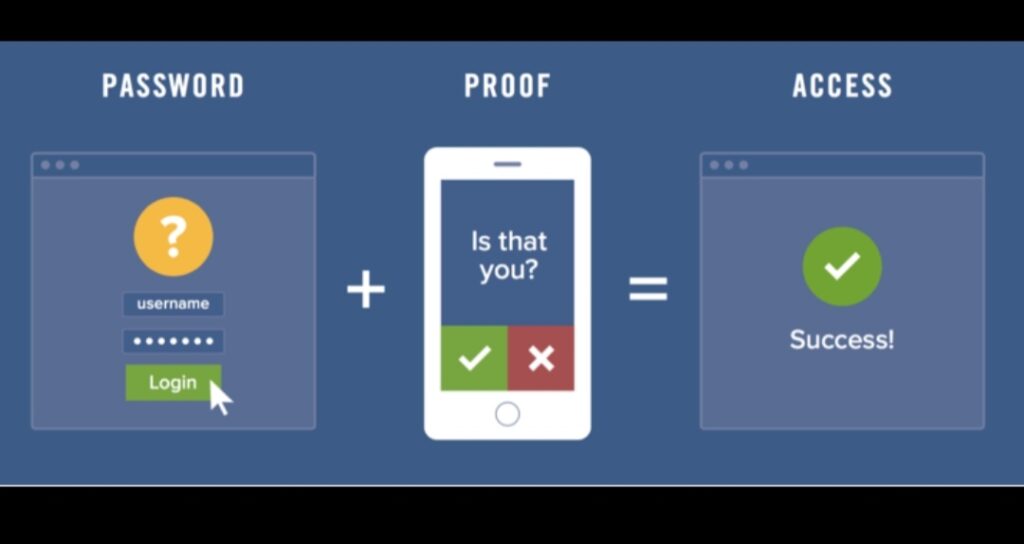
Two-factor authentication adds an extra layer of security to your account. Even if someone gets your password, they still need a verification code sent to your phone or authentication app.
Most platforms like Facebook, Instagram, and Twitter support 2FA.When you enable this feature, you significantly secure your social media accounts against unauthorized access.
Popular authentication options include:
SMS verification codes
Authentication apps like Google Authenticator
Security keys
Facebook also shares safety recommendations in its help center on how users can secure their social media accounts.
3. Watch Out for Phishing Links
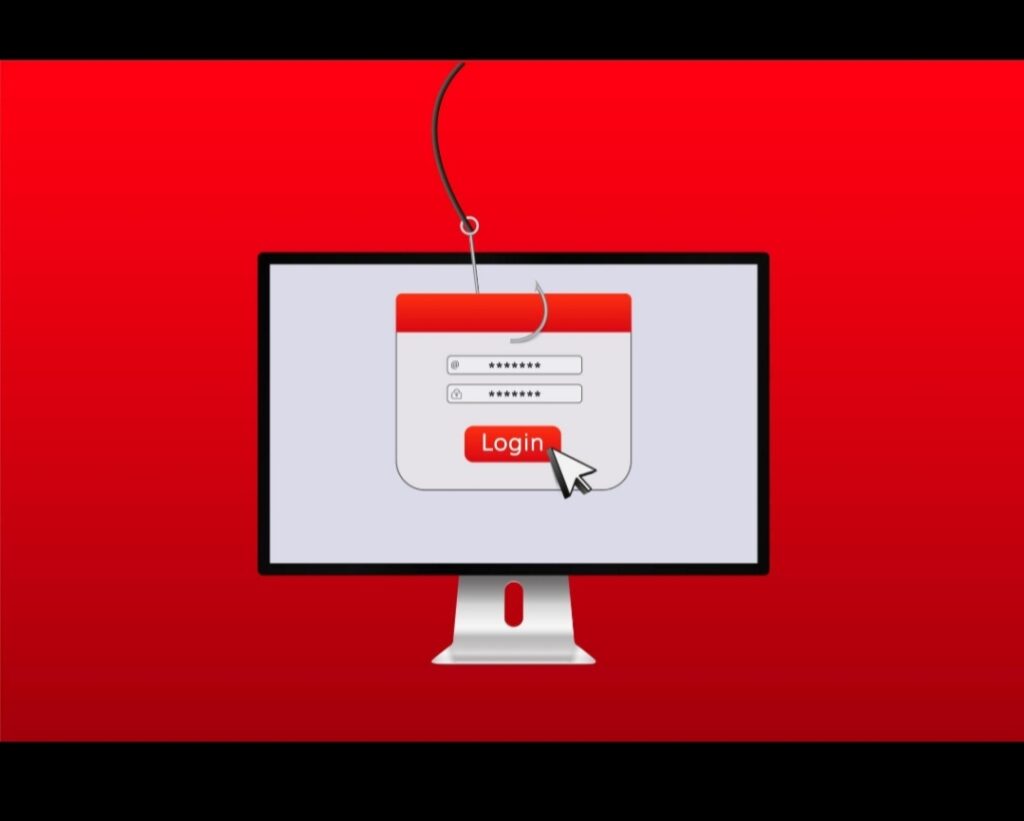
Phishing is one of the most common ways hackers steal login information. They may send fake messages that look like they are from social media platforms.For example, you might receive a message saying:“Your account will be suspended. Click here to verify your password.”These links usually lead to fake websites designed to steal your login details.
To secure your social media accounts, always:
Avoid clicking suspicious links
Check the website URL carefully
Never enter passwords on unknown websites
4. Review Your Privacy Settings
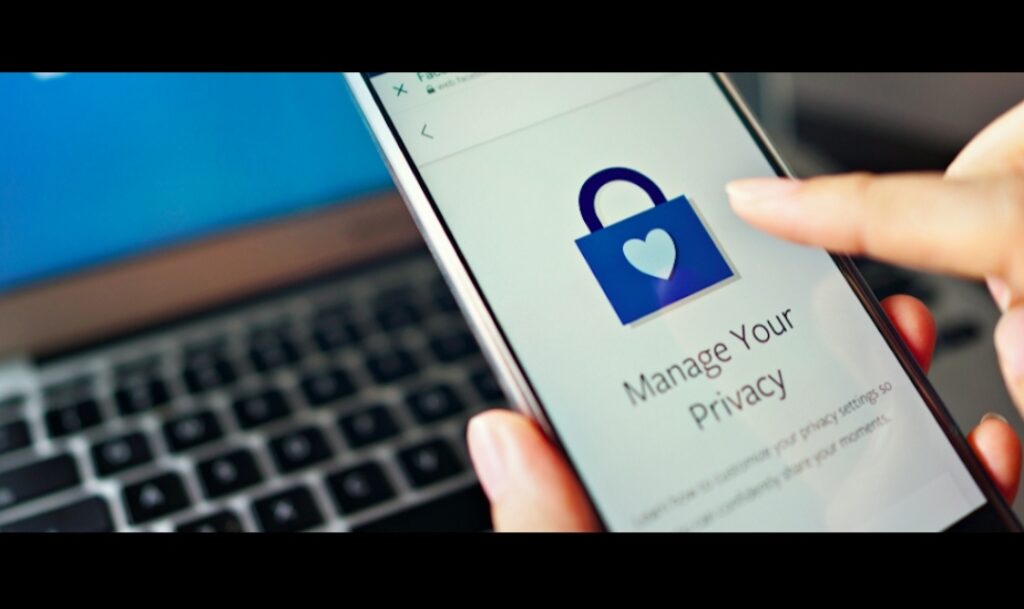
Every social media platform provides privacy settings that control who can see your content.To better secure your social media accounts, review these settings regularly.
Important privacy controls include:
Who can see your posts
Who can send you friend requests
Who can tag you in photos
Who can find you using your email or phone number
Limiting public access reduces the chances of strangers targeting your account.
5. Avoid Using Public Wi-Fi for Logins
Public Wi-Fi networks in places like cafés, airports, and hotels are often insecure. Hackers can intercept data transmitted through these networks.If you log in to social media using public Wi-Fi, attackers might capture your login credentials.
To secure your social media accounts, follow these tips:
Avoid logging in on public Wi-Fi
Use a trusted VPN service if necessary
Log out after using shared devices
6. Check Connected Apps Regularly
Many people connect third-party apps and games to their social media accounts. Over time, you may forget about these apps.Some of them may still have access to your account data.
To properly secure your social media accounts, check your connected apps list and remove anything you no longer use.This helps reduce the risk of unauthorized access.
You can also learn more about protecting your online identity by visiting the cybersecurity resources provided by StaySafeOnline.org.
7. Monitor Your Account Activity
Most platforms allow you to see recent login activity, including devices and locations.If you notice:
Unknown devices
Suspicious locations
Logins you don’t recognize
Change your password immediately.
Monitoring activity helps you quickly secure your social media accounts before further damage occurs.
Digital creators can also explore AI tools for graphic design to create better content while maintaining secure accounts.
8. Keep Your Apps and Devices Updated
Software updates often include important security patches that fix vulnerabilities hackers can exploit.If you ignore updates, your device could become an easy target.To secure your social media accounts, always:
Update your social media apps
Install phone security updates
Use updated browsers
This simple step can significantly improve your online security.
Final Thoughts
Social media is a powerful tool for communication, networking, and business. However, without proper protection, your accounts can become easy targets for cybercriminals.
By following these steps and using strong passwords, enabling two-factor authentication, avoiding phishing links, reviewing privacy settings, and keeping your devices updated you can effectively secure your social media accounts and protect your personal information.Online safety starts with awareness. Take action today and secure your social media accounts before hackers get the chance.
If you want to stay safe online, you should also read our guide on how to prevent online scams, which explains how scammers trick people on the internet.