
Smartphones have become an important part of our daily lives. We use them for banking, social media, emails, shopping, and storing personal information. Because of this, hackers are constantly trying to break into phones to steal sensitive data.
If you want to stay safe online, learning how to protect your phone from hackers is very important. In this guide, you will learn simple and effective ways to protect your phone and keep your personal information secure.
Smartphones are becoming smarter with artificial intelligence.
1. Use a Strong Password or PIN
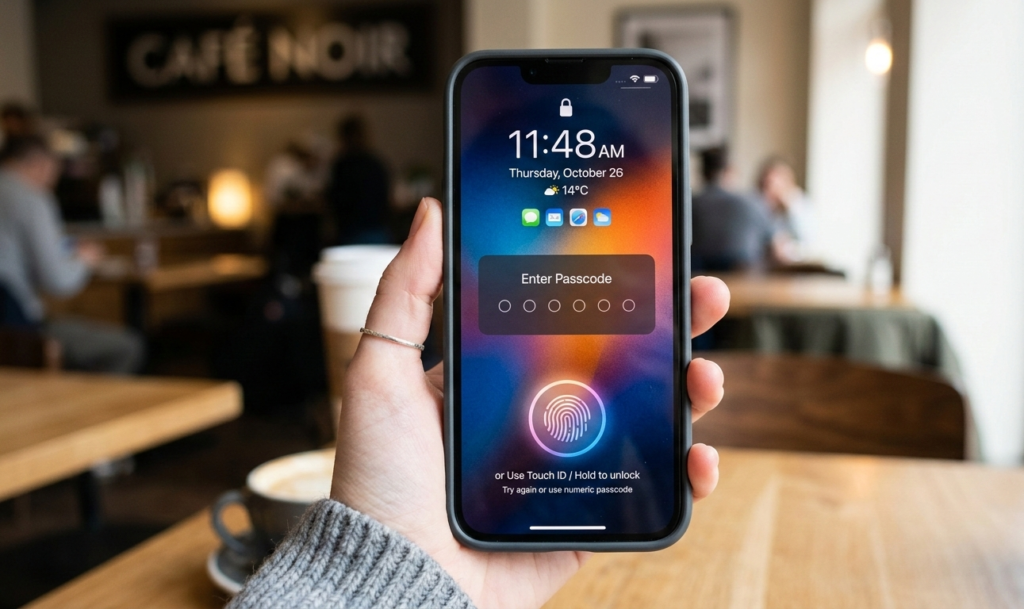
One of the easiest ways to protect your phone is by setting a strong lock screen password.
Avoid using:
1234
0000
Your birthday
Simple patterns
Instead use:
A 6-digit or longer PIN
A strong password
Fingerprint or Face unlock
A strong lock screen makes it difficult for hackers or thieves to access your phone.
2. Keep Your Phone Updated
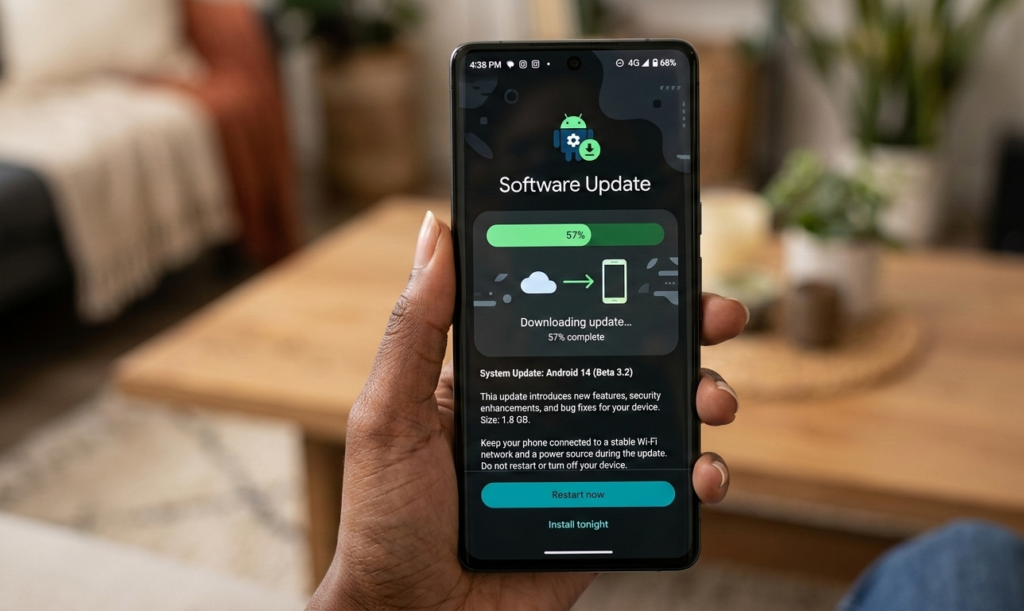
Software updates contain important security fixes that help protect your phone from hackers.Hackers often attack phones that run outdated software because they have known vulnerabilities.
To update your phone:
AndroidGo to Settings
Tap System
Tap Software Update
Updating regularly helps protect your phone against new hacking methods.
You can also read our guide on What Happens When You Click a Link?
3. Download Apps Only from Trusted Sources
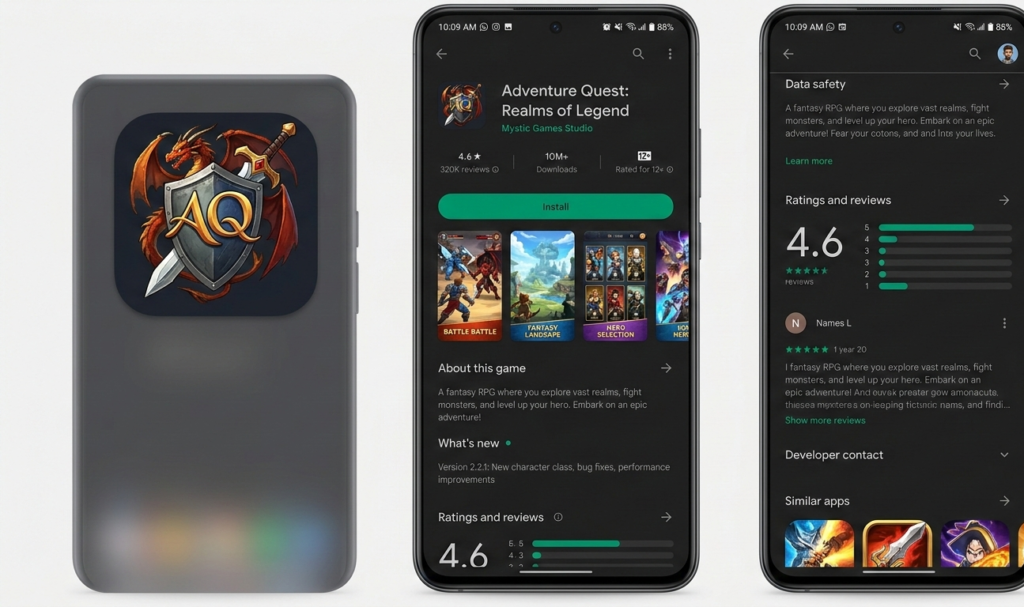
Installing apps from unknown websites is risky. Many fake apps contain malware that hackers use to spy on your phone.
To protect your phone, only download apps from:
Google Play Store
Apple App Store
Before installing:
Check reviews
Check ratings
Check number of downloads
Avoid apps that request too many permissions.
4. Avoid Public Wi-Fi Without Protection
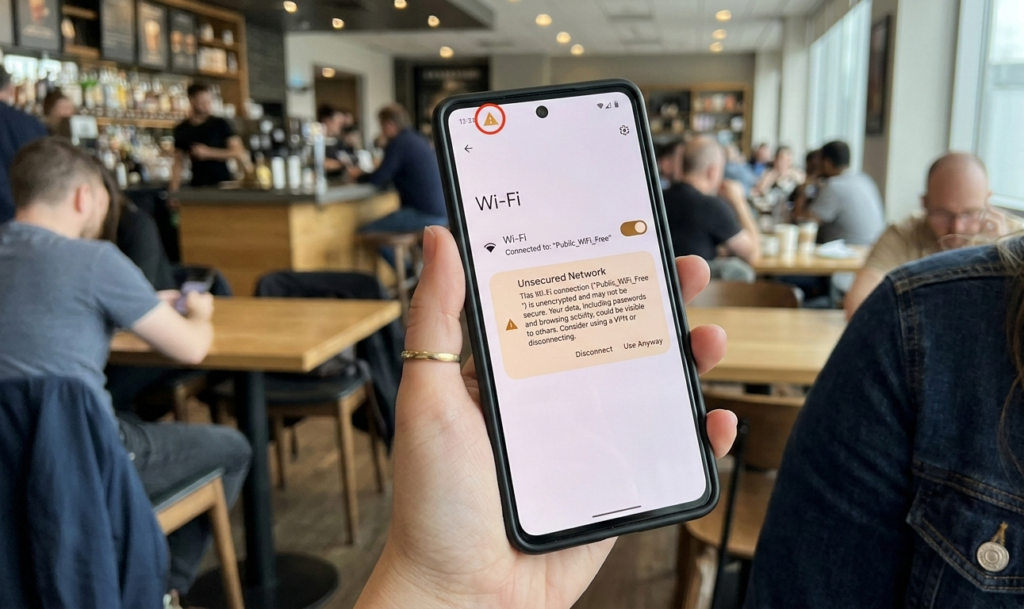
Public Wi-Fi networks in cafes, airports, and hotels are often unsafe. Hackers can intercept your data on these networks.
To protect your phone:
Avoid logging into bank accounts on public Wi-Fi
Use mobile data when possible
Use a VPN if necessary
Public Wi-Fi is one of the easiest ways hackers steal information.
5. Enable Two-Factor Authentication (2FA)
You can enable two-factor authentication using Google’s security settings.
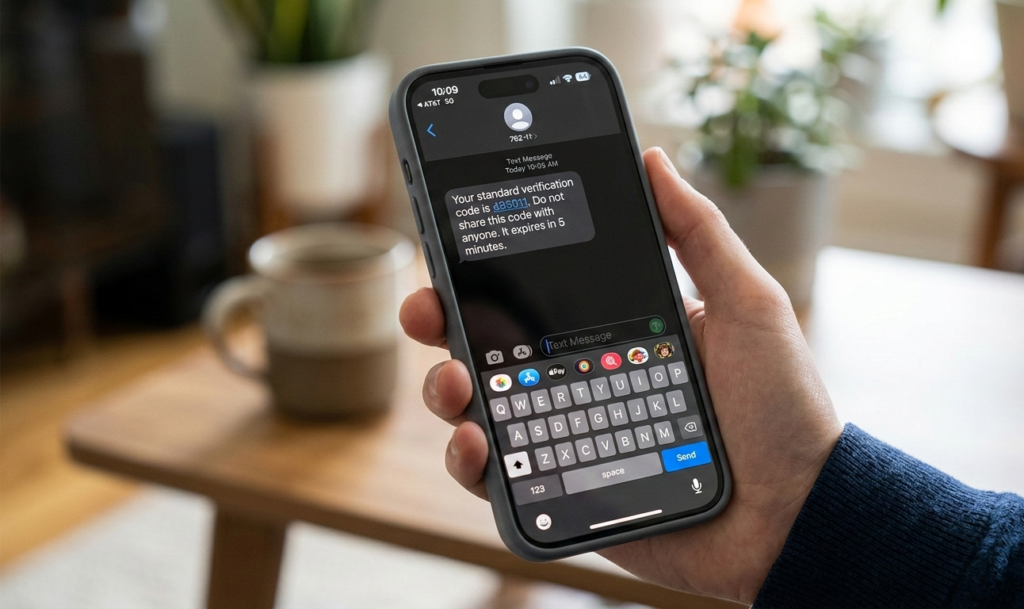
Two-factor authentication adds an extra layer of security.
Even if hackers get your password, they cannot access your account without the second code.
Enable 2FA for:
Social media
Banking apps
This is one of the best ways to protect your phone accounts from hackers.
6. Be Careful with Links and Messages
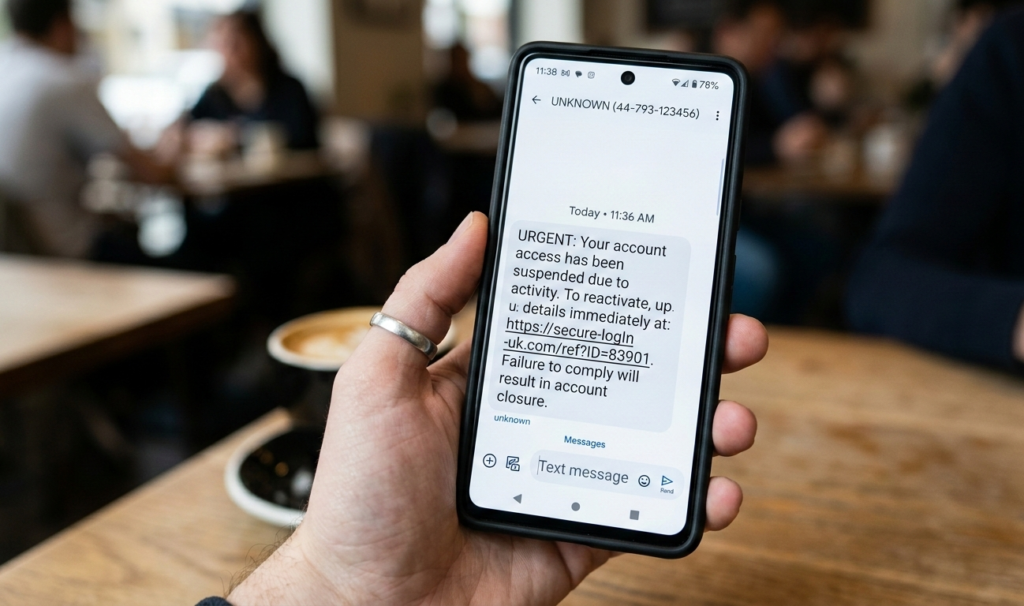
Hackers often send fake messages pretending to be from banks or companies.
These messages may contain dangerous links that can infect your phone.
To protect your phone:
Never click links from:
Unknown numbers
Suspicious emails
Fake prize messages
If a message looks suspicious, ignore or delete it.
7. Turn Off Bluetooth When Not in Use
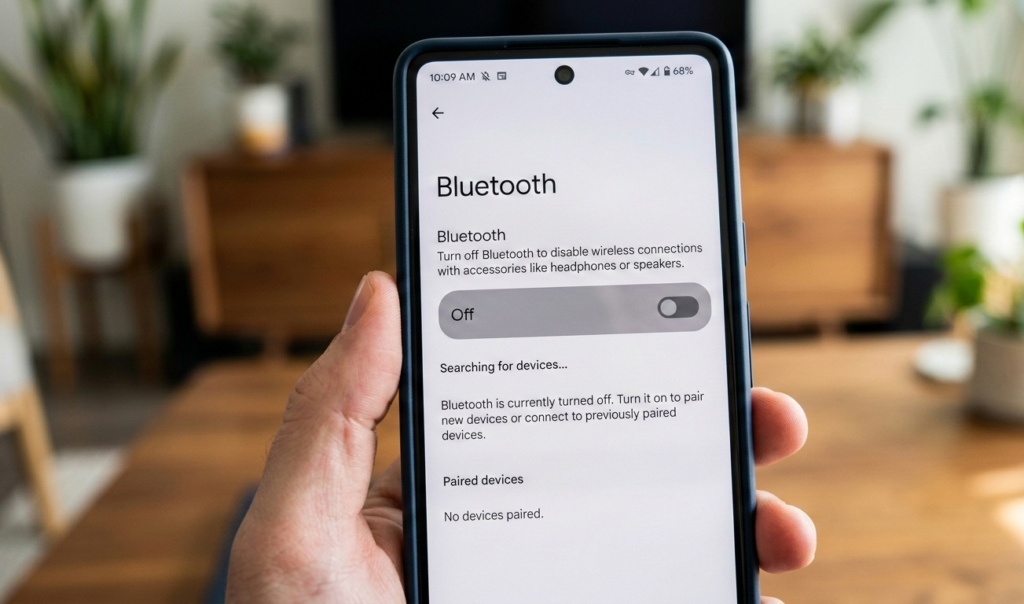
Hackers can sometimes access phones through Bluetooth connections.
To protect your phone, turn off Bluetooth when you are not using it.
This reduces the risk of unauthorized access.
8. Install a Security App
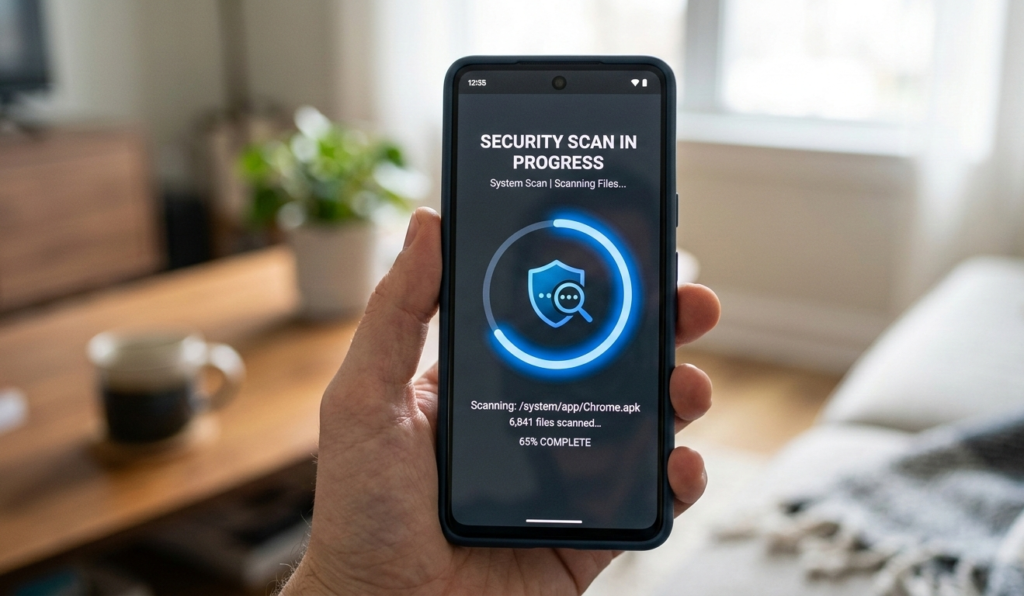
Security apps can help protect your phone from viruses and malware.
They can:
Scan harmful apps
Detect threats
Block unsafe websites
Some good features include:
Virus scanning
App protection
Anti-theft tools
Security apps provide an extra layer of protection.
9. Lock Your Apps
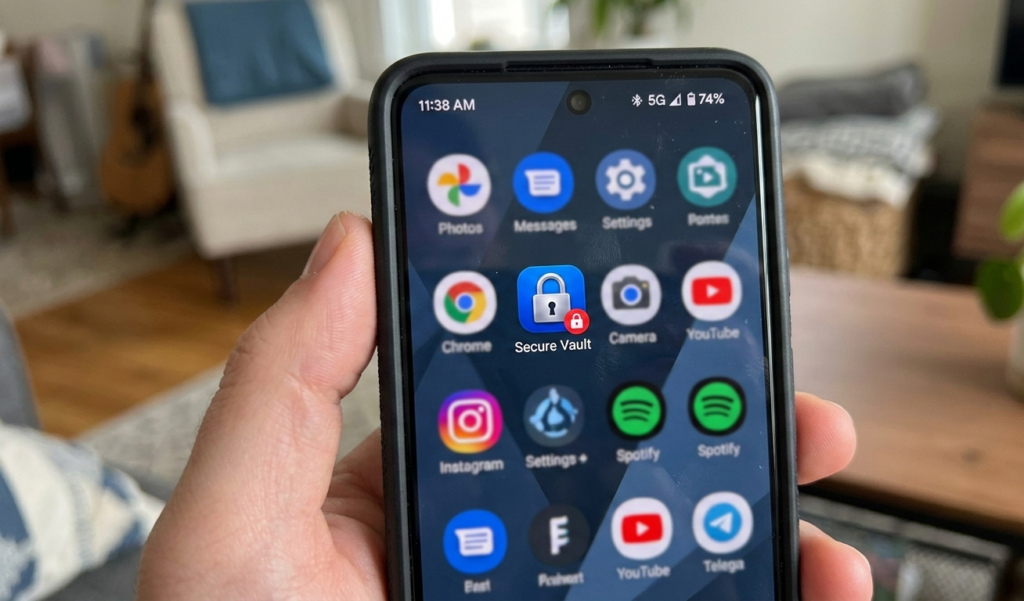
Some apps contain private information like messages and bank details.
App locks help protect your phone even if someone unlocks it.
You can lock apps such as:
Banking apps
Photos
Many phones have built-in app lock features.
10. Turn On Find My Phone

If your phone gets stolen, you can locate or erase your data remotely.
This feature helps protect your phone information from hackers and thieves.
For Android:
Android provides built-in security features to protect your phone from threats.
Enable Find My Device
For iPhone:
Enable Find My iPhone
You can:
Track location
Lock phone
Erase data
11. Avoid Charging in Public USB Ports
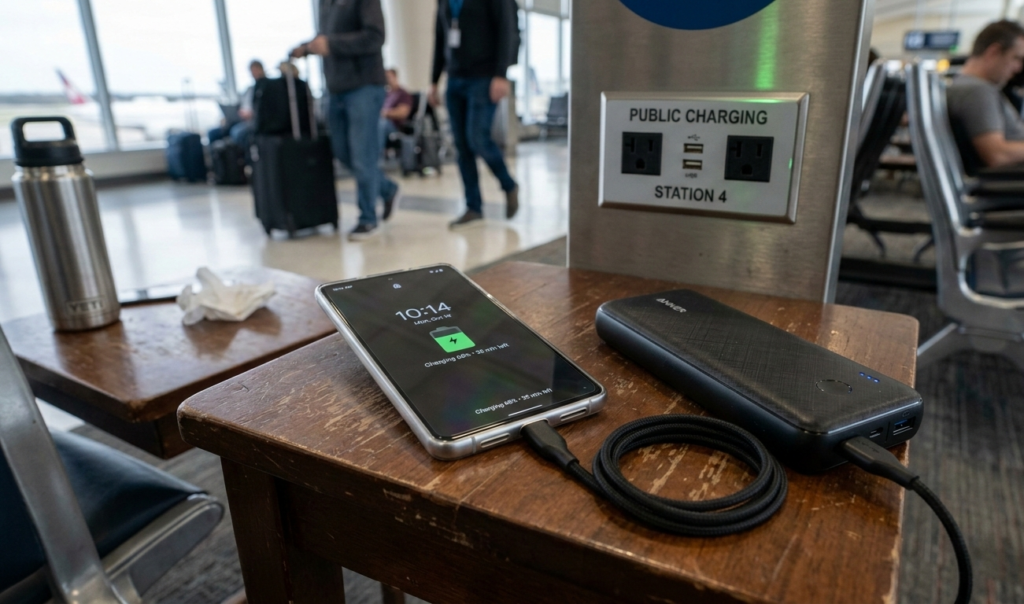
Public charging stations can be dangerous. Hackers can install malware through USB connections.
To protect your phone:
Use your own charger
Use a power bank
Avoid unknown USB ports
12. Backup Your Data Regularly

Backing up your data ensures you don’t lose important files if your phone is hacked.
To protect your phone data:
Use Google Drive
Use iCloud
Backup photos and contacts
Backups allow you to recover your information safely.
Advantage of Protecting Your Phone from Hackers

1. Safeguards Your Personal Information
One of the biggest advantages of securing your phone is protecting sensitive data like passwords, bank details, private photos, and messages. Hackers often target weak security systems to steal identity information, which can lead to fraud or impersonation.
2. Prevents Financial Loss
Mobile banking and payment apps make transactions easy but also risky if your phone is compromised. Strong security measures (like two-factor authentication and app locks) reduce the chances of hackers accessing your financial accounts.
3. Protects Your Privacy
Your phone holds a lot of personal details,contacts, conversations, and even location data. By securing your device, you ensure your private life remains private and not exposed to cybercriminals.
4. Avoids Malware and Spyware Attacks
Installing apps only from trusted sources and keeping your system updated helps prevent malicious software from infecting your phone. This reduces the risk of data theft or your phone being controlled remotely.
5. Improves Overall Device Performance
A well-protected phone is less likely to be infected with harmful apps that slow down performance. Security practices like removing suspicious apps and updating software can keep your phone running smoothly.
6. Gives Peace of Mind
Knowing your phone is secure allows you to browse, chat, and make transactions without constant worry about being hacked.
FAQs:
How to Protect Your Phone from Hackers
. What are the most common ways hackers access phones?
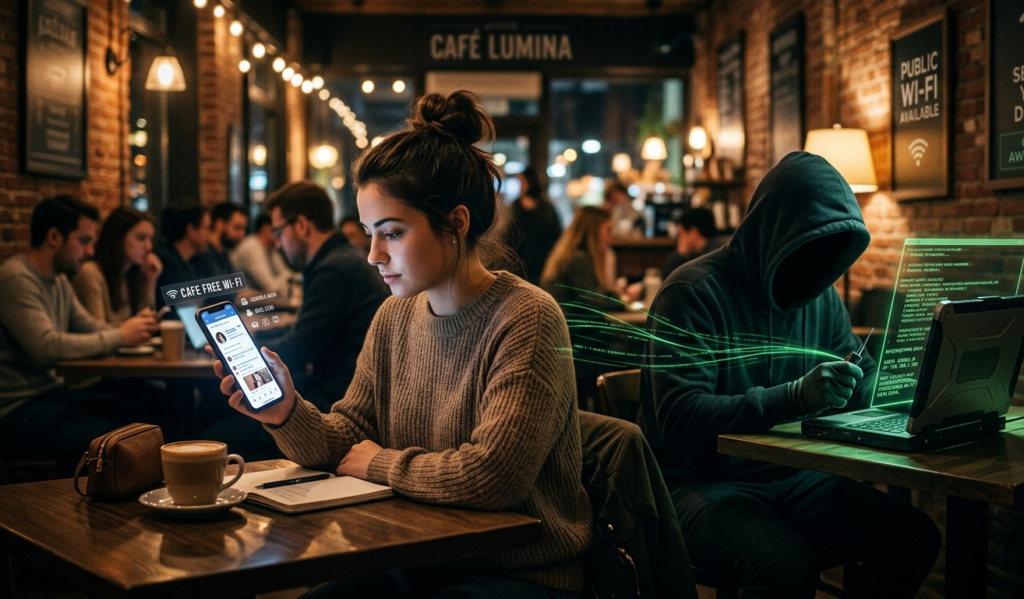
Hackers usually gain access through phishing links, malicious apps, unsecured Wi-Fi networks, or outdated software.
Clicking unknown links or downloading apps outside official app stores increases your risk.
2. How can I make my phone more secure?
You can protect your phone by:
Using a strong password or PIN
Enabling fingerprint or face lock
Turning on two-factor authentication (2FA)
Keeping your phone’s operating system updated
Installing apps only from trusted stores
3. Is public Wi-Fi safe to use?
Public Wi-Fi can be risky because hackers can intercept your data. If you must use it, avoid logging into sensitive accounts or use a VPN for extra security.
4. Do I really need antivirus software on my phone?
While modern smartphones have built-in security, antivirus apps can provide an extra layer of protection especially for Android users who install apps from various sources.
5. How often should I update my phone?
You should install updates as soon as they are available. Updates often fix security vulnerabilities that hackers exploit.
6. Can apps spy on me?
Yes, some apps request unnecessary permissions and can collect your data. Always review app permissions and uninstall apps you don’t trust or no longer use.
7. What is two-factor authentication (2FA)?
2FA adds an extra layer of security by requiring a second verification step (like a code sent to your phone) in addition to your password. It significantly reduces hacking risks.
8. How do I know if my phone has been hacked?
Signs include:
Unusual battery drain
Slow performance
Unknown apps installed
Strange pop-ups or ads
Unauthorized transactions
If you notice these, run a security scan and reset your phone if necessary.
9. Should I avoid third-party app stores?
Yes. Third-party app stores often contain unverified apps that may include malware. Always download apps from official stores like Google Play or Apple App Store.
10. What should I do if my phone is hacked?
If you suspect hacking:
Disconnect from the internet
Remove suspicious apps
Change all your passwords
Run a security scan
Reset your phone to factory settings if needed
Final Thoughts
Hackers are always looking for ways to steal personal information, but you can stay safe by taking simple precautions. Learning how to protect your phone is essential in today’s digital world.
By using strong passwords, avoiding suspicious links, updating your phone regularly, and installing trusted apps, you can greatly reduce the risk of hacking.
Start applying these tips today to protect your phone and keep your personal information safe from hackers.