
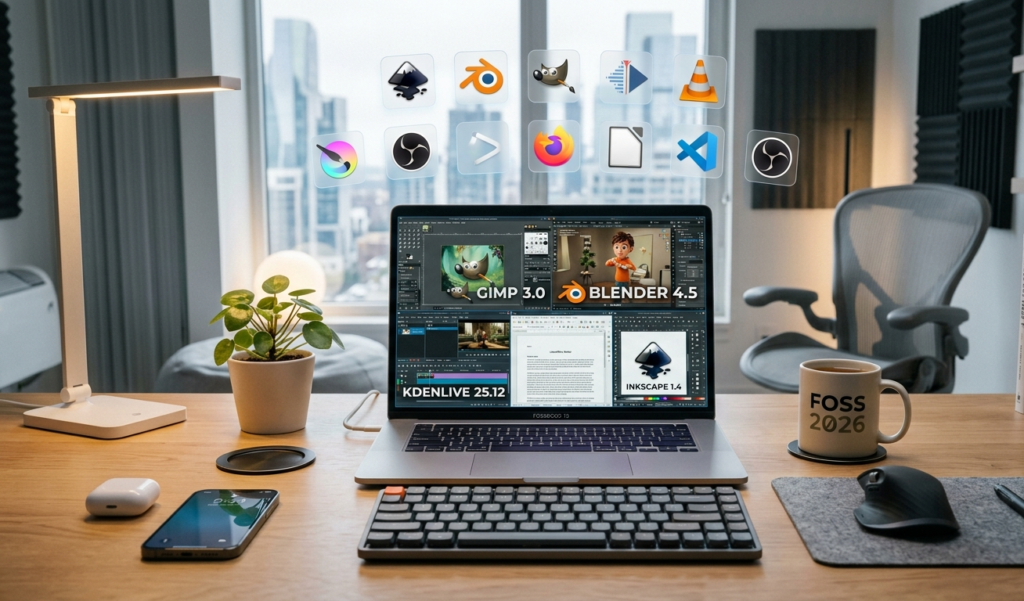
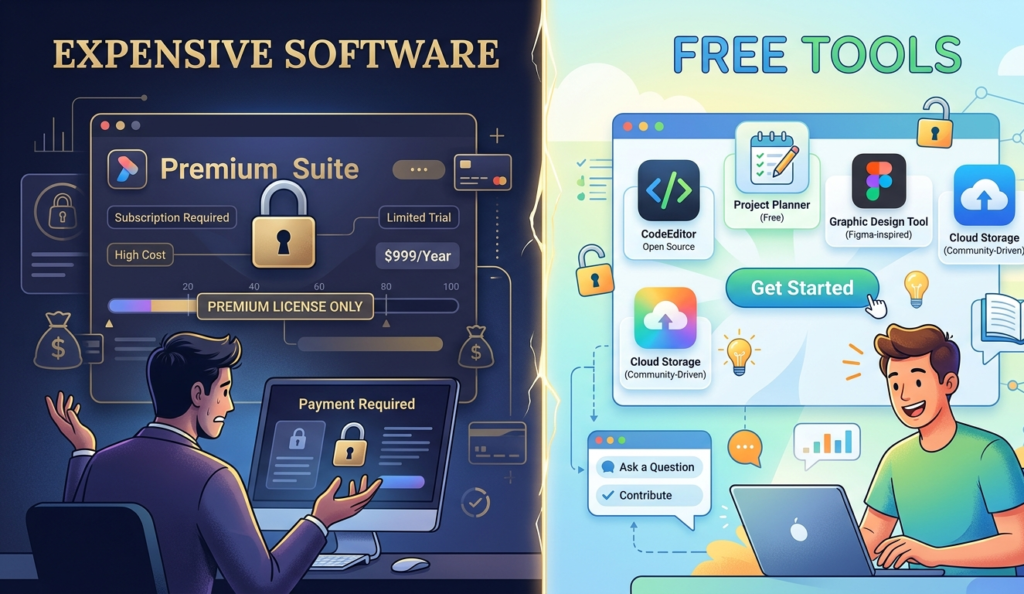
In today’s digital world, you don’t need to spend hundreds or even thousands of dollars on software to get professional results. Thanks to rapid innovation, there are now free tools that replace expensive software across nearly every category, from design and video editing to marketing and productivity.
If you’re running a blog, building a business, or just trying to save money in 2026, this guide will show you the best free tools that replace expensive software without sacrificing quality.
Why Choose Free Tools Instead of Paid Software?
Before diving into the list, let’s understand why more people are switching to free tools that replace expensive software:
Save money while still getting premium-level features
Access tools from anywhere (most are cloud-based)
Frequent updates and improvements
Great for beginners and professionals alike
Many of these tools now compete directly with industry giants and in some cases, they’re even better.
1. Canva – Replace Photoshop & Illustrator
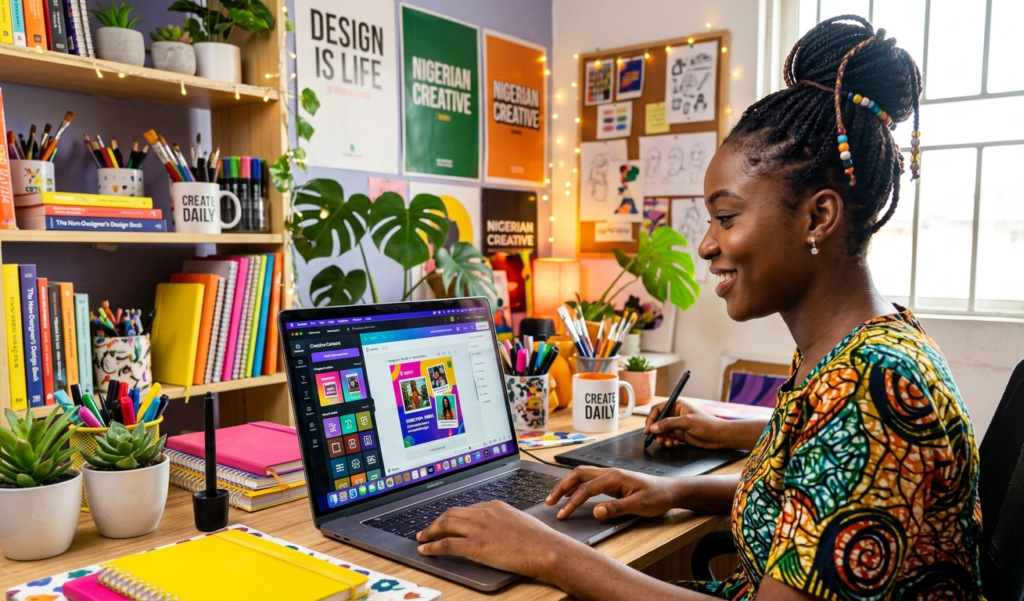
If you’ve ever used Adobe tools, you know they can be expensive and complex. That’s where Canva shines.
What Canva Replaces:
Photoshop
Illustrator
Why It’s a Top Choice:
Drag-and-drop interface
Thousands of free templates
Social media, blog, and ad design made easy
Canva is one of the most popular free tools that replace expensive software for designers and content creators.
2. CapCut – Replace Premiere Pro & Final Cut Pro
Video content is booming, and editing software is usually pricey. CapCut offers a powerful free alternative.
What It Replaces:
Adobe Premiere Pro
Final Cut Pro
Features:
Advanced editing tools
Auto captions
Effects and transitions
If you’re creating TikTok or YouTube content, this is one of the best free tools that replace expensive software available today.
3. DaVinci Resolve – Replace High-End Video Editors
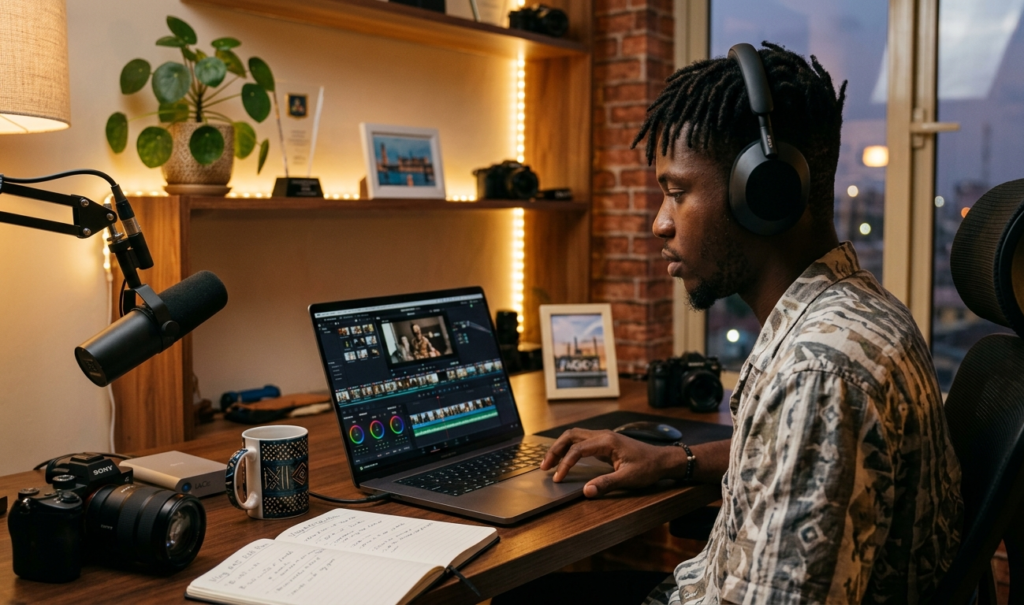
For professional-level editing, DaVinci Resolve is unbeatable.
What It Replaces:
Premiere Pro
After Effects (partially)
Highlights:
Hollywood-level color grading
Advanced editing timeline
Audio and visual effects
It’s one of the most powerful free tools that replace expensive software for filmmakers and professionals.
If you want to work faster with these tools, don’t miss our guide on how AI can improve productivity in 2026.
4. GIMP – Replace Photoshop
GIMP is a long-standing free alternative for image editing.
What It Replaces:
Adobe Photoshop
Key Features:
Layer editing
Advanced photo manipulation
Custom plugins
While it has a learning curve, it remains one of the most reliable free tools that replace expensive software.
GIMP is one of the most powerful free tools that replace expensive software for image editing.
5. Inkscape – Replace Illustrator
For vector graphics, Inkscape is a solid option.
What It Replaces:
Adobe Illustrator
Why Use It:
Open-source and free
Great for logos and illustrations
Supports SVG format
Another strong entry among free tools that replace expensive software for designers.
6. Notion – Replace Project Management Tools
Notion combines note-taking, task management, and databases.
What It Replaces:
Trello
Asana
Evernote
Benefits:
All-in-one workspace
Custom dashboards
Team collaboration
If you’re organizing your workflow, this is one of the smartest free tools that replace expensive software.
7. Google Workspace – Replace Microsoft Office
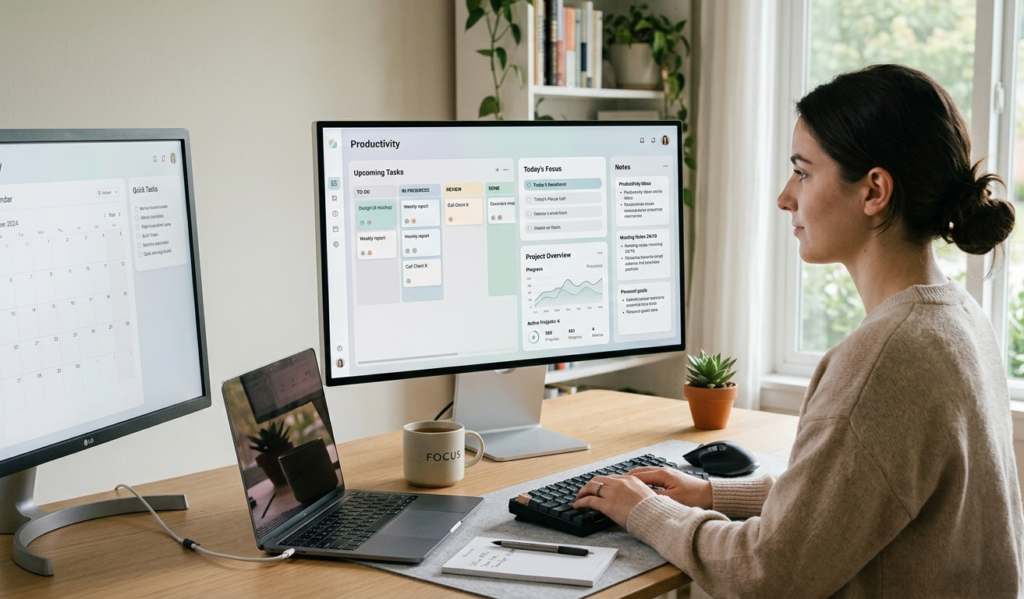
Instead of paying for Microsoft Office, you can use Google’s free tools.
What It Replaces:
Microsoft Word
Excel
Power
Point
Tools Included:
Google Docs
Google Sheets
Google Slides
These are essential free tools that replace expensive software for students, bloggers, and businesses.
Google Workspace provides free tools that replace expensive software like Microsoft Office.
8. Audacity – Replace Audio Editing Software
Need to edit audio or podcasts? Audacity is a great free option.
What It Replaces:
Adobe Audition
Features:
Multi-track editing
Noise reduction
Audio effects
Among free tools that replace expensive software, this one is perfect for podcasters and creators.
9. Blender – Replace 3D Software

3D design and animation tools are usually expensive but Blender is free.
What It Replaces:
Autodesk Maya
Cinema 4D
Highlights:
3D modeling
Animation
Rendering
Blender proves that free tools that replace expensive software can also be industry-grade and blender is widely used for 3D design and animation, making it a top alternative to paid tools.
10. OBS Studio – Replace Screen Recording Tools
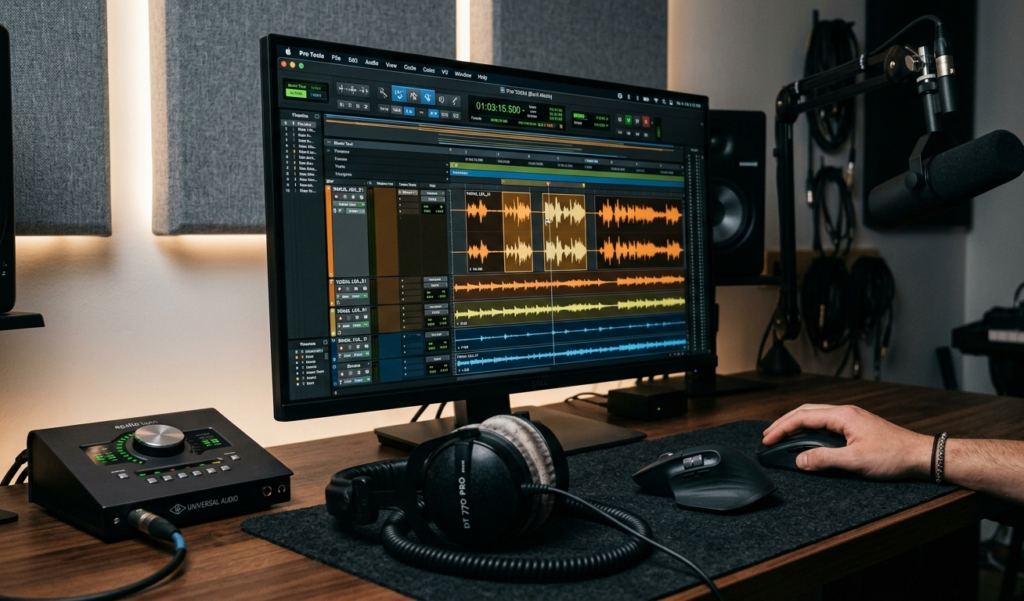
For screen recording and streaming, OBS Studio is unbeatable.
What It Replaces:
Camtasia
Paid streaming tools
Features:
Live streaming
Screen recording
Custom scenes
This is one of the most widely used free tools that replace expensive software for content creators.
11. Mailchimp (Free Plan) – Replace Email Marketing Tools
Email marketing doesn’t have to cost a lot when you’re starting out.
What It Replaces:
Paid email marketing platforms
Benefits:
Free plan for beginners
Email templates
Automation tools
It’s one of the most beginner-friendly free tools that replace expensive software for online businesses.
How to Choose the Right Free Tool

Not all tools are perfect for everyone. When choosing from the best free tools that replace expensive software, consider:
Your skill level
The features you actually need
Ease of use
Community support
Start simple, then upgrade only when necessary.
Final Thoughts
The rise of free tools that replace expensive software has completely changed the game in 2026. Whether you’re a blogger, freelancer, student, or entrepreneur, you no longer need a big budget to succeed.
By using these tools wisely, you can:
Cut costs
Increase productivity
Build professional-quality projects
The truth is, many professionals now rely entirely on free tools that replace expensive software and you can too.
If you’re looking to maximize your earnings while using these free tools that replace expensive software, check out our guide on the best passive income apps that actually pay in 2026.