
Smartphones have become an essential part of our daily lives. We use them for banking, shopping, social media, emails, and even running online businesses. Because of this, smartphones have become a major target for hackers, malware, and phishing attacks. Installing one of the best antivirus apps for smartphones can help protect your personal data, financial information, and privacy.
In this guide, we will explore the best antivirus apps for smartphones, their features, and why you should consider installing one today.
Why Smartphones Need Antivirus Protection
Many people believe smartphones do not need antivirus protection, especially if they use secure operating systems. However, cyber threats are increasing every year.
Hackers create malicious apps, phishing links, and spyware that can steal your data without you knowing.
Here are some reasons why you should install antivirus protection:
Protection from malware and viruses
Security against phishing websites
App scanning for harmful applications
Anti-theft features for lost phones
Privacy protection from spyware
If you download apps frequently, browse many websites, or use public Wi-Fi, antivirus software is even more important when you are using your phone to earn money online and Social media can also generate income and you can learn how to Make Money on TikTok Without Showing Your Face.
Best Antivirus Apps for Smartphones
Below are some of the best antivirus apps for smartphones that provide strong protection and extra security features.
1. Avast Mobile Security

Avast Mobile Security is one of the most popular antivirus apps for Android smartphones. It offers strong malware protection along with additional security tools.
Key Features
Real-time virus scanning
App lock for privacy
Wi-Fi security scanner
Photo vault for private files
Anti-theft protection
The free version already offers strong protection, while the premium version adds advanced privacy features.
You can download Avast Mobile Security from the official website to start protecting your smartphone today.
2. Bitdefender Mobile Security
Bitdefender is widely known for its powerful antivirus engine and lightweight performance. It runs smoothly without slowing down your smartphone.
Key Features
Advanced malware protection
Web protection for safe browsing
Scam and phishing protection
VPN for secure internet connection
Minimal battery usage
It is considered one of the most reliable antivirus apps for Android users.
The advanced security features in Bitdefender Mobile Security help detect malware and phishing attacks quickly.
3. Norton Mobile Security
Norton is a trusted name in cybersecurity. Its mobile security app provides strong protection against modern threats.
Key Features
Malware and spyware protection
Wi-Fi security alerts
Dark web monitoring
Safe browsing protection
Device security reports
Norton is ideal for people who want advanced protection and identity monitoring.
Many users trust Norton Mobile Security for its powerful smartphone protection and privacy tools.
4. Kaspersky Mobile Security
Kaspersky offers a powerful mobile antivirus solution with strong malware detection and privacy tools.
Key Features
Virus and malware scanning
Anti-theft tools
App lock protection
Call filtering for spam calls
Phishing protection
This app is great for users who want strong security combined with useful everyday tools.
5. McAfee Mobile Security
McAfee provides comprehensive smartphone protection with extra features like device tracking and secure browsing.
Key Features
Malware and virus protection
Identity theft protection
Secure VPN
Device finder for lost phones
Wi-Fi security scanIt is perfect for people who want both antivirus protection and privacy security.
Features to Look for in the Best Antivirus Apps for Smartphones
When choosing the best antivirus apps for smartphones, consider the following features:
1. Real-Time Malware Protection
This feature scans apps and files continuously to detect threats before they damage your device.
2. Safe Browsing Protection
It warns you about dangerous websites, phishing links, and malicious downloads.
3. Anti-Theft Features
Some antivirus apps allow you to locate, lock, or wipe your phone remotely if it gets stolen.
4. App Privacy Scanner
This feature checks installed apps and shows which ones access your data, camera, or microphone.
5. VPN Protection
Many antivirus apps include VPN services to protect your internet activity and improve privacy.
Do iPhone Users Need Antivirus Apps?

Apple devices are known for strong security, but they are not completely immune to cyber threats. Phishing attacks, scam websites, and malicious links can still affect iPhone users.
Apps like Norton Mobile Security and McAfee Mobile Security offer protection features for iOS devices such as safe browsing, identity protection, and Wi-Fi security.
Tips to Keep Your Smartphone Safe
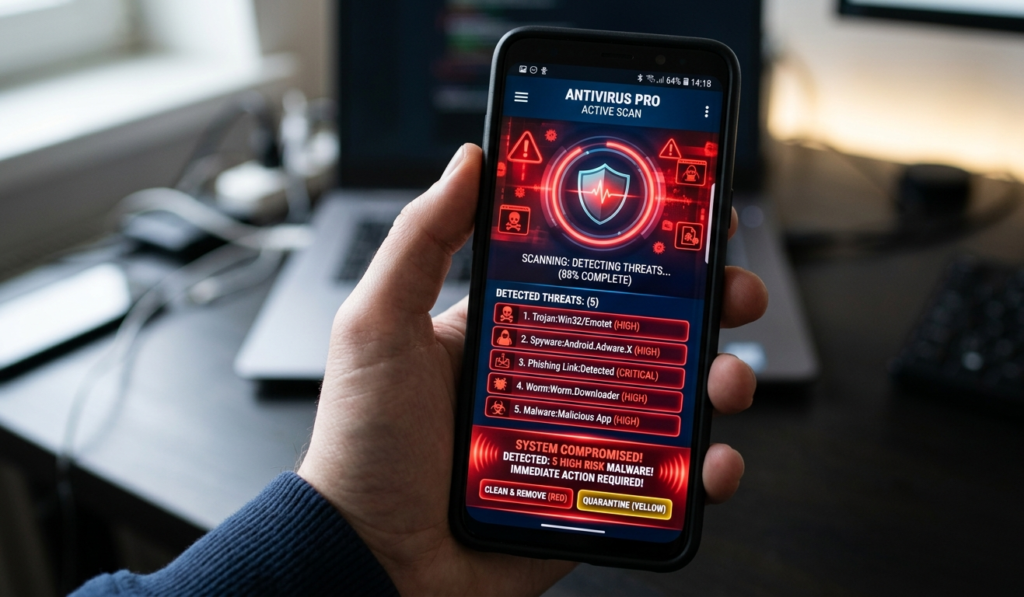
Besides installing one of the best antivirus apps for smartphones, you should also follow these safety tips:
Only download apps from official stores like Google Play Store or Apple App Store
Avoid clicking suspicious links in emails or messages
Keep your phone’s operating system updated
Use strong passwords or biometric locks
Avoid using unsecured public Wi-Fi networks
These habits will greatly reduce the chances of malware infection.
Conclusion
Cyber threats targeting smartphones are increasing every year, making security more important than ever. Installing one of the best antivirus apps for smartphones can help protect your device from malware, phishing attacks, and data theft.
Apps like Avast Mobile Security, Bitdefender Mobile Security, Norton Mobile Security, Kaspersky Mobile Security, and McAfee Mobile Security provide powerful protection and useful security features.
By choosing the right antivirus app and following safe online practices, you can keep your smartphone secure and protect your personal information.
If you want to start making money online, read our guide on How to Start a Blog and Make Money in 2026.