
- Want to Make Money Online? Try This Proven Method - August 20, 2026
- The Best Way to Turn Your Dreams Into Reality - July 18, 2026
- The One Thing Poor People Must Understand to Change Their Lives - July 15, 2026
You’re just scrolling on your phone in Minna, maybe on social media or searching for a quick solution, and you see a link that looks interesting and you click it without knowing what happens when you click a link so you tap it without thinking twice.
In that small moment, a lot happens behind the scenes: your device first sends a request through your network, asking to connect to a specific server somewhere in the world.
That server checks what you asked for, then quickly sends back files,text, images, videos broken into tiny pieces that travel through different internet routes before reaching your phone.
While you only see a page loading in seconds, data is actually being routed, verified, and reconstructed in real time so it appears smooth and instant.
It’s almost like ordering food and having it prepared, packed, and delivered in the blink of an eye.
So every time you click a link, you’re quietly starting a fast global exchange between your device and distant machines working together just to show you one simple page.

Have you ever stopped to think about what happens when you click a link? It feels instant tap, and a page appears. But behind that simple action is a complex process involving servers, browsers, and networks working together in milliseconds.
In this guide, we’ll break down what happens when you click a link step by step, in a simple way you can understand even if you’re not a tech expert.
1. You Click the Link
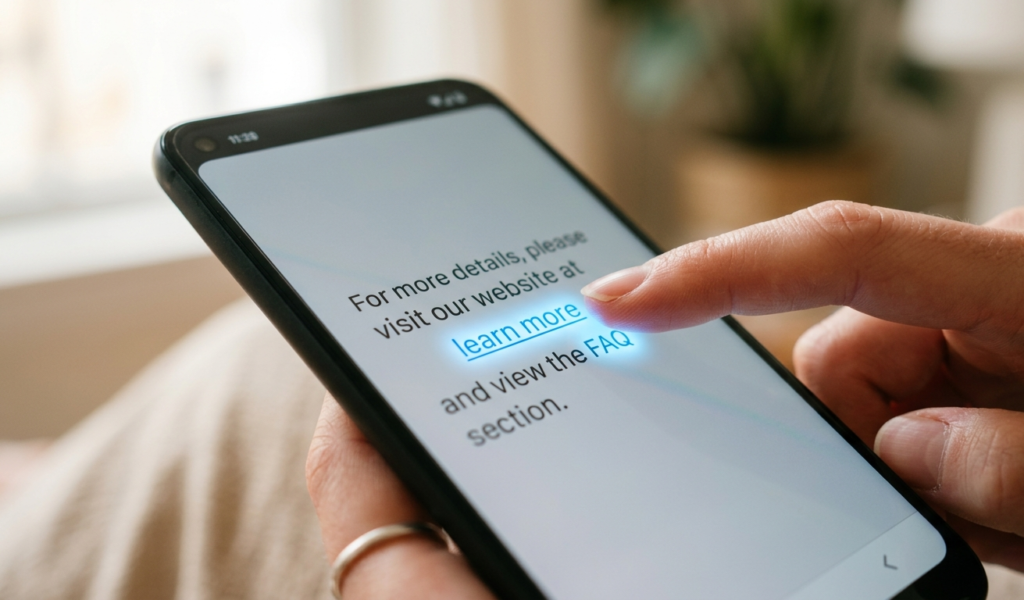
The journey begins the moment you tap or click a hyperlink.At this point, your browser (like Chrome, Safari, or Firefox) recognizes that you want to visit a new page. This is the very first stage of what happens when you click a link, and it triggers a chain reaction behind the scenes.
2. The Browser Reads the URL
When you type or click a link, the first thing that happens is your browser carefully reads the URL like a set of instructions.
It breaks the link into parts,the protocol (like https), the domain name (like a website’s “home address”), and the path that tells it exactly what page you want.
For example, it’s like you walking into a busy motor park and telling a driver not just your destination, but the exact street and house number.
Your browser then checks if it already knows the site or if it needs to look it up, preparing to send your request in the right direction.
This quick “reading step” happens in milliseconds, but it’s very important because one small mistake in the URL can lead you to the wrong place or stop the page from loading at all.
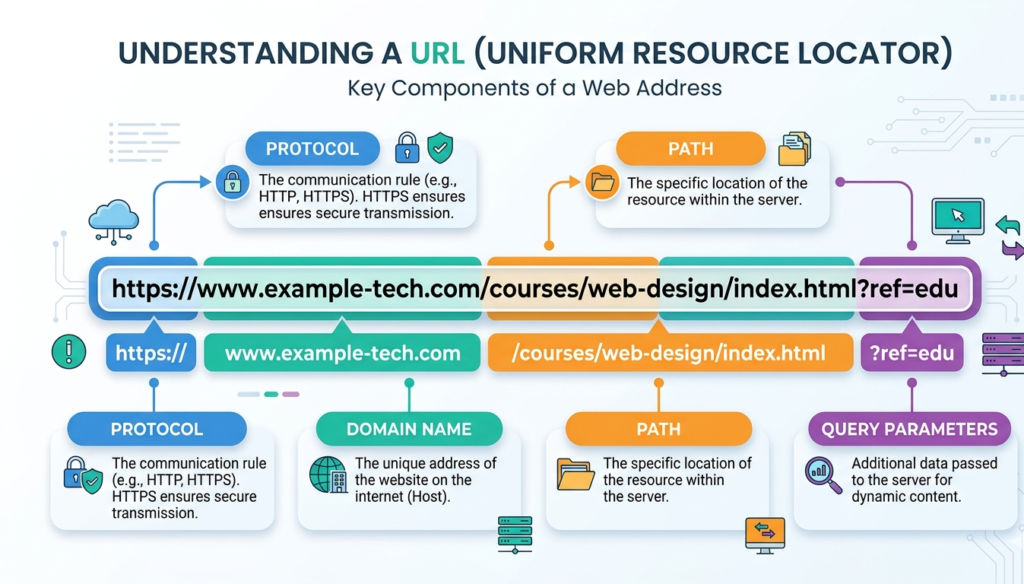
Every link contains a URL (Uniform Resource Locator), such as:https://example.com
Your browser breaks this URL into parts:
Protocol (https)
Domain name (example.com)
Path (specific page or file)
Understanding this structure is essential to fully grasp what happens when you click a link, because it tells your browser where to go.
3. DNS Lookup (Finding the Website)
After the browser reads the URL, the next step is something called DNS lookup, which is basically the internet’s way of finding an address.
Since humans use website names like google.com but computers understand numbers, your device has to ask a DNS server, “Where is this website located?” It’s like you telling someone the name of a person you want to visit, and they quickly check a contact book to give you the exact house address.
In seconds, the DNS server responds with an IP address, which is the real digital location of the website’s server somewhere in the world.
Without this step, your browser would be lost because it wouldn’t know where to send your request. It all happens so fast that you don’t even notice, but this quiet lookup is what connects your simple click to a real machine hosting the website.
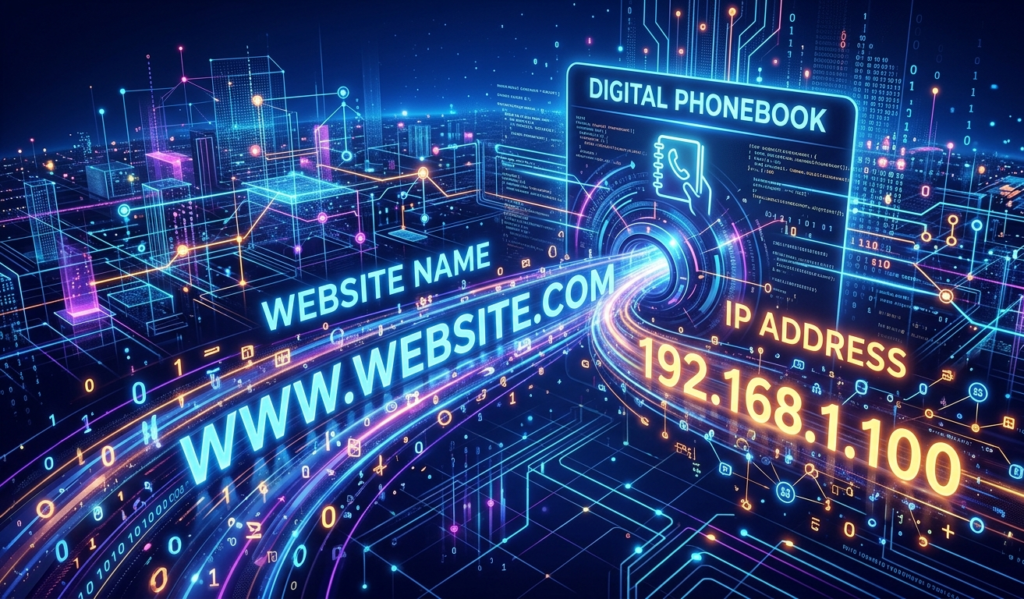
Next, your browser needs to find the actual server where the website lives.It does this using something called DNS (Domain Name System). Think of DNS as the internet’s phonebook.
You type a domain name → DNS finds the IP address
Example: example.com → 93.184.216.34
This step is a key part of what happens when you click a link, because without it, your browser wouldn’t know where to send the request.
According to Cloudflare, DNS acts like the internet’s phonebook, translating domain names into IP addresses.
4. Connecting to the Server
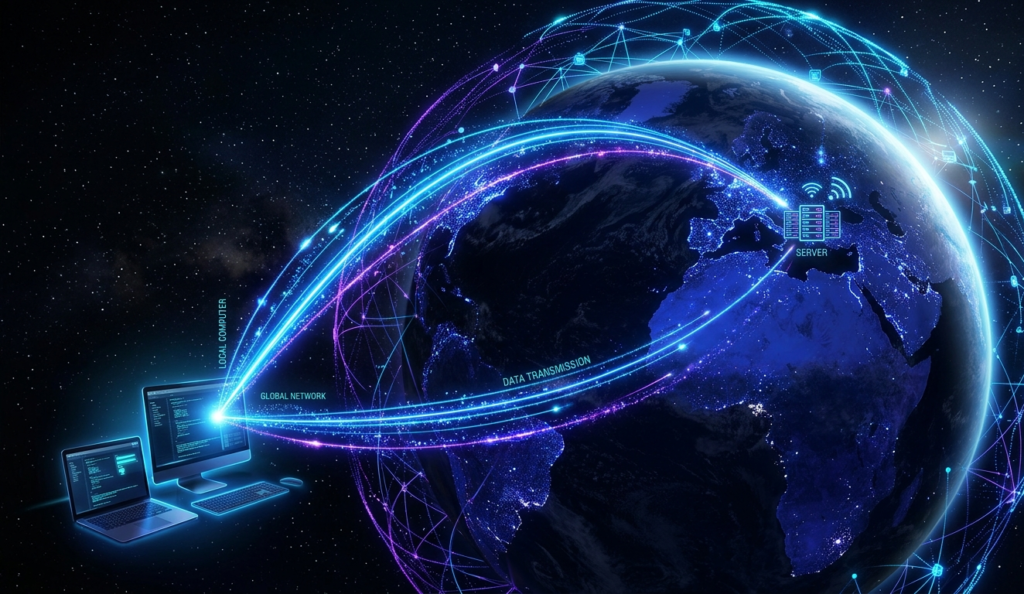
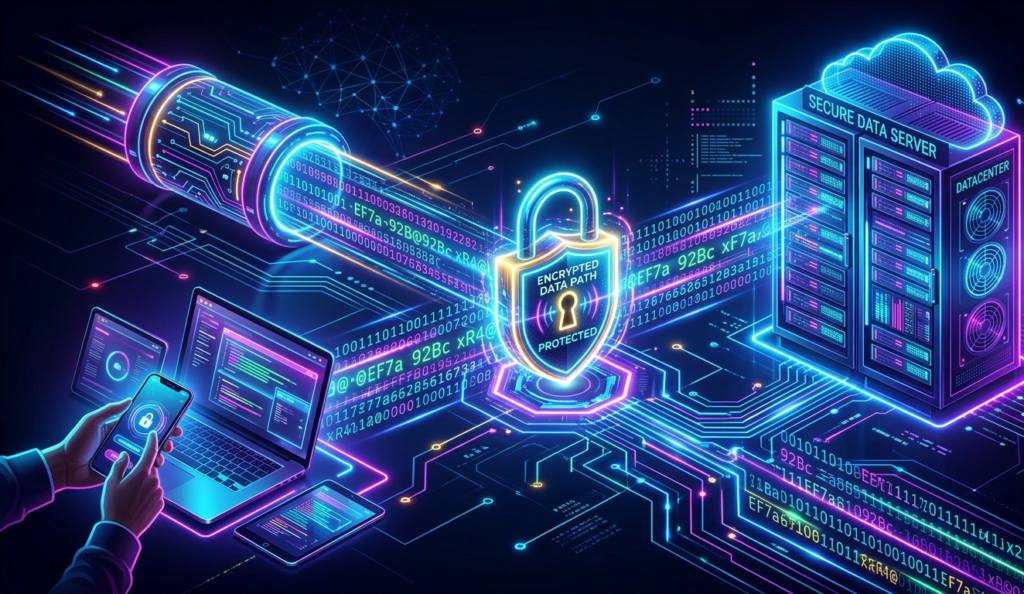
Once the IP address is found, your browser connects to that server.If the website uses HTTPS (which most do), a secure connection is established using encryption. This ensures your data is safe.
This secure handshake is another critical phase of what happens when you click a link, especially for protecting sensitive information like passwords.
The basics of how browsers and servers communicate are well explained by Mozilla in their web documentation.
5. Sending an HTTP Request
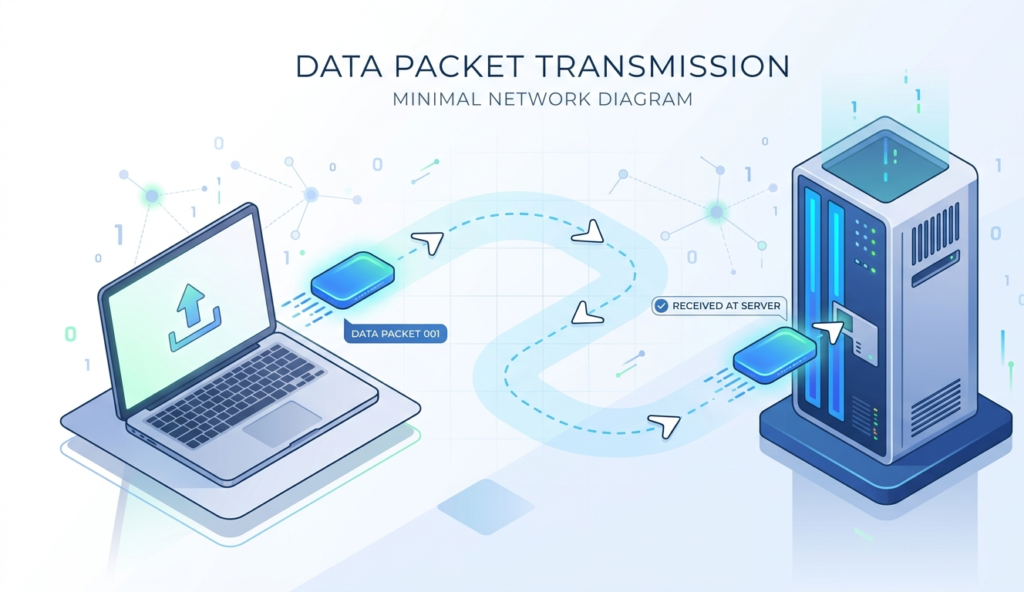
Your browser now sends a request to the server asking for the webpage.This request includes:
The page you want
Your browser type
Cookies (if any)
This is the “asking” stage in what happens when you click a link,your browser is basically saying, “Hey, send me this page.”
The concept of HTTP and HTTPS protocols is clearly explained by W3C, the organization responsible for web standards.
6. The Server Responds
Once the browser has found the correct IP address through DNS lookup, it sends a request to the website’s server, and then the real “response” begins.
The server acts like a digital storekeeper,it receives your request, checks what you’re asking for, and then prepares the right files needed to show the page.
These files can include text, images, videos, styles, and scripts that make the website look and work properly. It then sends everything back across the internet in small data packets, each one traveling through different routes but all heading toward your device.
Even though the server might be thousands of kilometers away, it responds in seconds, almost like someone instantly packing and sending your order as soon as you request it.
That quick response is what allows your page to start loading and come alive on your screen.
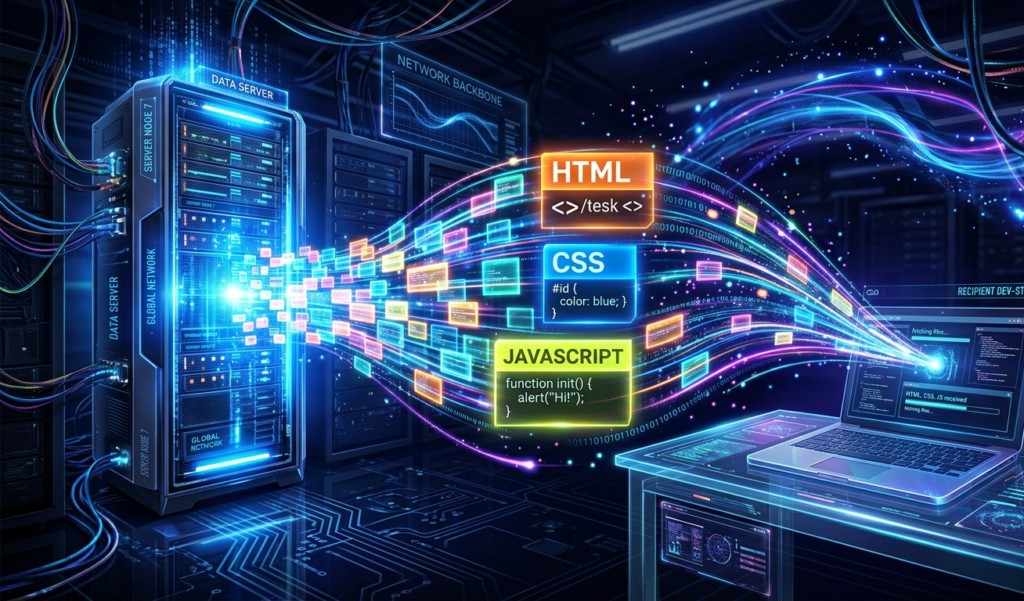
The server processes your request and sends back a response.This response usually includes:
HTML (structure of the page)
CSS (design and layout)
JavaScript (interactive features)
At this stage, what happens when you click a link becomes visible,you’re about to see the page load.
7. The Browser Renders the Page
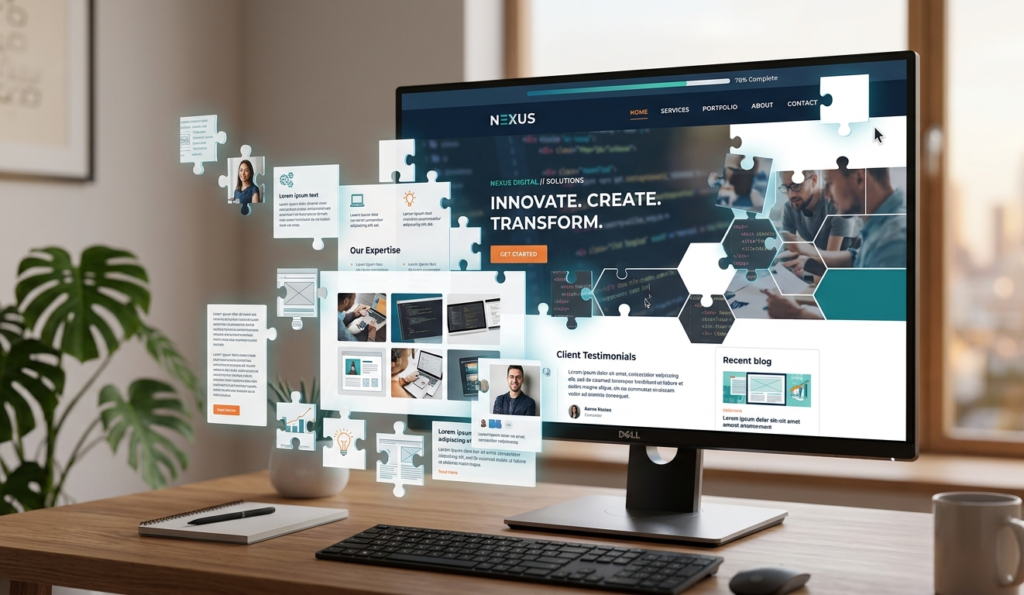
Now your browser gets to work building the page you see.
It:
Reads the HTML
Applies styles (CSS)
Runs scripts (JavaScript)
This process happens super fast, which is why what happens when you click a link feels almost instant.
8. Additional Requests (Images, Videos, Ads)
Most web pages aren’t just text. They include images, videos, fonts, and ads.
Your browser sends additional requests for each of these elements. This means what happens when you click a link actually involves multiple mini-requests happening at the same time.
9. The Page Fully Loads
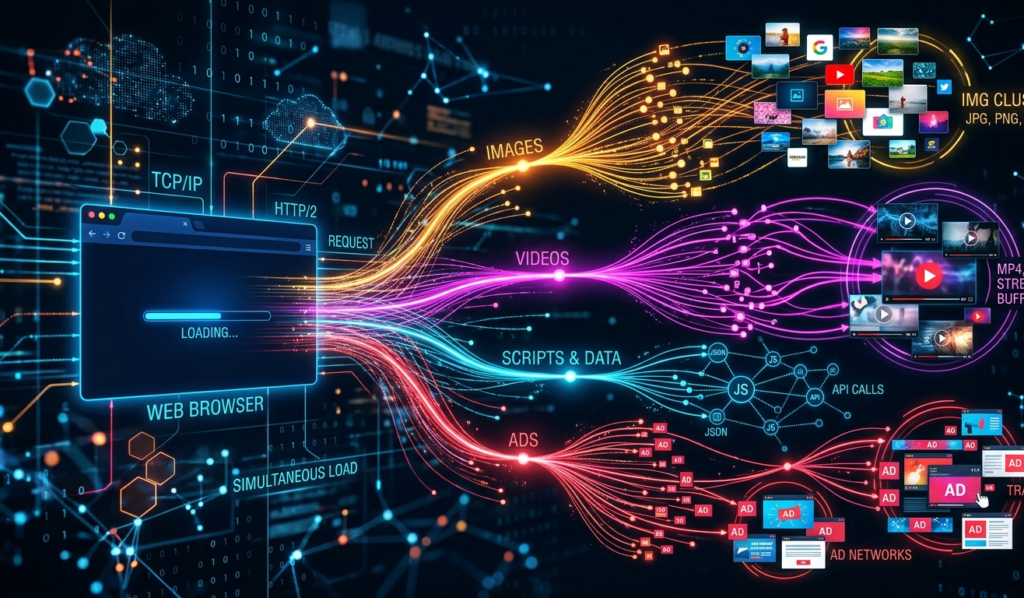
Finally, everything is displayed on your screen.At this point, what happens when you click a link is complete but only for that moment.
If you click another link, the entire process starts again.
Why Understanding This Matters
Understanding what happens behind a simple click matters because it changes the way you see and use the internet every day.
Instead of thinking websites just “open by magic,” you start to realize there is a whole system working quietly,browsers reading instructions, DNS finding locations, and servers responding in real time.
This knowledge helps you become more aware of online safety too, so you can think twice before clicking suspicious links that might lead to scams or harmful sites.
It also builds digital confidence, especially if you’re trying to grow online skills like blogging, tech, or making money on the internet.
Just like knowing how a road works helps you travel better, understanding how the internet works helps you navigate it smarter, faster, and more safely in your daily life.
Knowing what happens when you click a link can help you:
Improve website speed (if you own a site)
Stay safe online (spot malicious links)
Understand how ads and tracking work
Make better tech decisions
What About Tracking?
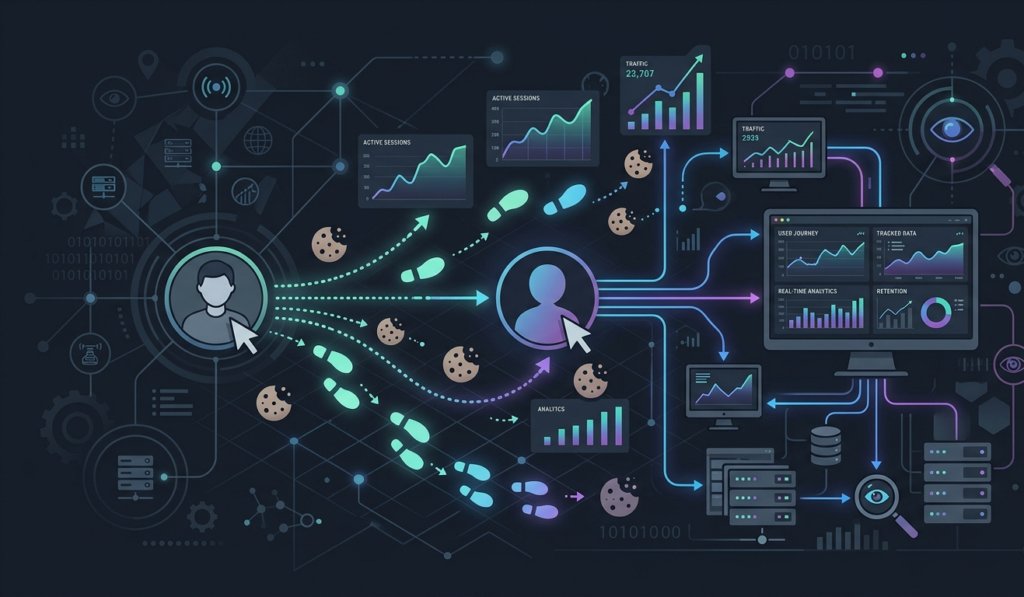
Sometimes, what happens when you click a link also includes tracking.Websites may:
Track your clicks
Store cookies
Monitor behavior for ads or analytics
This is why you might see ads related to things you recently clicked.For a deeper look into internet safety, read our article on Dark Side of AI: Risks Nobody Talks About.
Risks of What Happens When You Click a Link
Clicking a link may seem harmless, but it can sometimes expose you to serious risks without you even realizing it.
Some links are designed by scammers to trick you into entering personal details like passwords, bank information, or social media logins on fake websites that look real.
Others may silently download harmful software (malware) onto your phone or computer, giving attackers access to your files, photos, or even your accounts.
In some cases, a single wrong click can redirect you to unsafe pages filled with scams, misleading ads, or phishing traps that are difficult to escape from.
That’s why it’s important to always check where a link is coming from and think twice before opening anything suspicious, because behind every click could be a hidden risk waiting to take advantage of carelessness.
Final Thoughts
So, what happens when you click a link is far more complex than it seems. In just a few seconds, your browser:
Reads the URL
Finds the server
Connects securely
Sends a request
Receives data
Builds and displays the page
All of this happens almost instantly thanks to the powerful systems that run the internet.
Next time you click a link, you’ll know exactly what’s going on behind the scenes.
If you want to understand how your personal data moves across the internet, check out our guide on How Your Data Is Collected Online.
