

- Want to Make Money Online? Try This Proven Method - August 20, 2026
- The Best Way to Turn Your Dreams Into Reality - July 18, 2026
- The One Thing Poor People Must Understand to Change Their Lives - July 15, 2026
Ever felt like your phone is “just a phone” for calls, chats, and scrolling, yet there are hidden tech features on your phone that you don’t know about,you still struggle with small daily tasks? The funny part is, the device in your hand whether it’s an Apple iPhone or an Google Android is secretly packed with features you probably tap past every day without noticing.
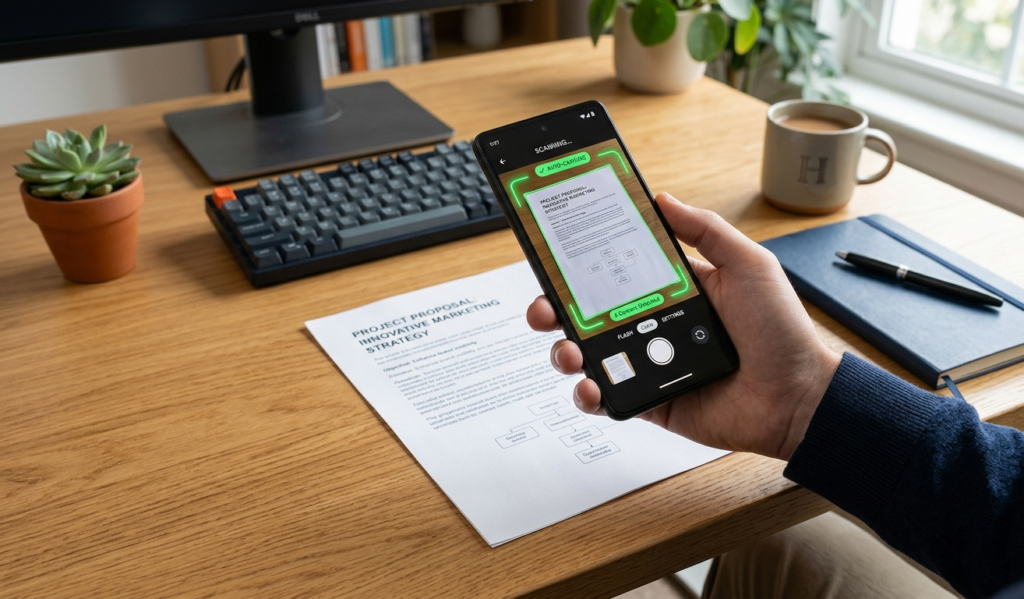
That “hidden” scanner in your camera can turn paper into a PDF in seconds, your keyboard can type faster with swipe gestures, and your phone can even record your screen when you’re trying to show someone how something works instead of explaining it over and over again.
There’s also the quiet lifesaver features like one-handed mode when you’re holding food or a bag, and privacy settings that show which apps are sneakily using your location while you’re just minding your business.
It’s honestly like owning a smart assistant but only using it as a flashlight,once you start unlocking these features, you’ll wonder how you ever used your phone the hard way.
Smartphones have become an essential part of our daily lives, helping us communicate, work, learn, and even earn money online. But here’s the truth,most people only use a small fraction of what their phones can actually do.
There are dozens of hidden tech features on your phone that can make your life easier, boost productivity, and even improve your privacy.
In this blog post, you’ll discover powerful but often overlooked features that you should start using today.
1. Screen Recording (No Extra App Needed)
Ever been in a situation where you’re trying to explain something on your phone and words just aren’t enough?
That’s where screen recording comes in and the best part is, you don’t need to download any extra app.
Most phones from Apple and Google already have it built in, quietly waiting for you to discover it.
With just a quick swipe or tap in your control panel, you can record everything happening on your screen,perfect for saving tutorials, capturing funny moments, or showing a friend exactly how to fix an app issue instead of typing long explanations.
It feels almost like your phone turns into a mini movie camera, but for your daily digital life. Once you start using it, you’ll wonder how you ever survived the “screenshot and explain 10 times” era.
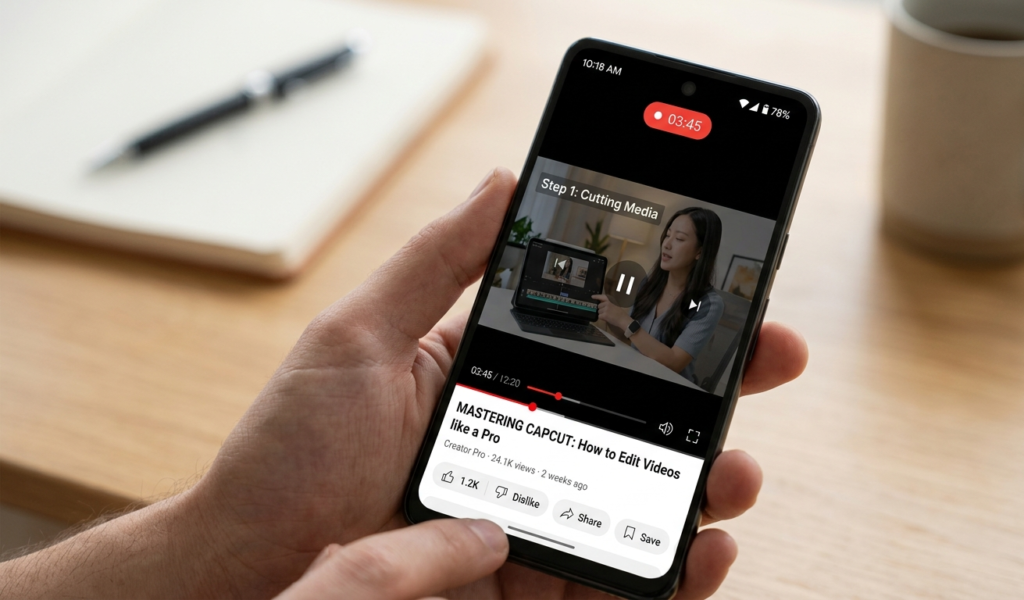
Many people download third-party apps just to record their screens, not realizing their phone already has this feature built-in.
Why it’s useful:
Record tutorials or guides
Save live streams or important moments
Capture bugs or issues to show developers
How to use it:
Android:
Swipe down your quick settings and tap “Screen Record”
iPhone:
Add “Screen Recording” from Control Center in settings
This is one of the most practical hidden tech features on your phone, especially if you create content or teach online.
According to Google, many Android devices already come with built-in tools like screen recording and digital wellbeing features.
2. One-Handed Mode
Big screens are great, but using them with one hand can be frustrating. That’s where one-handed mode comes in.
Benefits:
Easier texting while walking
Better accessibility
Reduces accidental drops
How to activate:
On most Android phones: Settings → System → Gestures → One-handed mode
On iPhone: Swipe down on the bottom edge of the screen

3. Built-in Document Scanner
You don’t need a scanner or extra apps to scan documents anymore.
What you can do:
Scan IDs, receipts, and notes
Convert documents into PDFs
Share files instantly
Where to find it:
Android: Google Drive → Tap “+” → Scan
iPhone: Notes app → Create new note → Camera → Scan Documents
This hidden feature is perfect for students, freelancers, and business owners.
4. App Permissions Control (Privacy Boost)
Most apps request access to your camera, microphone, and location but do they really need it?
Why this matters:
Protects your personal data
Prevents apps from spying on you
Saves battery life
What to do:
Go to your settings and review app permissions. Disable anything unnecessary.
This is one of the most important hidden tech features on your phone for security.
5. Split-Screen Multitasking
Want to watch a video and chat at the same time? You can!
How it helps:
Boosts productivity
Makes multitasking easier
Saves time
How to enable:
Android: Open recent apps → Tap app icon → Select “Split screen”
iPhone: Available on iPads (Split View feature)
6. Smart Text Selection
Ever tried copying just one word from a long paragraph and somehow ended up selecting the whole page?
That’s where Smart Text Selection quietly saves the day. Built into most phones from Google and also available in many Apple devices, it helps you highlight exactly what you need without the usual struggle.
For example, if you tap on an address, phone number, or email, your phone automatically recognizes it and gives you quick actions like call, map, or email instead of forcing you to copy and paste everything manually.
It feels like your phone suddenly understands what you’re trying to do before you even finish thinking it. Once you get used to it, you’ll stop fighting with your screen and start moving through text like a pro.
Your phone can recognize text, addresses, and phone numbers automatically.
Examples:
Tap an address → Open in mapsTap a phone number → Call instantly
Copy text from images (on newer phones)
This feature uses AI to make everyday tasks faster.

7. Find My Device (Never Lose Your Phone Again)
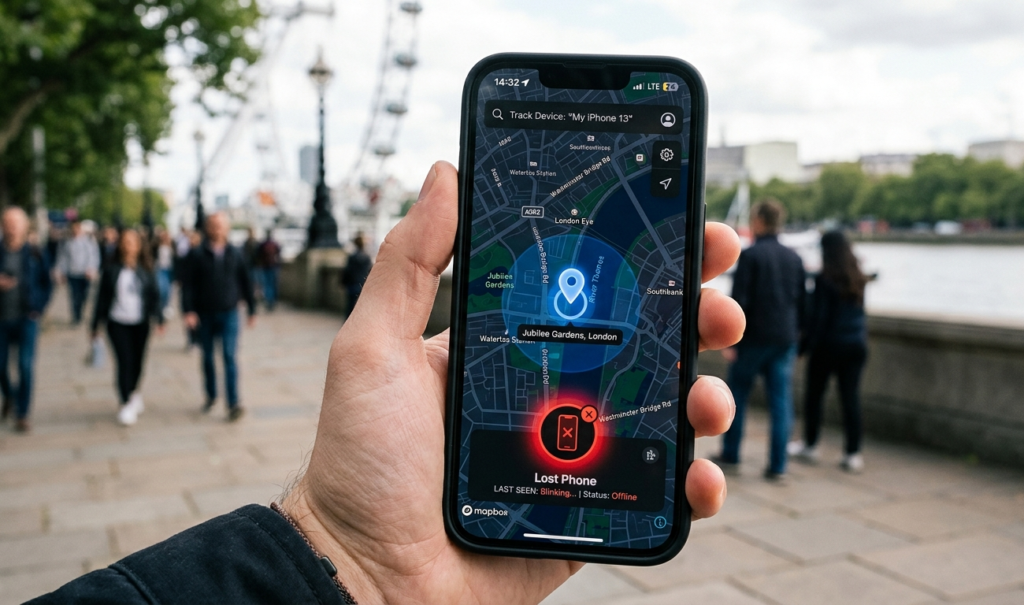
If your phone gets lost or stolen, this feature can save you.What it can do:
Track your phone’s location
Lock your device remotely
Erase data for security Setup:
Android: Enable “Find My Device” in settings
iPhone: Turn on “Find My”
8. Focus Mode / Do Not Disturb
Constant notifications can ruin your productivity. Focus mode helps you stay in control.
Benefits:
Blocks distracting apps
Improves concentration
Helps with better sleep
Tip:Set a daily schedule for work or study hours.
9. Hidden Developer Options
Most people use their phone every day without realizing there’s a whole “secret control room” hiding inside it called Developer Options.
On devices from Google and Apple, these hidden settings are meant for testing and advanced control, but they also unlock powerful tweaks that can make your phone feel faster and smoother.
With just a few taps, you can reduce animation speed so apps open quicker, monitor how apps are using your memory, or even improve performance for certain tasks.
It feels a bit like discovering backstage access to your own device except most people never even know it exists. The interesting part is, it’s already built into your phone; you just have to unlock it to see what your device is really capable of.
This is one of the most powerful hidden tech features on your phone but many people don’t know it exists.
What you can do:
Speed up animations
Enable USB debugging
Improve performance
How to unlock:
Go to “About Phone” → Tap “Build Number” 7 times
⚠️ Be careful:
Only change settings you understand.
10. Live Caption (Automatic Subtitles)

Your phone can automatically generate captions for videos and audio even offline.
Why it’s amazing:
Helps in noisy environments
Useful for learning
Great for accessibility
Where to find it:
Android: Accessibility → Live Caption
iPhone: Accessibility → Live Captions
Apple provides powerful accessibility tools like Live Captions and Back Tap to improve user experience.
11. Back Tap Shortcuts (iPhone)
You can double-tap the back of your phone to trigger actions.
Example actions:
Take screenshots
Open apps
Turn on flashlight
How to activate:
Settings → Accessibility → Touch → Back Tap
12. Digital Wellbeing Tools
People often underestimate how much their phone controls their attention until they explore Digital Wellbeing tools.
Built into devices from Google and available on Apple phones through Screen Time, these features quietly track your daily usage,how long you spend on apps, how often you unlock your device, and which platforms are eating up your time without you noticing.
The real power is in the control they give you: you can set app limits, block distractions during study or work time, and even schedule focus modes that silence notifications when you need peace.
It feels like your phone finally shifts from being a distraction machine to becoming a tool that actually helps you stay in charge of your time.
Your phone tracks how much time you spend on apps.
Why you should care:
Helps reduce screen addiction
Improves productivity
Builds better habits
Features include:
App timers
Screen time reports
Bedtime mode
13. Offline Maps
Did you know you can use maps without internet?
Perfect for:
Traveling
Saving data
Areas with poor network
How to use:
Download maps in advance using your maps app.
14. Emergency SOS Feature
In case of danger, your phone can quickly alert emergency contacts.
What it does:
Sends your location
Calls emergency services
Notifies trusted contacts
Tip:
Set this up now you never know when you might need it.
15. Clipboard History
Instead of copying one thing at a time, your phone can store multiple copied items.
Benefits:
Faster typing
Easy pasting
Saves time
Some keyboards like Gboard support this feature.
Pros of Hidden Tech Features on Your Phone You’re Not Using
Hidden tech features on phones from Google and Apple can completely change how you use your device once you discover them.
They make everyday tasks faster and easier like scanning documents without extra apps, recording your screen to explain things clearly, or using smart text selection to copy only what you need in seconds.
These features also improve productivity, save storage space since you don’t need third-party apps, and help you get more value from a device you already own without spending extra money.
Cons of Hidden Tech Features on Your Phone You’re Not Using
The biggest downside is simply awareness most people never know these features exist, so they continue doing things the hard way.
Even when discovered, some features can feel confusing at first or hidden deep in settings, making them hard to access quickly.
Others may vary between devices, meaning not every user gets the same experience across Google and Apple systems.
Because of this, many powerful tools stay unused, leaving users to rely on slower or unnecessary third-party apps instead of the built-in options already available.
Final Thoughts
Your smartphone is far more powerful than you think. By exploring these hidden tech features on your phone, you can unlock new levels of productivity, security, and convenience.
Instead of downloading more apps or buying new gadgets, start by mastering what you already have in your hand.
Quick Recap
Here are some of the best hidden features you should start using today:
Screen recording
One-handed mode
Document scanner
App permissions control
Split-screen multitasking
Find My Device
Focus mode
Developer options
Live caption
Emergency SOS
IIf you’re looking to start earning online, you can check out our guide on Proven Ways to Turn Simple Skills Into Daily Cash to learn how to turn everyday abilities into real income opportunities.
