

If you want to grow your blog traffic fast, one of the best platforms to use is Facebook. With billions of active users worldwide, Facebook provides a powerful opportunity for bloggers to reach new audiences, build a community, and drive traffic to their websites.
In this guide, you’ll learn how to promote your blog on Facebook effectively even if you’re just starting.
Why You Should Promote Your Blog on Facebook
Before diving into the strategies, it’s important to understand why Facebook is a powerful marketing tool for bloggers.
Here are some key benefits:
Massive audience: Facebook has billions of users globally.
Free promotion:You can promote your blog without spending money.
Targeted audience:Facebook groups allow you to reach people interested in your niche.
Traffic generation: Sharing blog posts can drive consistent visitors to your website.
If used correctly, Facebook can become one of your top traffic sources.
1. Create a Facebook Page for Your Blog

The first step to promote your blog on Facebook is creating a dedicated page for your blog.
A Facebook page allows you to:
Share blog posts
Build followers
Engage with readers
Grow your brand
Tips for optimizing your page:
Use your blog logo as the profile picture.
Write a clear bio describing your blog niche.
Add your website link in the About section.
Once your page is ready, start posting consistently.
According to Meta Platforms, the company behind Facebook, the platform has billions of active users worldwide, making it one of the best places to promote your blog.
2. Share Your Blog Posts Regularly
Posting your blog content regularly is one of the easiest ways to promote your blog on Facebook.
Instead of just dropping links, make your posts more engaging.
Example:❌ Bad post:“New blog post is live. Check it out.
”✅ Better post:“Struggling to get traffic to your blog? I just shared 7 powerful strategies that helped me grow my blog traffic. Read it here 👉 [link]
”This approach encourages more clicks and engagement.
3. Use Eye-Catching Images

Posts with images perform much better on Facebook.You can create graphics using tools like Canva to design:
Blog post thumbnails
Infographics
Quote graphics
Tips from your blog
Visual content grabs attention while users scroll through their feed.
4. Join Facebook Groups in Your Niche
Facebook groups are one of the best ways to promote your blog on Facebook.
Find groups related to your blog topic such as:
Blogging
Online business
Tech
Affiliate marketing
Before sharing your blog posts:
Read the group rules
Engage with members
Provide helpful comments
When people trust you, they are more likely to click your blog links.
If you want to grow your traffic even faster, read our article on Pinterest affiliate marketing for beginners to learn how Pinterest can bring visitors to your blog.
5. Use Facebook Stories

Many bloggers ignore Facebook Stories, but they are a great way to drive traffic.
Use Stories to:
Announce new blog posts
Share quick tips
Ask questions
Run polls
Stories help keep your audience engaged daily.
6. Post at the Right Time
Timing can affect how many people see your posts.Generally, the best times to post on Facebook are:
Morning: 7 AM – 9 AM
Afternoon: 12 PM – 2 PM
Evening: 6 PM – 9 PM
Test different times to see when your audience is most active.
7. Encourage Engagement
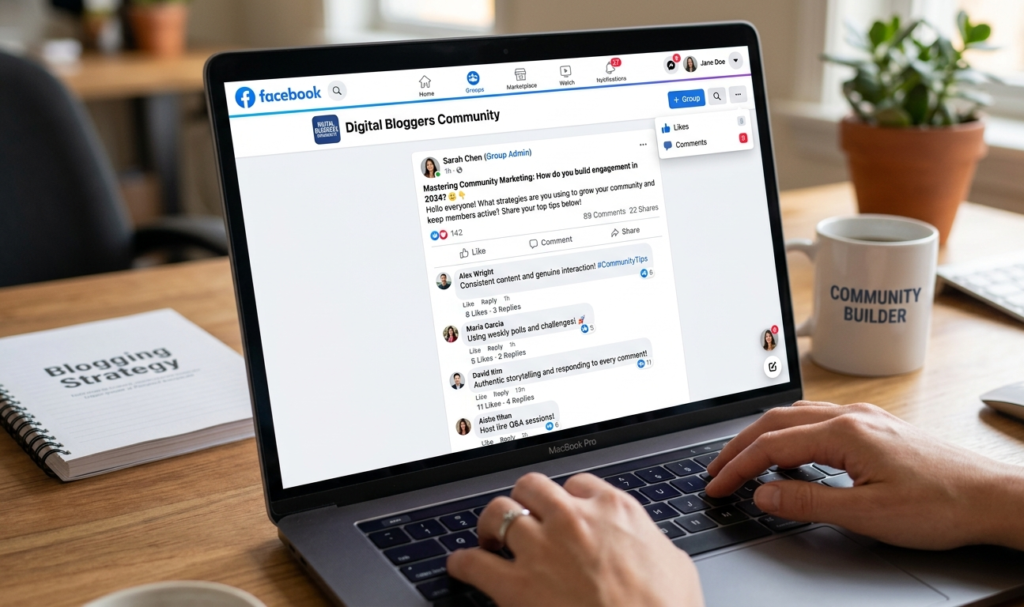
The more engagement your post gets, the more Facebook will show it to others.
Ways to increase engagement:
Ask questions
Run polls
Use “comment below” prompts
Share relatable content
Example:
“Do you promote your blog on Facebook or Pinterest?
Tell me in the comments!
”Engagement signals help your content reach more people.
8. Repurpose Your Blog Content
You don’t always need to post full blog links.Instead, repurpose your content into:
Short tips
Lists
Infographics
Mini tutorials
Example:
If your blog post is “10 SEO Tips for Beginners”, you can post:
“SEO Tip #1: Always use keywords in your blog title.”Then add:“Read the full guide on my blog.
9. Run Facebook Ads (Optional)
If you want faster results, you can use Facebook Ads Manager to promote your blog posts.With Facebook ads you can:
Target specific audiences
Promote blog posts
Grow your email list
Increase website traffic
Even a small budget can bring significant traffic if the targeting is right.
10. Track Your Results
To improve your promotion strategy, monitor your traffic.
Use tools like:
Google Analytics to track visitors from Facebook.
Meta Business Suite to see post engagement.This helps you understand what type of content performs best.
You can also track how much traffic Facebook sends to your blog using Google Analytics, a powerful website analytics tool used by bloggers and marketers.
Final Thoughts
Learning how to promote your blog on Facebook can dramatically increase your blog traffic and visibility.
By consistently sharing content, engaging in groups, using visuals, and interacting with your audience, Facebook can become a powerful marketing channel for your blog.
Remember, success doesn’t happen overnight. Stay consistent, provide value, and build relationships with your audience.Over time, you’ll start seeing more clicks, more visitors, and steady blog growth.
If you are new to blogging, you should first read our complete guide on how to start a blog and make money, which explains the basics of building a successful blog.